· synshell
synshell 0.2.0: the first public release
Wayland desktop in Rust for computers and phones: compositor, desktop, phone and game shells, System Settings and 31 apps. Packages in the AUR.
synshell is the desktop I use every day on my laptop and on my phone. Version 0.2.0 is the first one published: prebuilt packages for x86_64 and aarch64 are in the AUR, archives are attached to the GitHub release.
How it is built
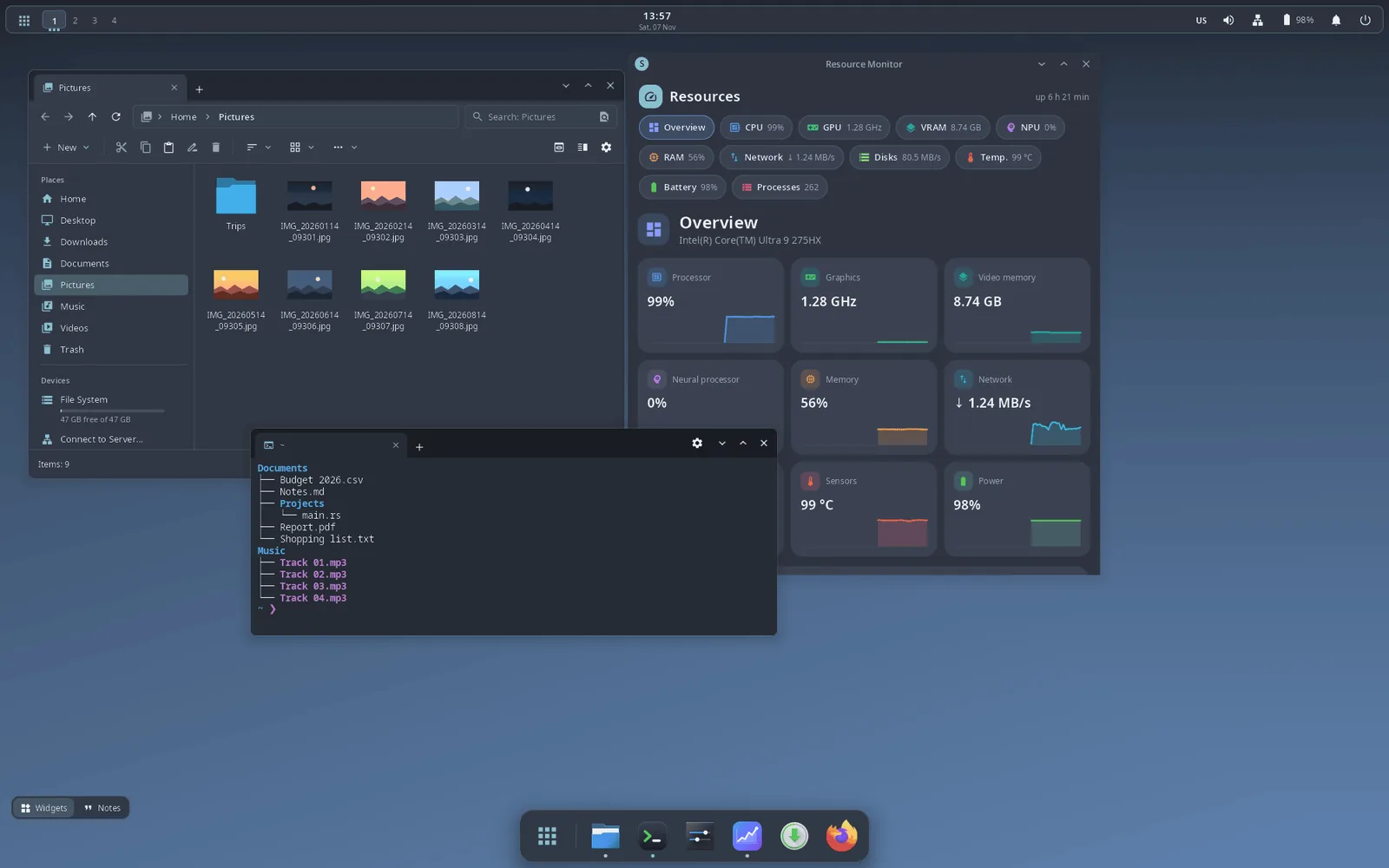
It is split the way KDE Plasma is: the synwm compositor on smithay, a separate shell process for panels, dock, launcher and notifications, and System Settings. If the shell crashes, the compositor restarts it and the windows stay. Almost everything is configured in one file, ~/.config/synshell/config.toml, and applied live; System Settings edits it in place and keeps comments. Every window and panel is drawn with syngui, my GUI framework.
Desktop
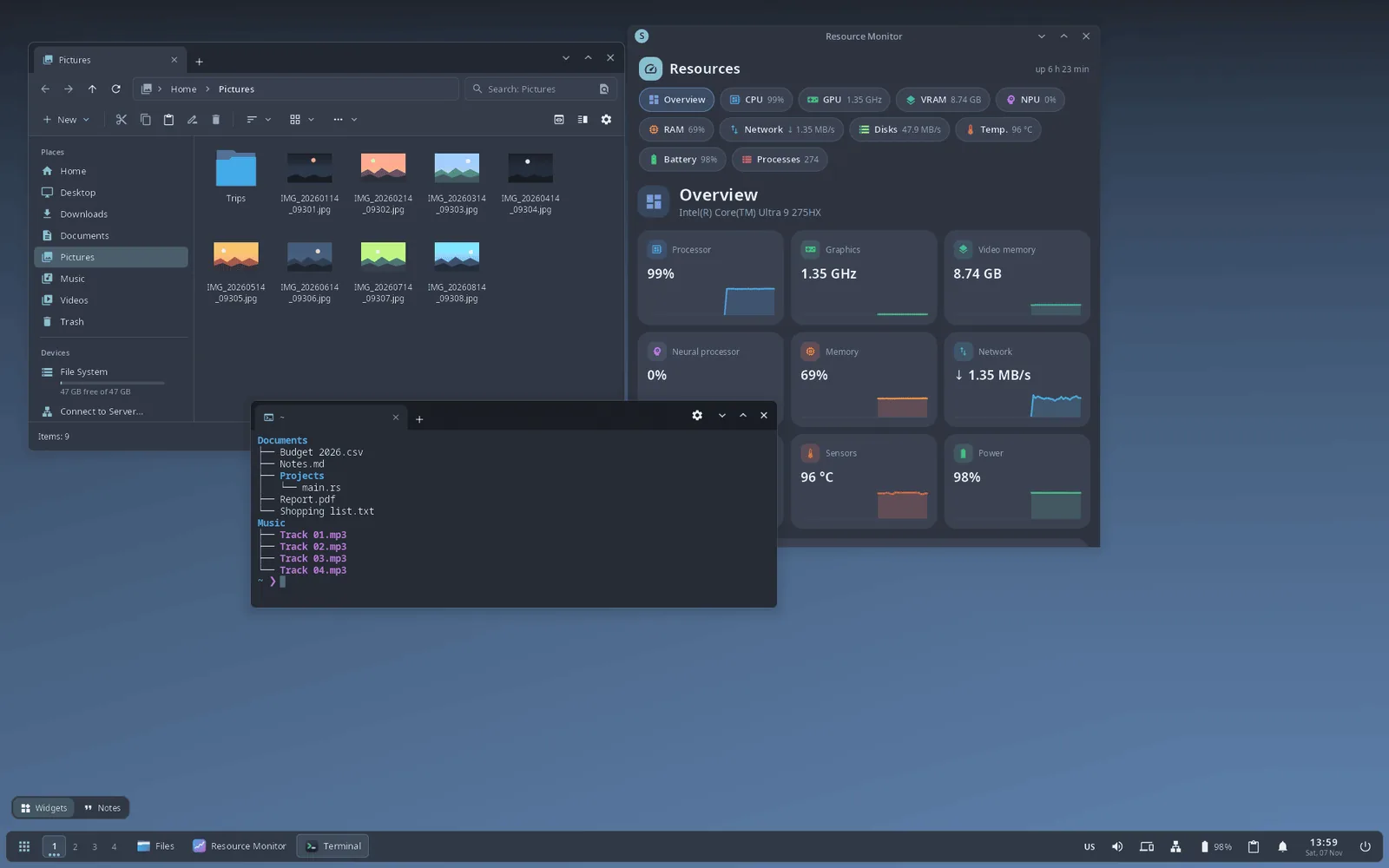
- Three panel layouts out of the box — top panel with a dock, classic taskbar (the default) and a vertical panel — and any of your own, edited with the mouse.
- Floating, tile, columns, grid and monocle layouts, window overview, Alt+Tab, window rules, Xwayland.
- The panel becomes the title bar of a maximized window, with a global menu for Qt/KDE and GTK 3.
- 14 themes, Nord by default; the palette is passed to GTK, Qt/KDE and GIMP.
- Own lock screen, screen-sharing and screenshot portal over PipeWire, interface in 14 languages.
Phone and game mode
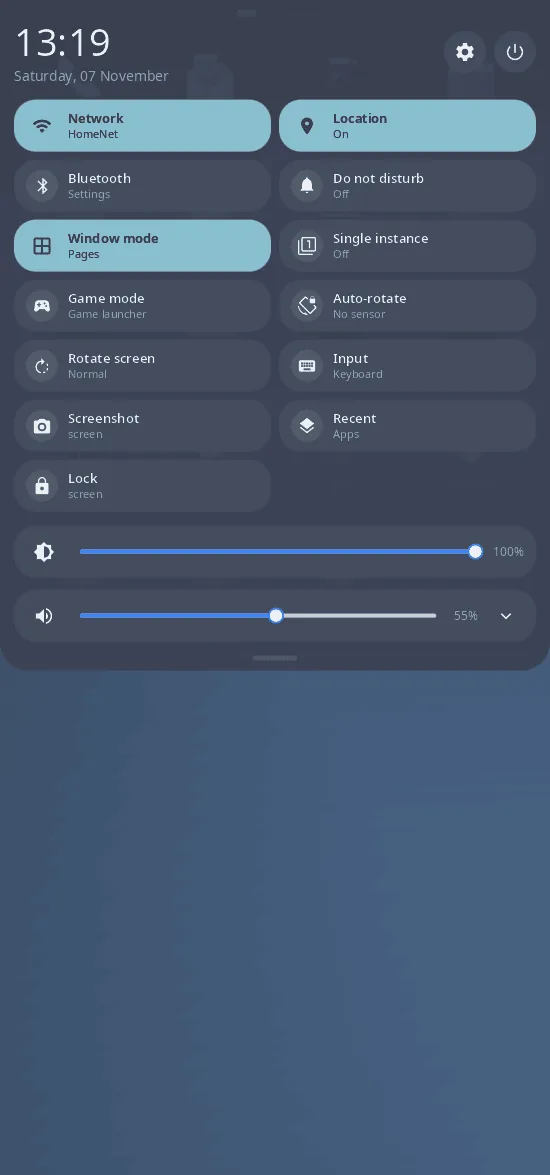
The same compositor runs a phone shell with an on-screen keyboard and phone apps: Phone, Messages, Camera, NFC, Compass, Sports and health, IR remote. Game mode (Super+G) is a fullscreen launcher with the Steam library, covers and gamepad navigation; Android apps run in a LineageOS container, each in its own window.
- (open full size)

Phone: home screen - (open full size)
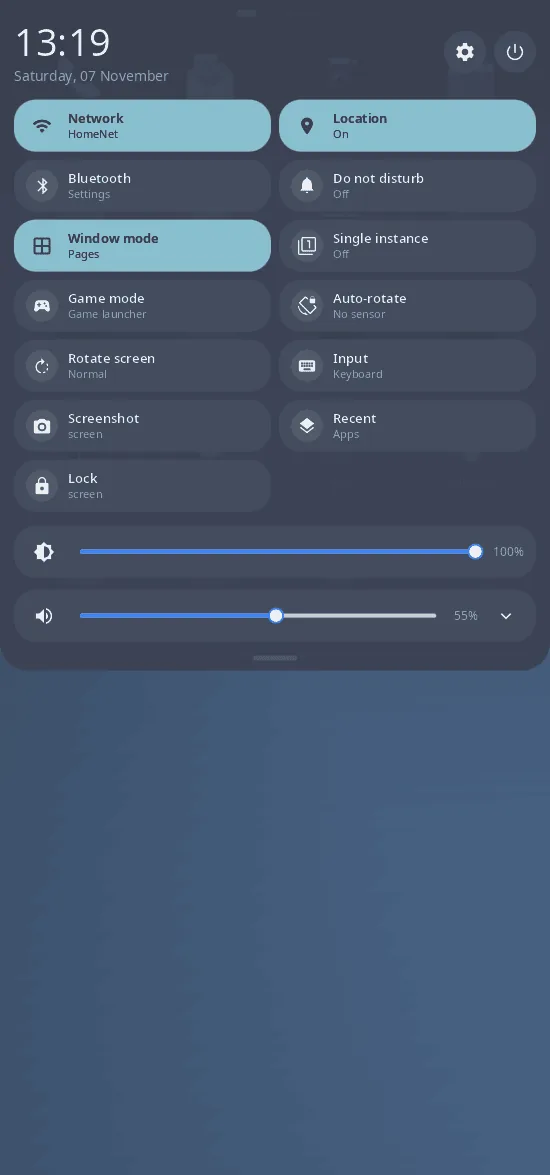
Phone: quick settings

Applications
31 applications, each with its own page on this site: System Settings, file manager, terminal, software center for Arch and AUR, Resource Monitor, theme editor, Notes, passwords, virtual machines, video and music players, voice recorder, Maps, an assistant on local neural networks, cycle tracker, QuitSmoke and Syn Blocks.
Install
- yay -S synshell-bin — the desktop and all applications; synshell-core-bin — the minimum; any application on its own by its package name.
- Then pick “synshell” in your display manager, or enable the bundled login screen: systemctl enable synlogin.service.
What to keep in mind
- Early: one developer, the first commit is from September 2026.
- Tested on one laptop (Intel iGPU + NVIDIA RTX 5090 Laptop GPU) and one phone (Xiaomi 12T Pro). Other hardware is handled in the code but untested.