04 / 07 · Rust · smithay · syngui
synshell
A Wayland desktop environment for computers and phones, laid out like KDE Plasma: a compositor, a separate shell and System Settings, plus 31 applications — all drawn with syngui and configured in one file, applied live.
- Licence
- GPL-3.0 / commercial
- Platform
- Linux · Wayland · x86_64 and aarch64
- Packages
- synshell-bin, synshell-git (AUR)
- Status
- 0.2.0, first public release
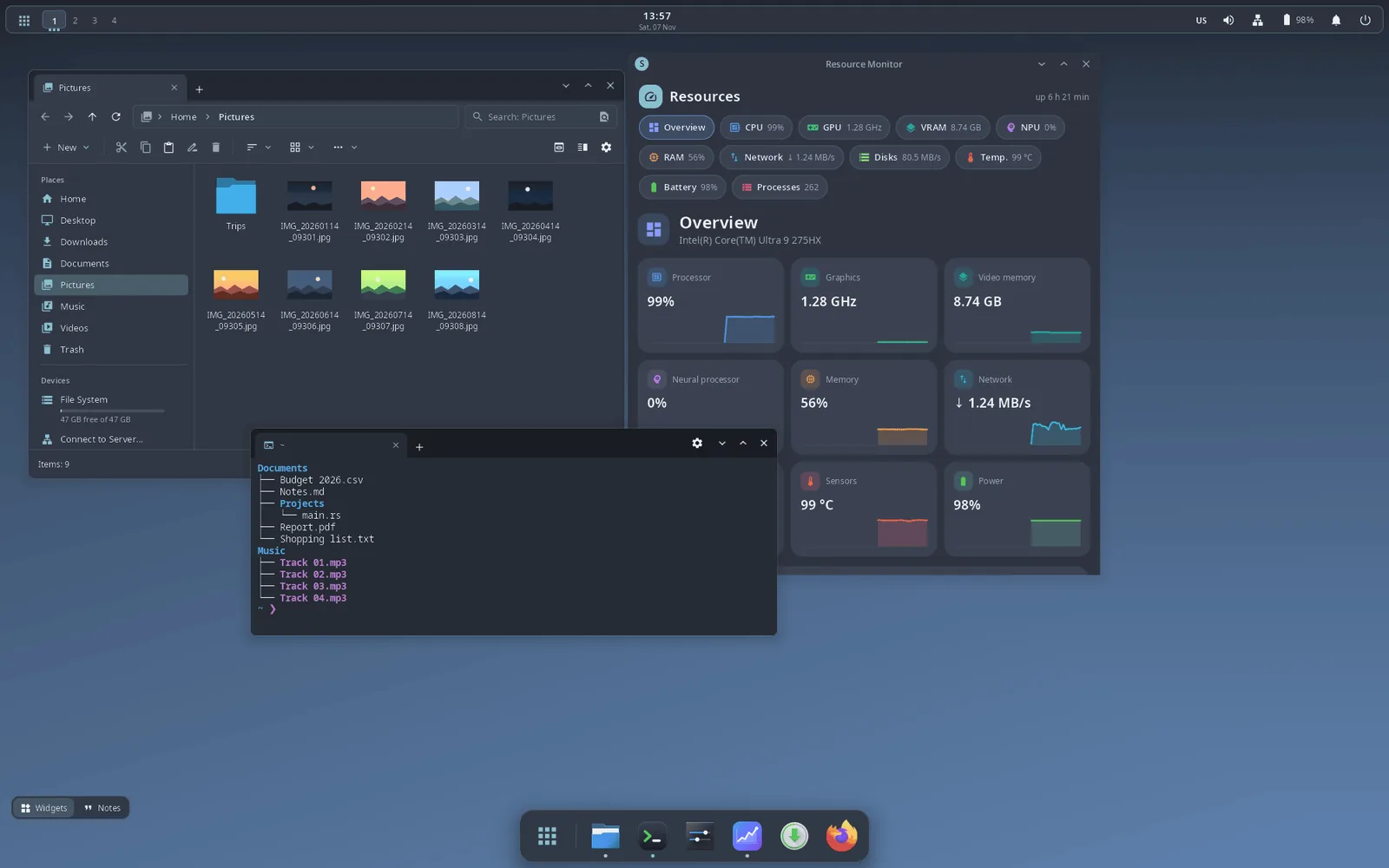
What it is
synshell is a desktop environment for Wayland, written in Rust, for computers and phones. It is split the way KDE Plasma is: the synwm compositor (built on smithay), a separate shell process for panels, dock, launcher and notifications, and System Settings. Every window and panel is drawn with my own framework, syngui.
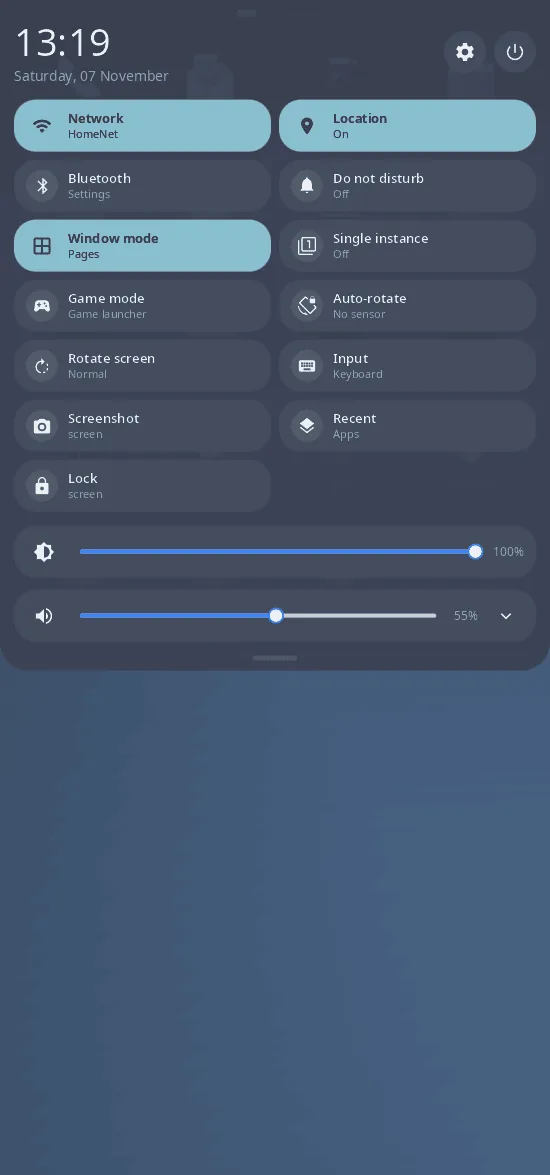
The same compositor runs a phone shell with an on-screen keyboard on Android phones and a console-style game mode (Super+G). Almost everything lives in one file, ~/.config/synshell/config.toml, and changes apply live; System Settings edits it in place and keeps your comments.
Key features
- Compositor synwm on smithay: DRM/KMS with several GPUs, hotplug and DPMS; workspaces, floating / tile / columns / grid / monocle layouts, snapping, window overview, Alt+Tab, window rules, Xwayland, a JSON IPC socket and synwm msg. If the shell crashes, the compositor restarts it and your windows stay.
- Panel layouts set up with the mouse: a top panel with a dock, a classic taskbar (the default) or a vertical panel — any number of panels on any edge. An adaptive panel as in Plasma 6, and a panel that becomes the title bar of a maximized window with a global menu for Qt/KDE and GTK 3.
- A dock in the spirit of macOS and Latte Dock: icons grow under the cursor, launch bounce, 3D tilt and a 3D shelf with reflections, groups, folders, autohide and intellihide.
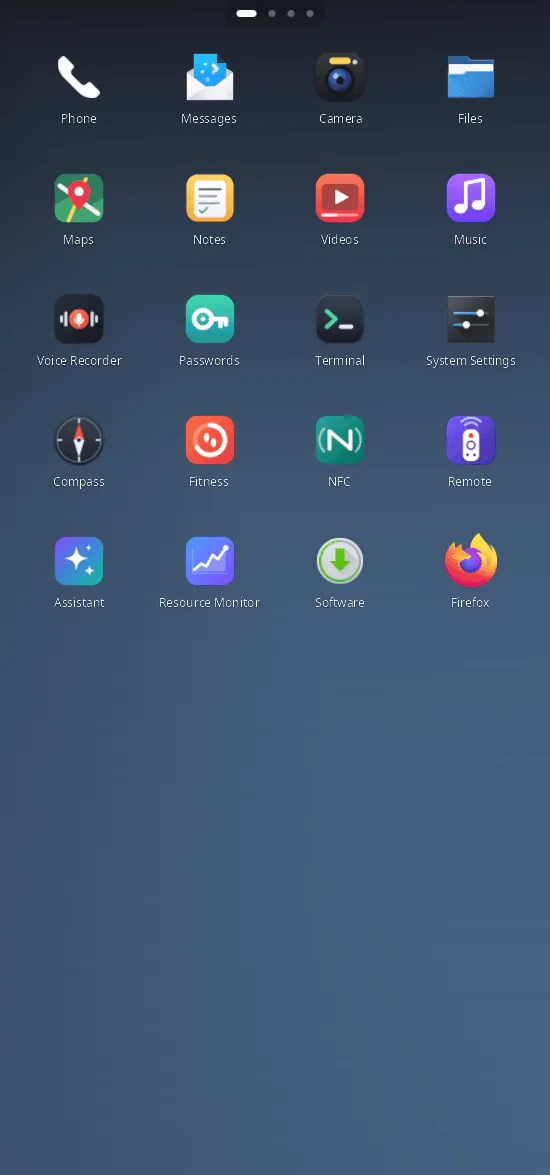
- Phone: the synmobile-shell phone shell, an on-screen keyboard and phone apps — Phone, Messages, Camera, NFC, Compass, Sports and health, IR remote.
- Game mode: a fullscreen launcher with the Steam library, covers, gamepad navigation and an in-game quick menu; Wine components for all prefixes and Android apps in a LineageOS container (syndroid).
- 31 applications: System Settings, file manager (archives as folders, network locations, phones), terminal, software center (Arch repositories and AUR), Resource Monitor, theme editor, Notes (canvases, kanban, Gantt, mind maps, handwriting), passwords, virtual machines (syn-vm: QEMU/KVM, CLI and MCP server), video and music players, voice recorder, Maps, an assistant on local neural networks and more.
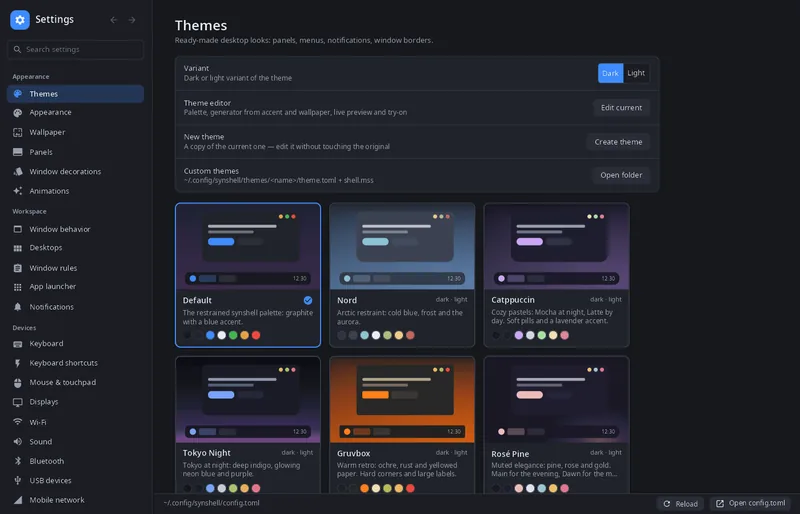
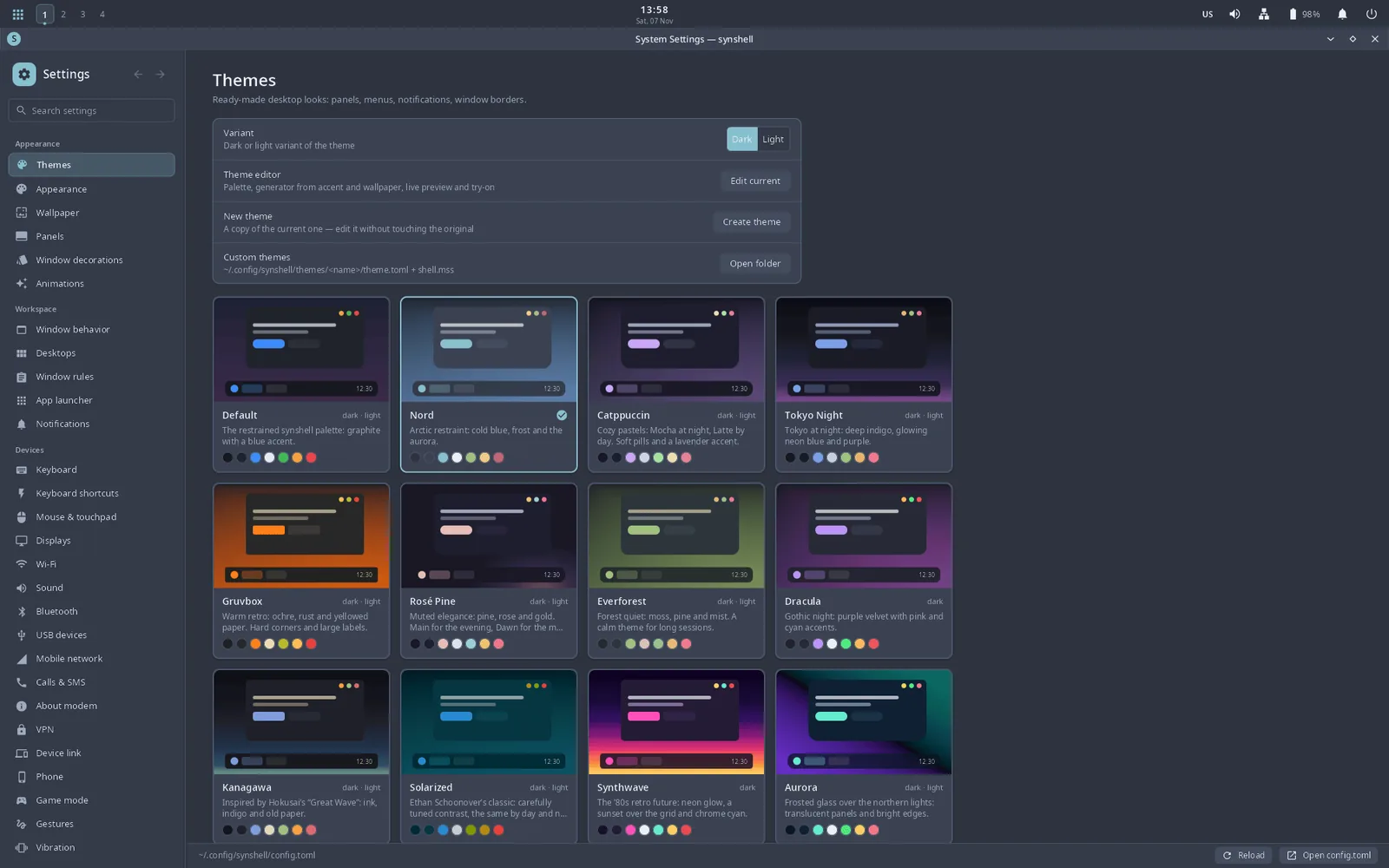
- 14 built-in themes (Nord by default), each exported to GTK, Qt/KDE and GIMP so other apps match; your own themes in MSS. Interface in 14 languages.
- Computer ↔ phone over USB and Wi-Fi (synlink): screen and remote input, files, notifications, a shared clipboard, synced passwords.
- Own lock screen (PAM), screen-sharing and screenshot portal over PipeWire for browsers and OBS, and the synshot screenshot tool.
Applications
Desktop
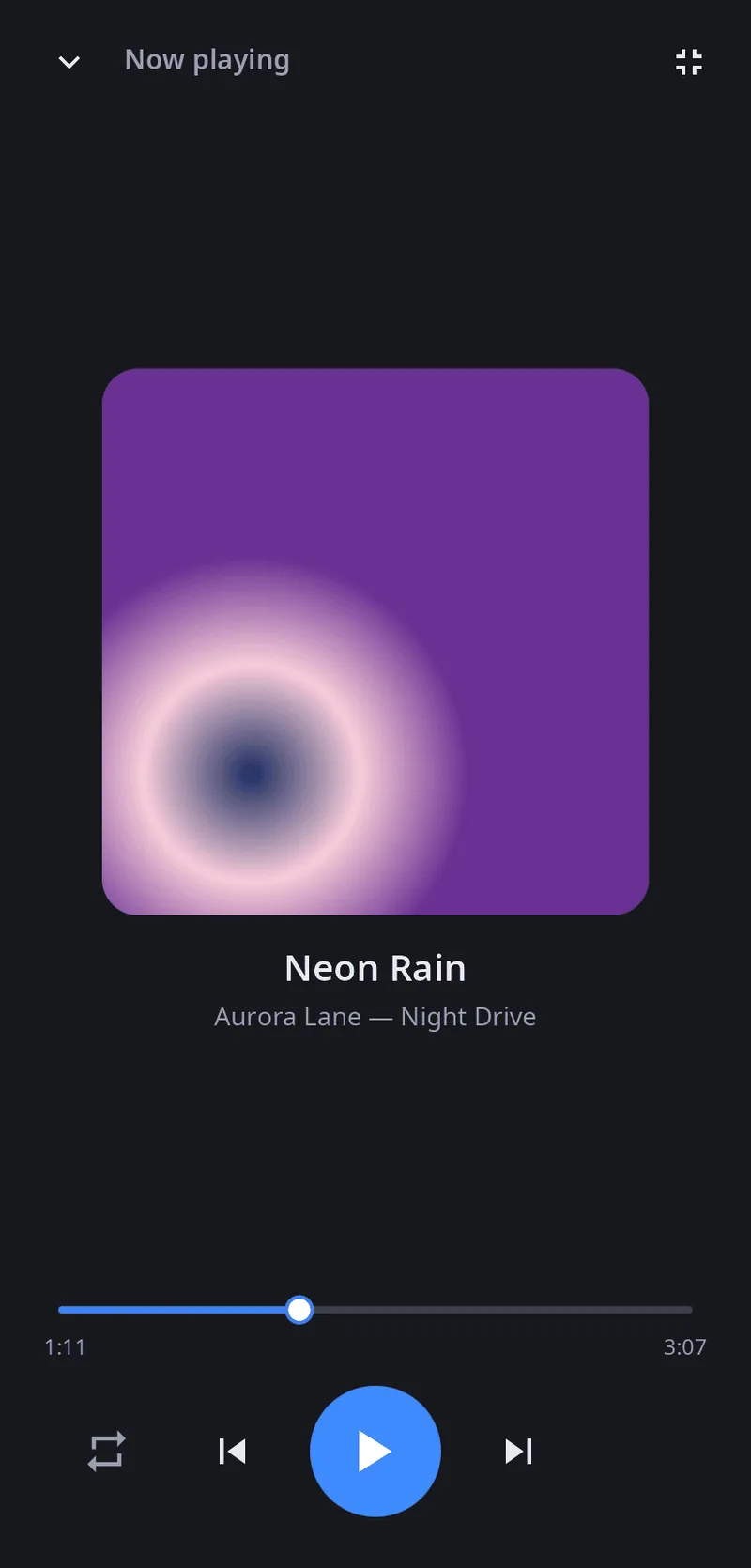
- System settingsThemes, wallpaper, panels, input, displays, network, sound and the rest of config.toml in one window.
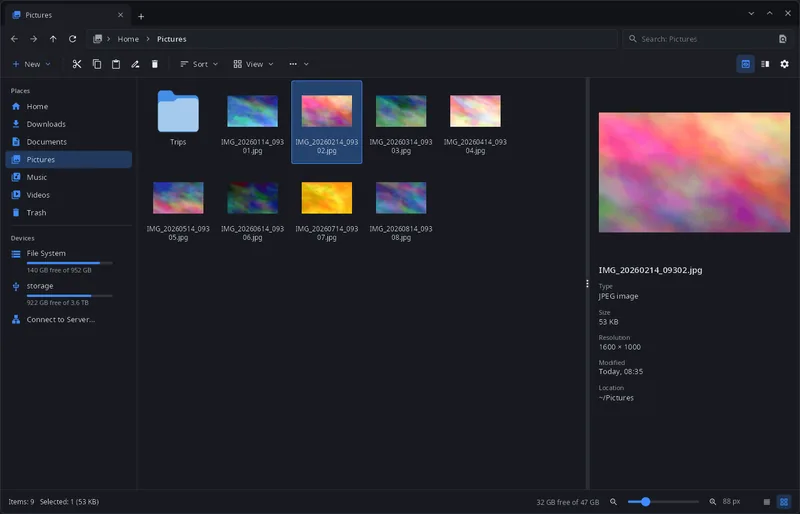
- File managerTabs, two panes, archives as folders, network locations, phones and drives, a built-in image viewer.
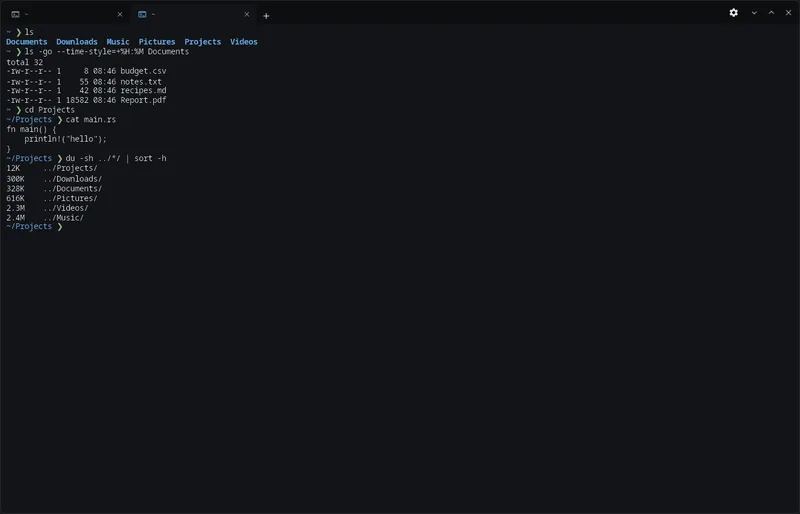
- TerminalTabs in the title bar, color schemes, font settings; on a phone, a row of keys the on-screen keyboard lacks.
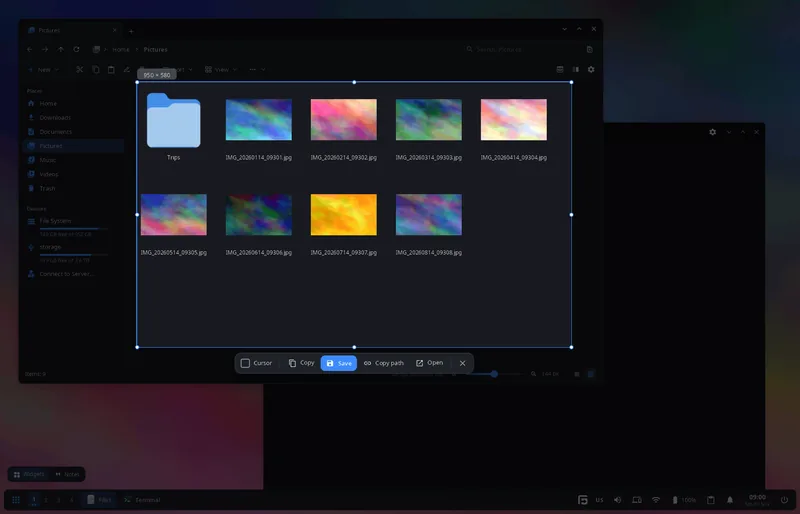
- ScreenshotsThe screen freezes, you select an area or click a window, then copy, save or open it.
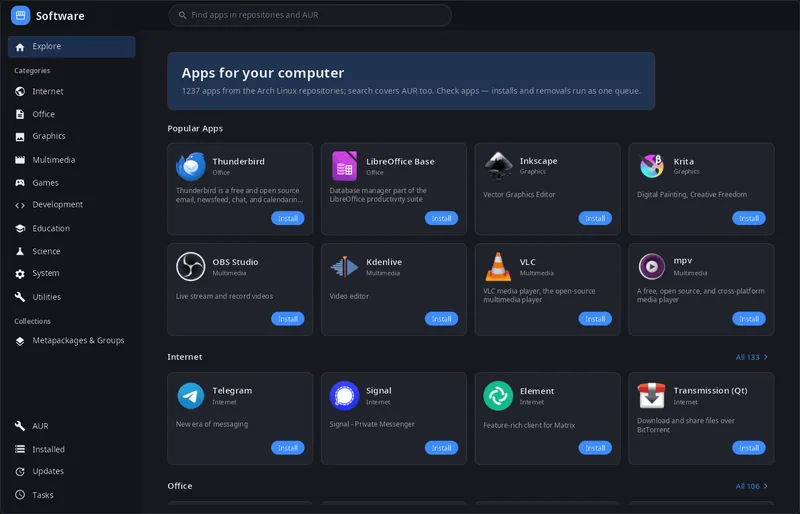
- Software centerBrowse, install, remove and update programs from the Arch Linux repositories and AUR.
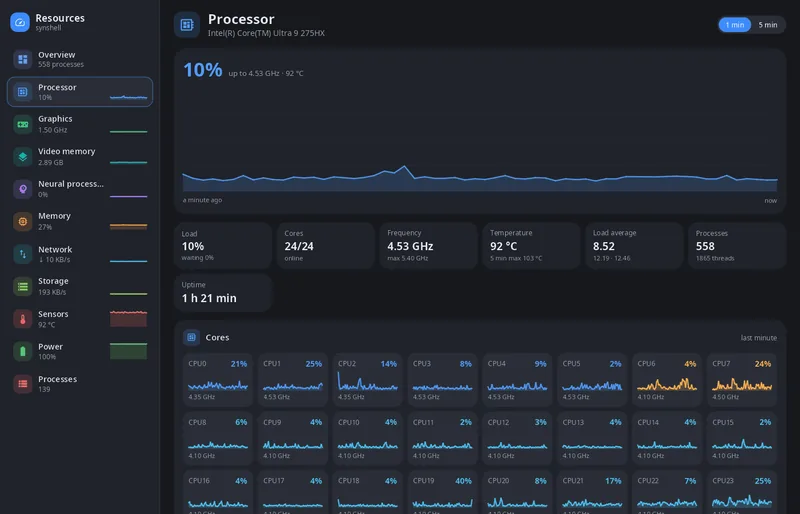
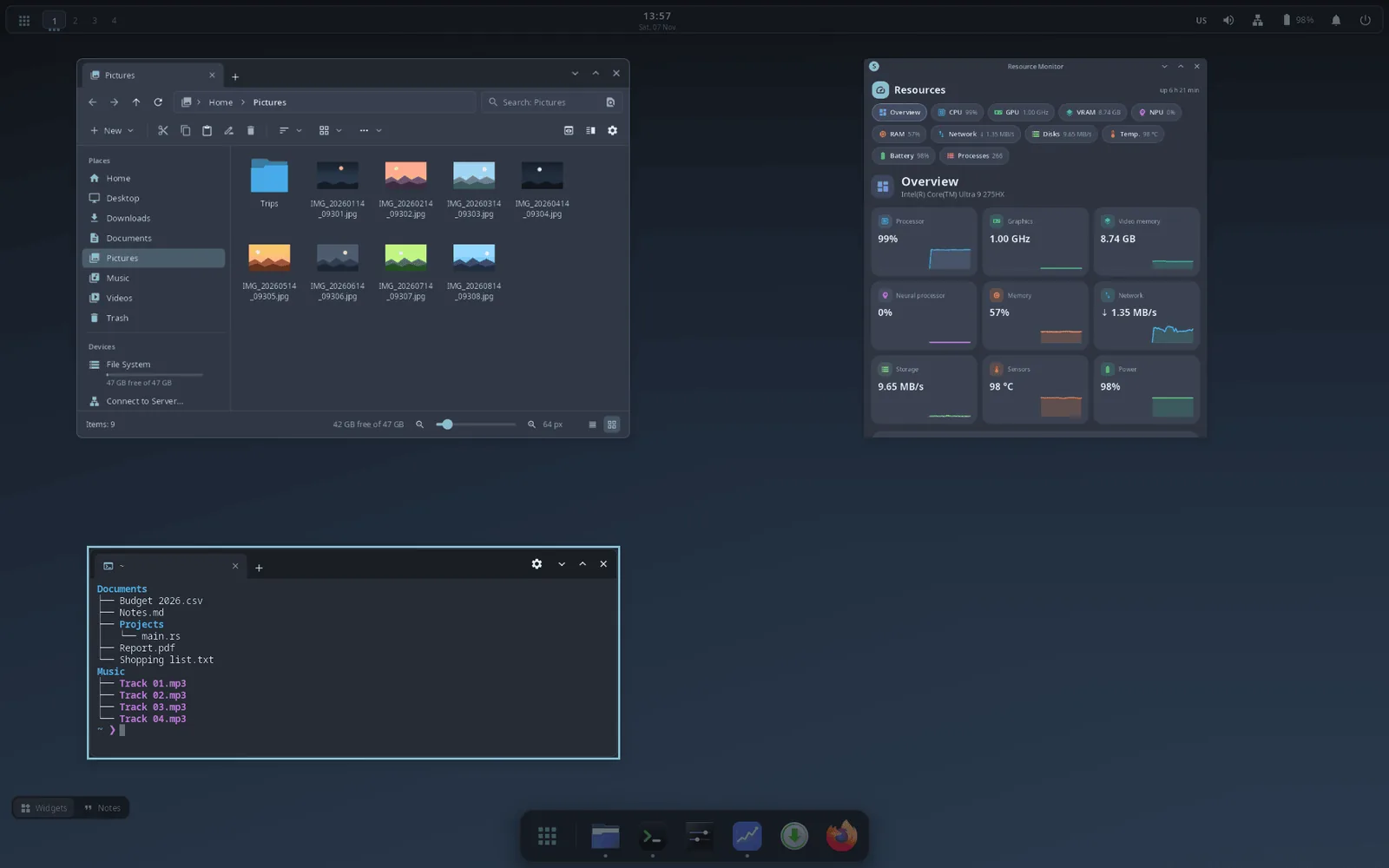
- System monitorProcessor, graphics and video memory, NPU, memory, network, storage, sensors, power and processes.
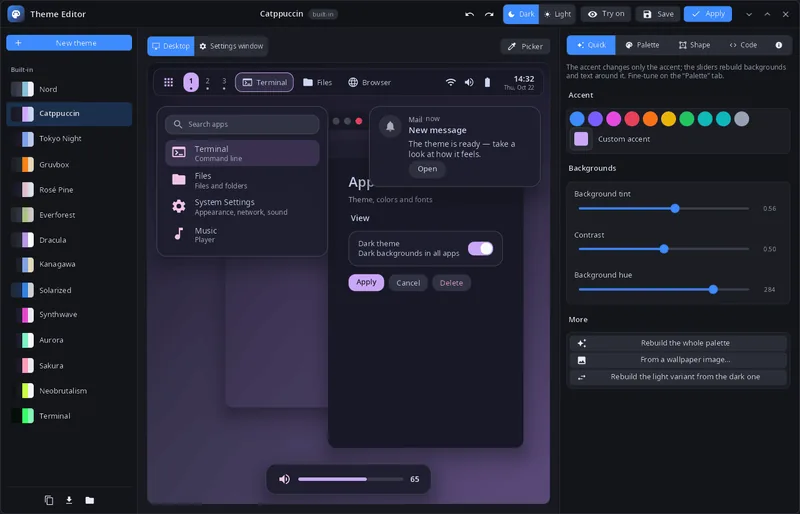
- Theme editorPalette, shape and MSS styles with a live preview of the desktop and System Settings.
Work
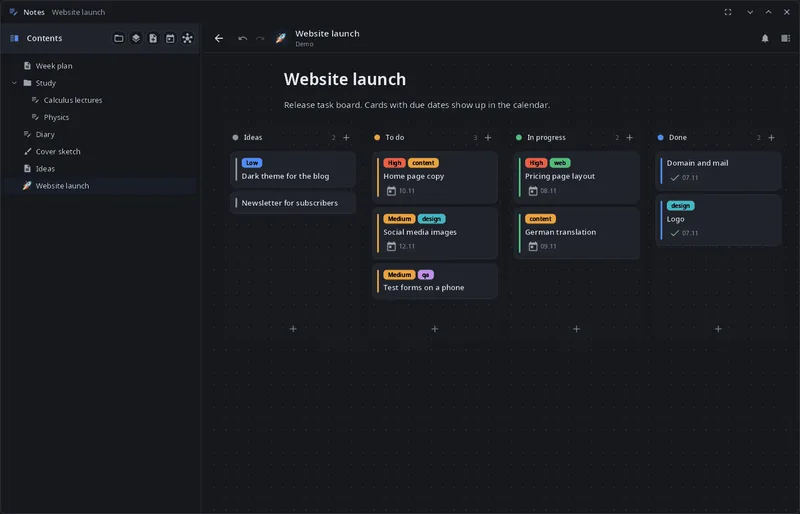
- NotesPages and free canvases with kanban boards, Gantt charts, mind maps, a calendar and charts, handwriting and a book reader, all in one .syn project file.
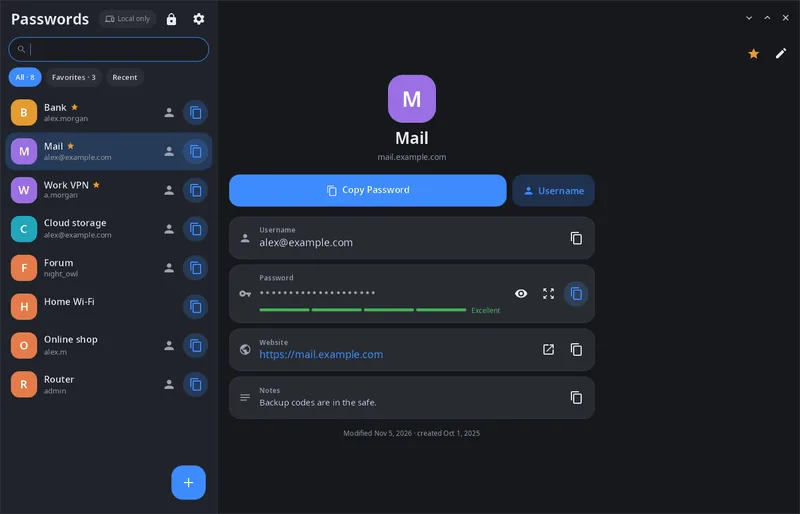
- Password managerAn encrypted vault under one master password, synced with your other synshell devices.
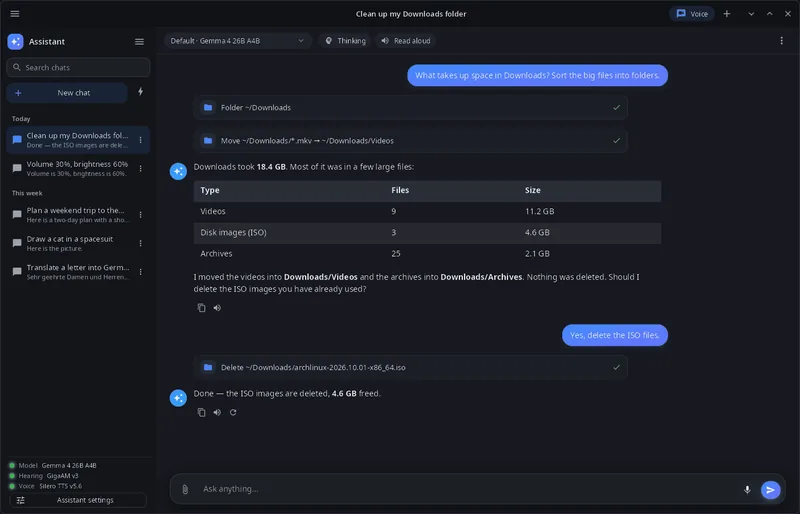
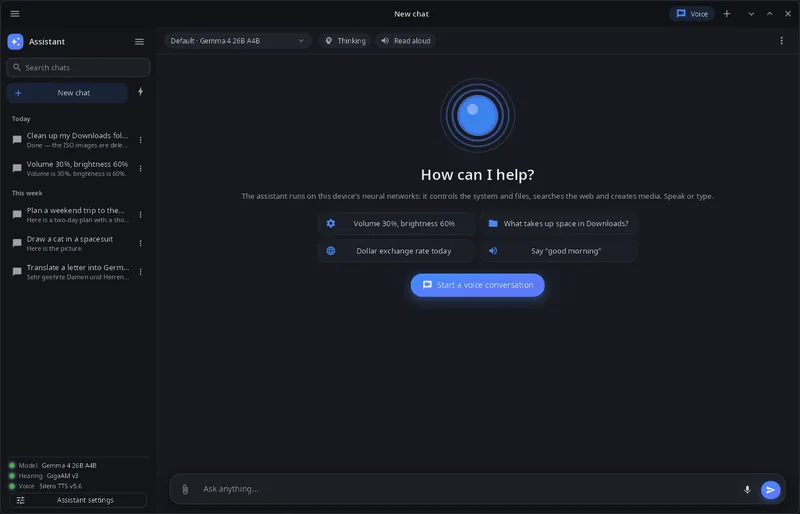
- The synshell assistantChat and voice conversations with local neural networks that can control the system, files, notes and the web.
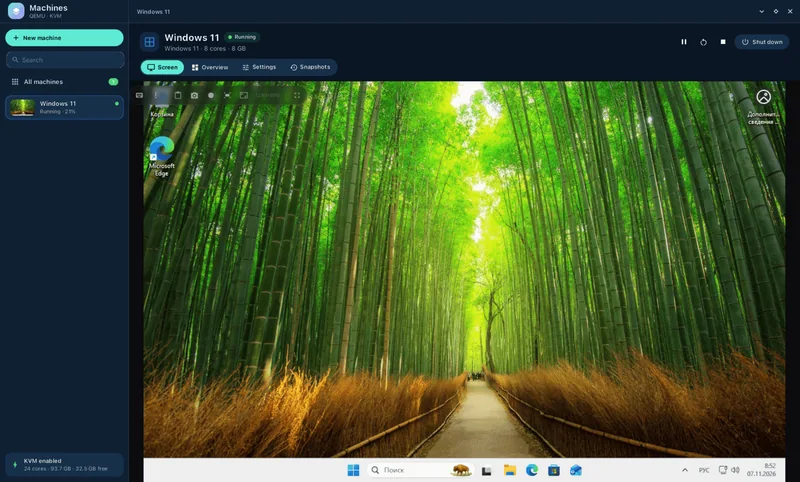
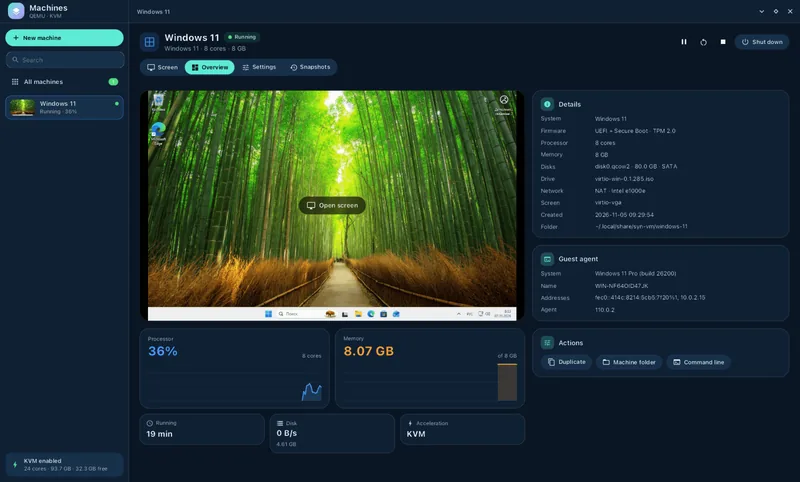
- Virtual machinesQEMU/KVM with a native UI, a scriptable CLI and an MCP server for AI agents.
Media
- Video playerHardware decoding, subtitles with full styling, a simple cut-and-join editor and neural filters.
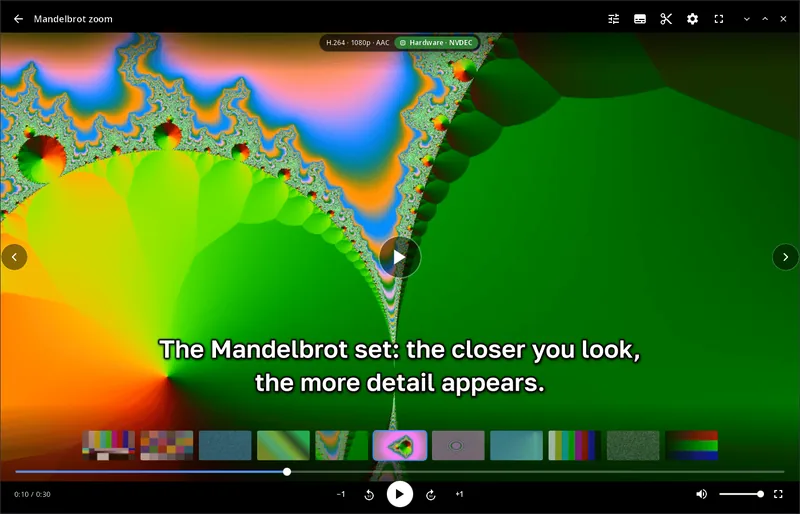
- Music playerYour Music folder as a library, any audio format through ffmpeg.
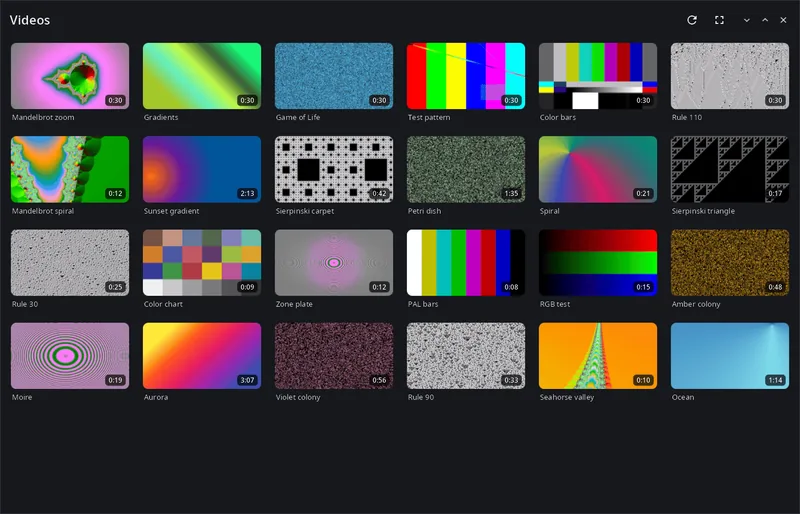
- Voice recorderLive waveform, microphone choice, phone noise suppression, Opus/FLAC/WAV.
- MapsOpenStreetMap with search, routes and your own location, on computers and phones.
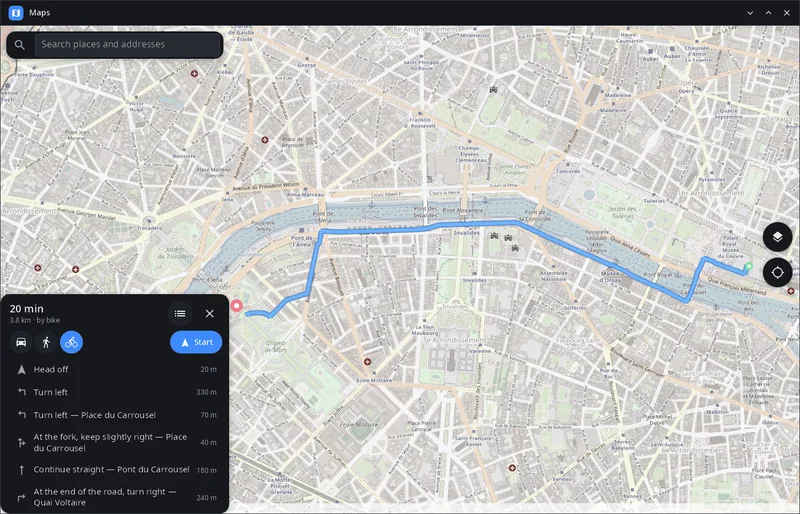
Phone
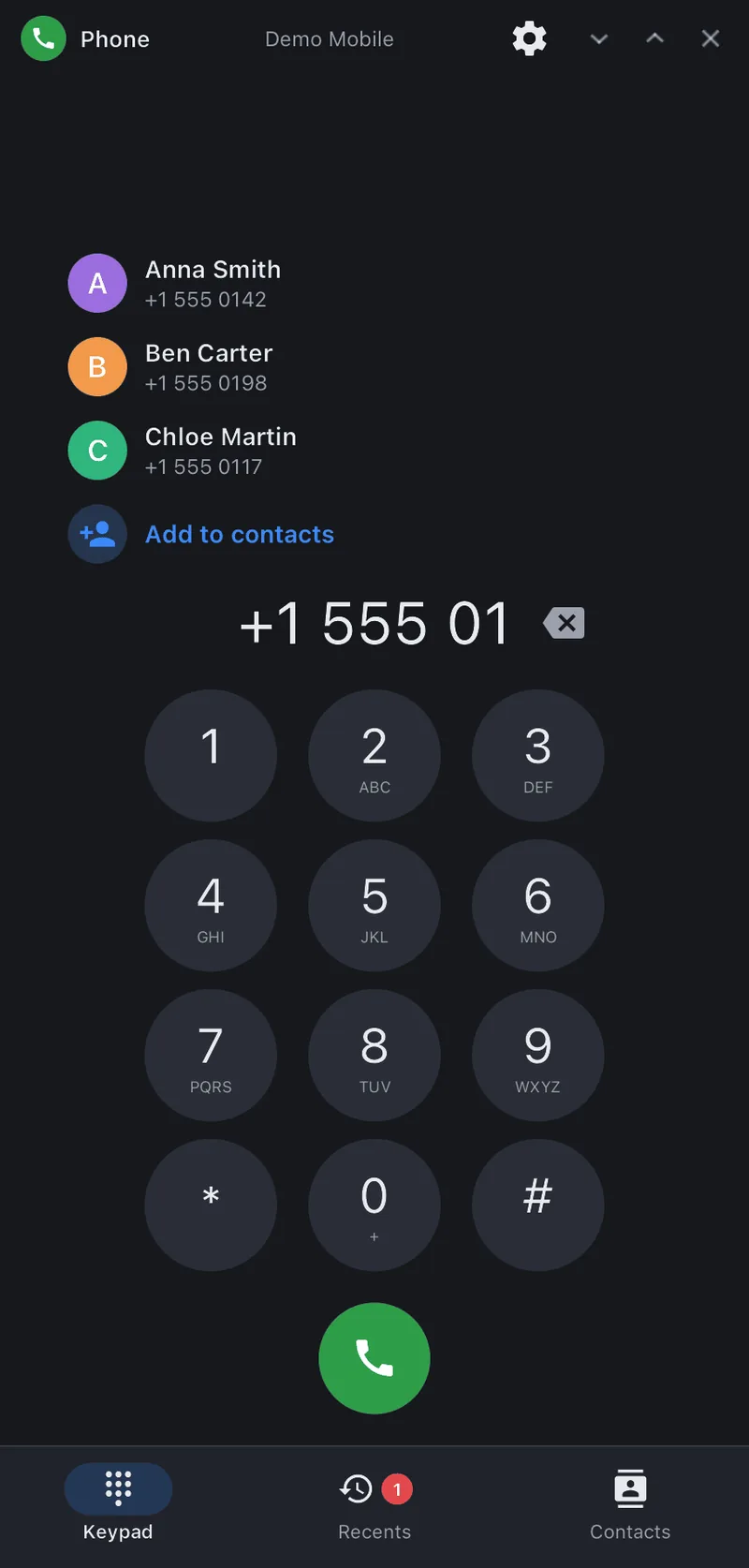
- Phone appKeypad, call log and the in-call screen, on top of the synshell modem daemon.
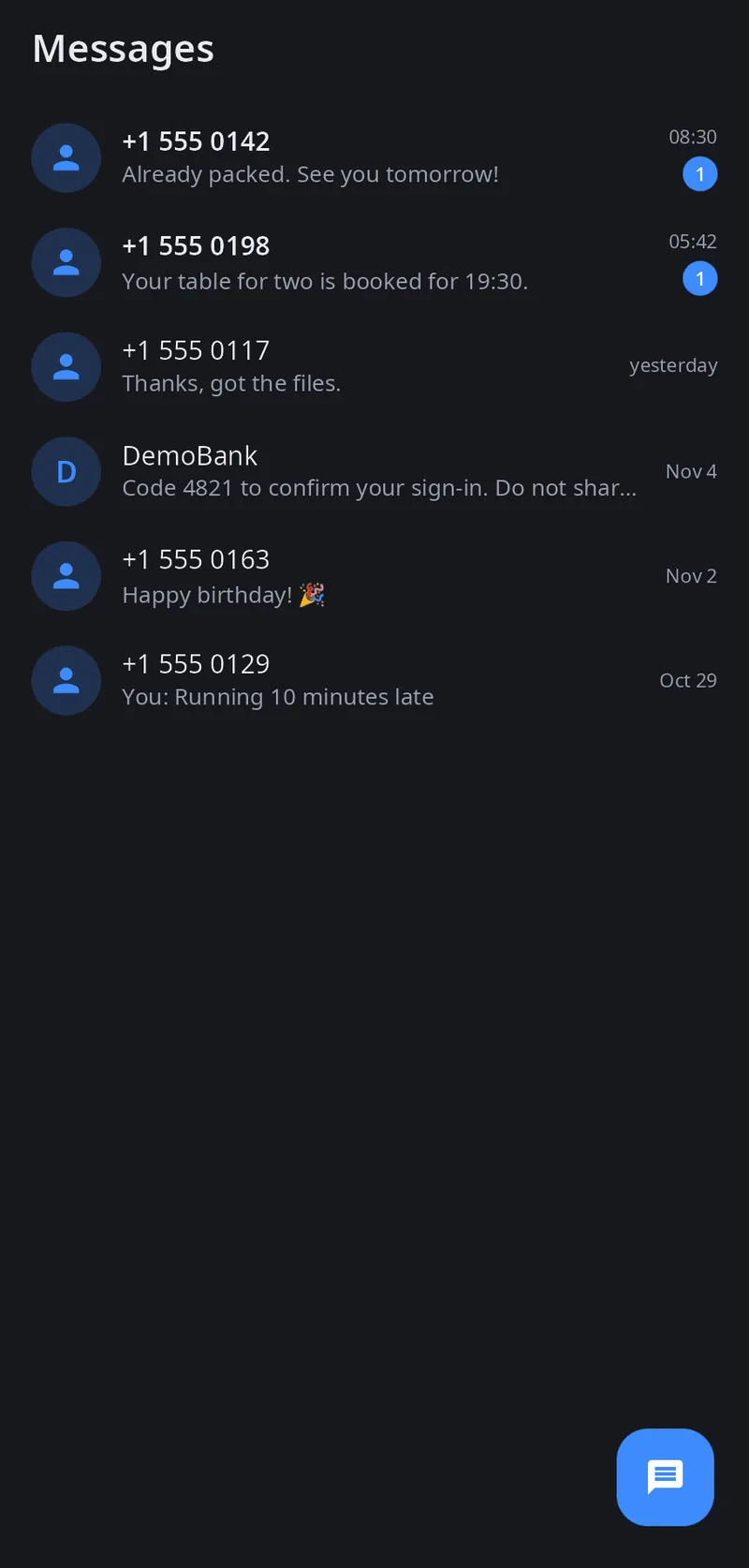
- Messages appSMS conversations through the synshell modem daemon, laid out for a phone or a wide window.
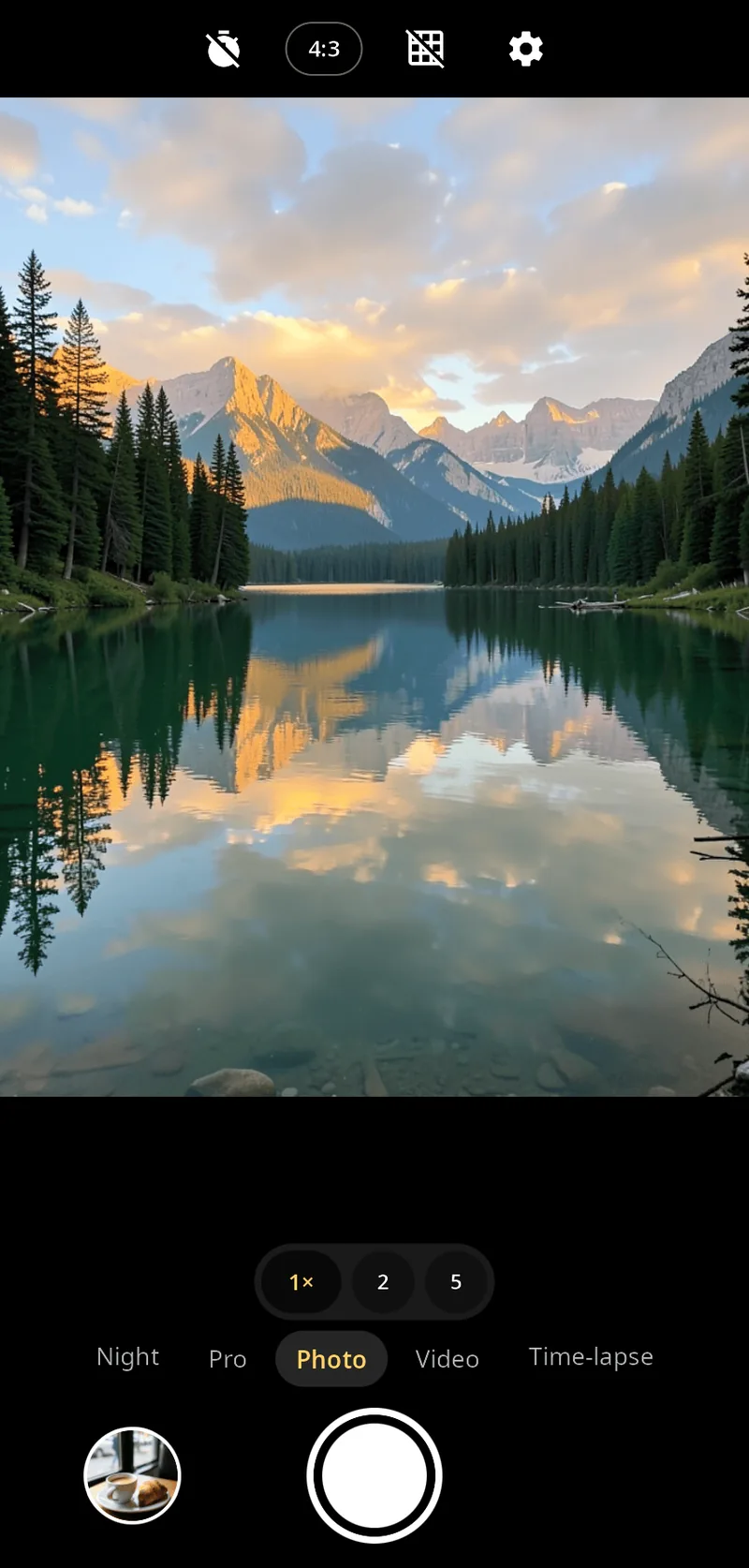
- CameraPhoto, night, pro, video and time-lapse, with zoom, tap-to-focus and a built-in viewer.
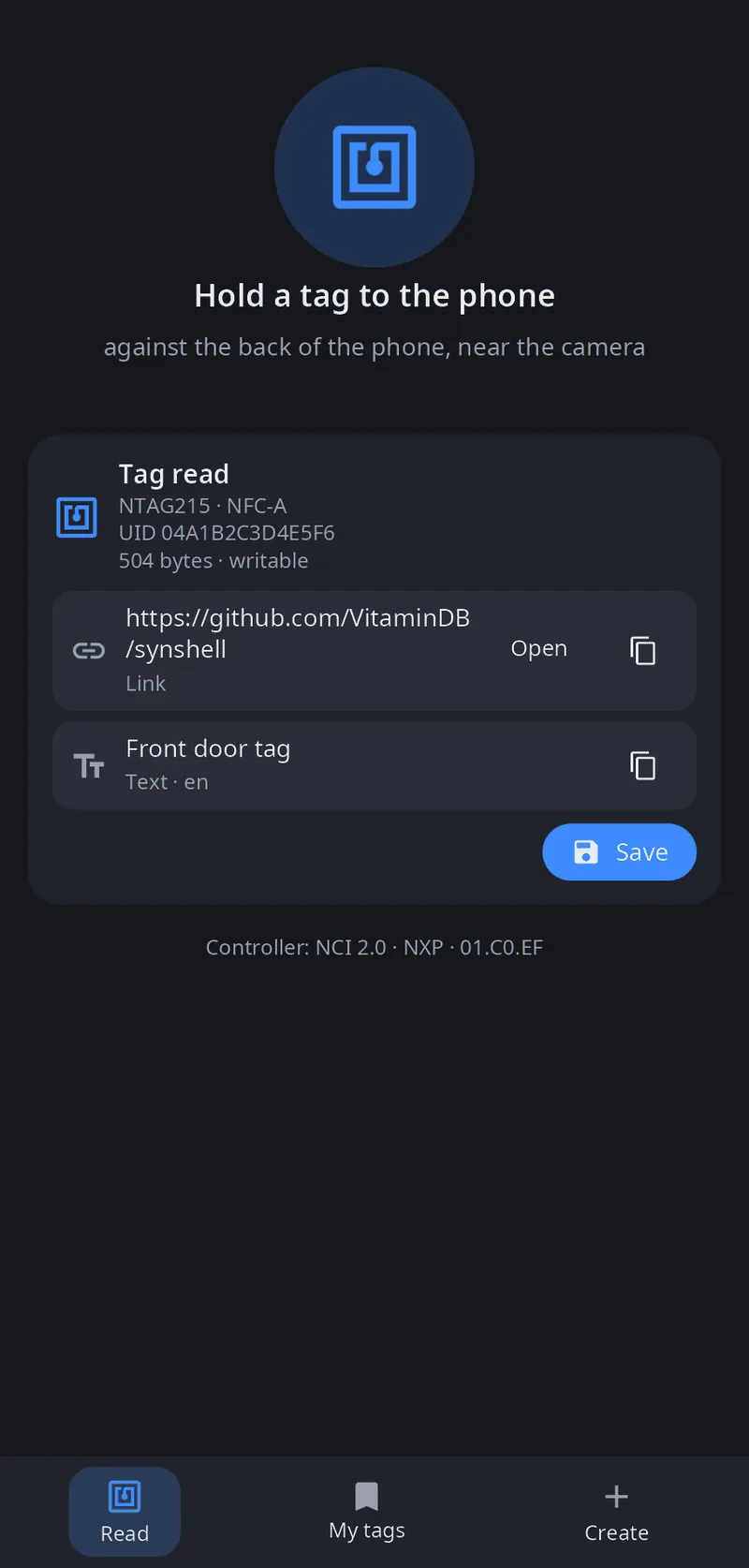
- NFC appRead tags, keep them, write your own and let the phone act as a tag.
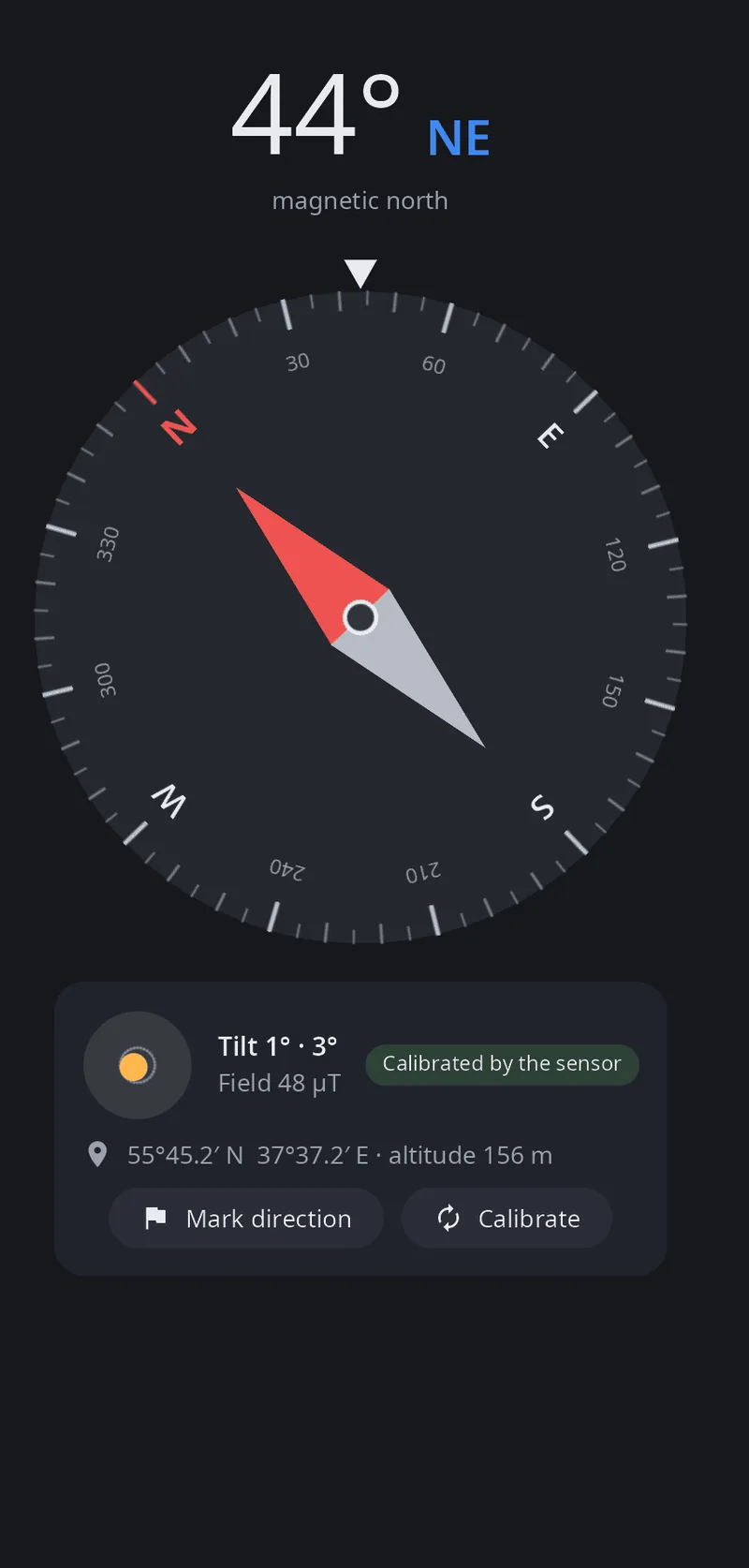
- CompassMagnetometer and accelerometer, a level, a bearing mark and figure-eight calibration.
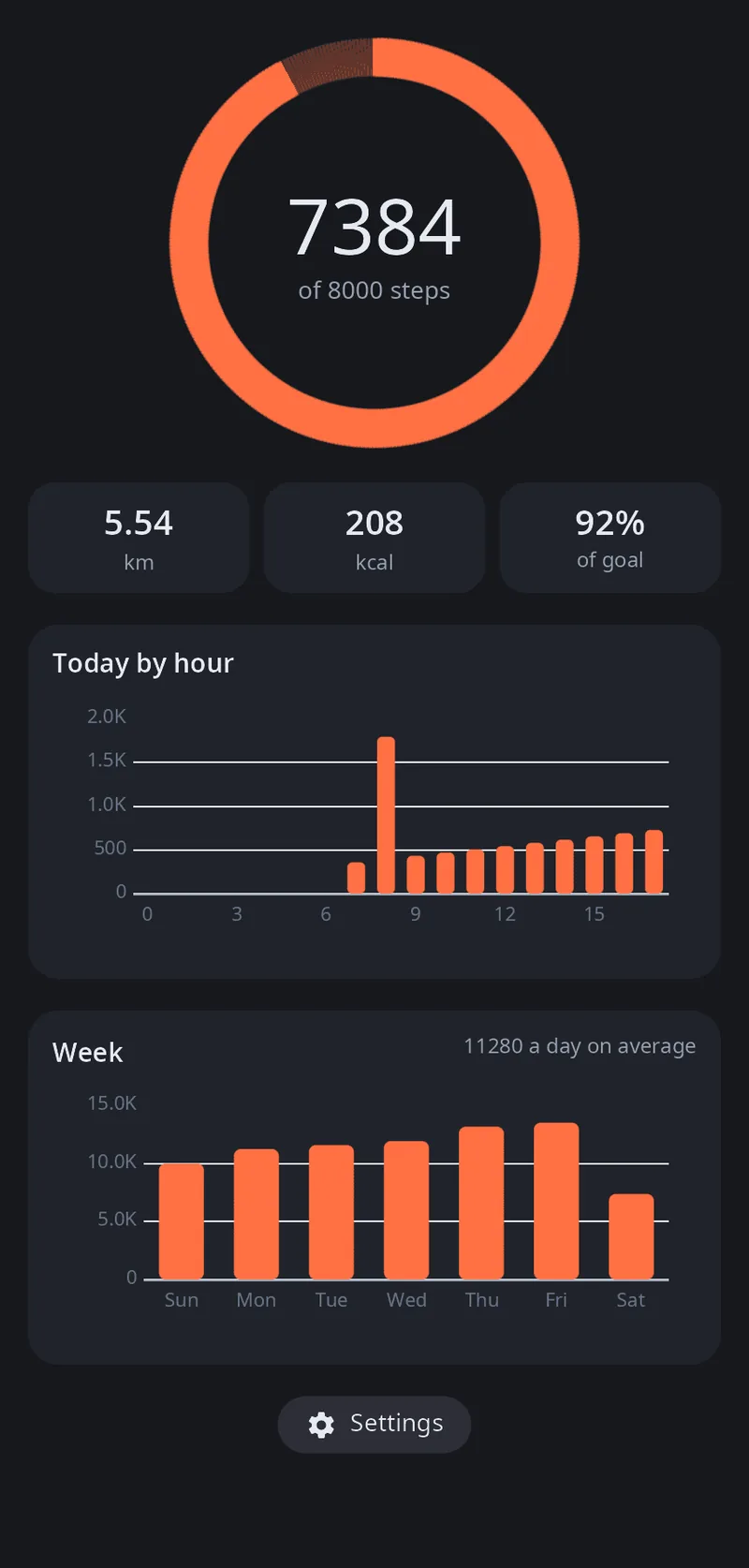
- Steps and activityThe phone's pedometer, distance, calories, by hour and by week.
- Linking a phone and a computerOver USB and Wi-Fi: screen, input, sound, files, notifications, a shared clipboard, ssh phone, a CLI and an MCP server for AI agents.
- The screen of a linked device in a windowWatch and control your phone from the computer, or the computer from the phone.
- IR remote controlA phone with an IR LED controls TVs, air conditioners, projectors and more.
Compatibility
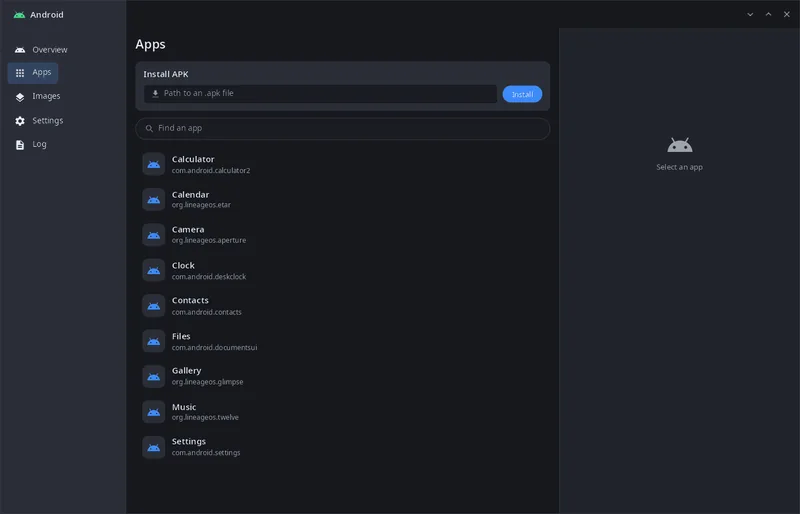
- Android appsA LineageOS container (Waydroid images) with its own runtime, a daemon, a management window and a CLI.
- Wine componentsDLLs that Wine itself does not have (MFC, Visual Basic runtimes, OpenAL), installed once for all prefixes and offered when a program needs them.
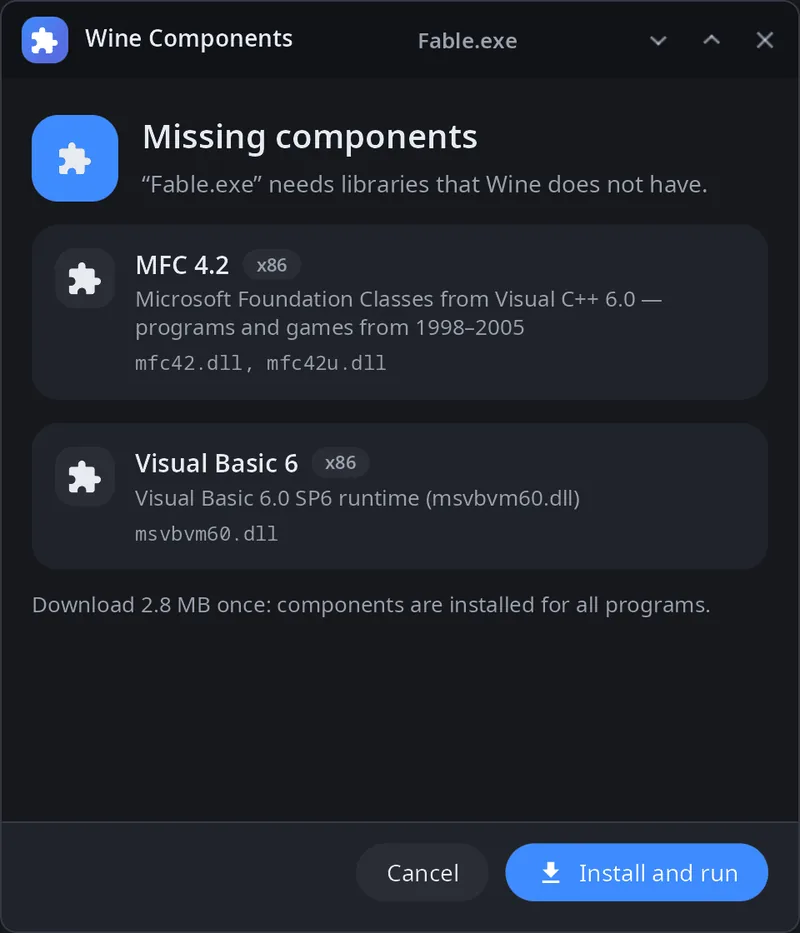
- Wine for Windows programs and gamesTouch input, the Steam API bridge from Proton, DXVK, Wine Mono and Gecko in the package; ARM64EC with FEX on phones.
- Steam on computers and phonesValve's bootstrap on x86_64; on aarch64 the native ARM64 client is installed on first start, with Big Picture under the phone shell.
- DLSS 5 neural renderingNVIDIA's model for Linux games, Wine games and the video player: switch it on, tune the picture, run the NGX helper.
Health and games
- Cycle trackerPeriods, fertile window and ovulation, symptoms and mood; the data stays on the device.
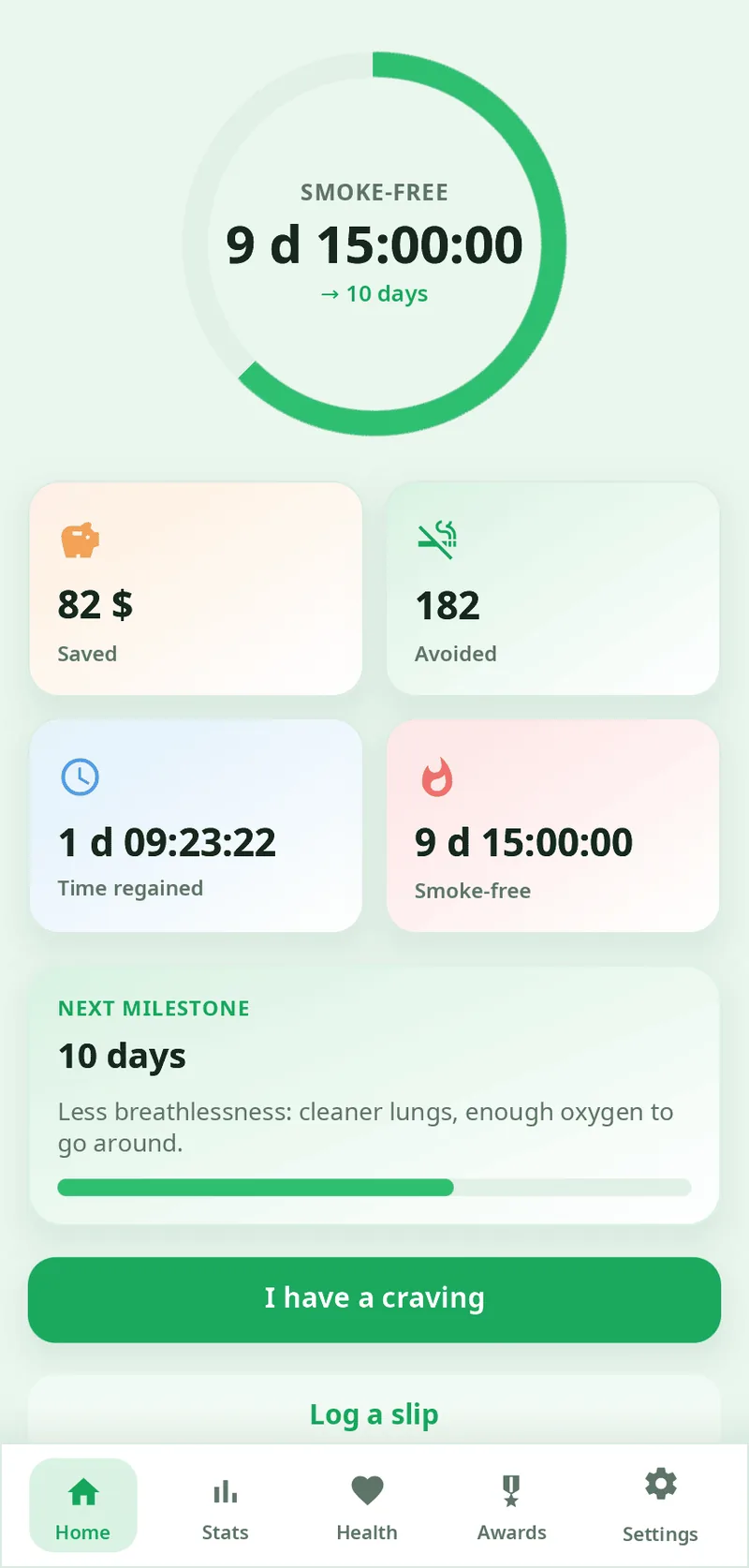
- QuitSmokeA tracker for quitting smoking or vaping, all at once or gradually: smoke-free time, savings, health milestones, cravings and awards.
- An 8×8 block puzzlePlace pieces, clear rows and columns, build combos.
Developer tools
Install
yay -S synshell-bin          # the desktop and all applications
yay -S synshell-core-bin     # the minimum: compositor, shell, settings, files, terminal
yay -S syn-vm-bin            # or any single application
Arch Linux, x86_64 and aarch64: every package comes as -bin (prebuilt) and -git (built from the repository). Then pick “synshell” in your display manager, or enable the bundled login screen: systemctl enable synlogin.service. The phone shell is synshell-mobile; neural networks are synaptix and synshell-ai.
Requirements and limitations
- Linux with Wayland; X11 applications run through Xwayland. Packages for Arch Linux (AUR); archives for other systems are attached to the release.
- Tested on one machine: my daily session on a hybrid laptop (Intel iGPU + NVIDIA RTX 5090 Laptop GPU). Multiple GPUs, monitor hotplug and other distributions are handled in the code but untested.
- The phone build (aarch64) runs on a Xiaomi 12T Pro; other phones have not been tried.
- Early: one developer, first commit in September 2026 — expect rough edges and config keys that still move.
Screenshots
- (open full size)
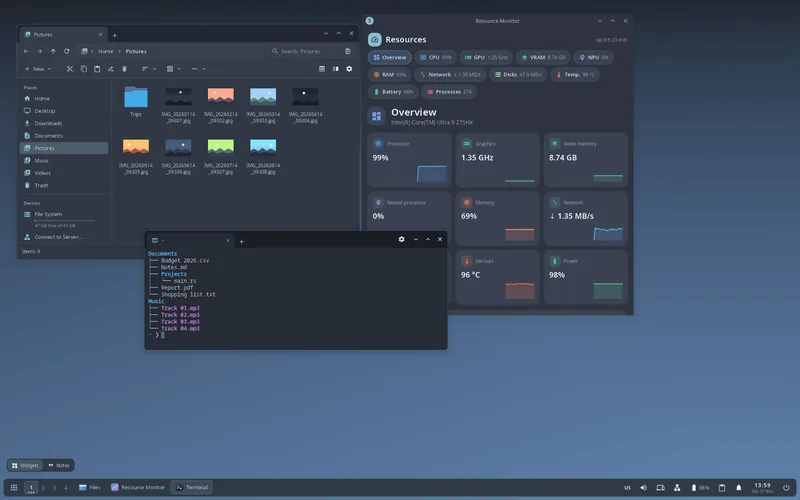
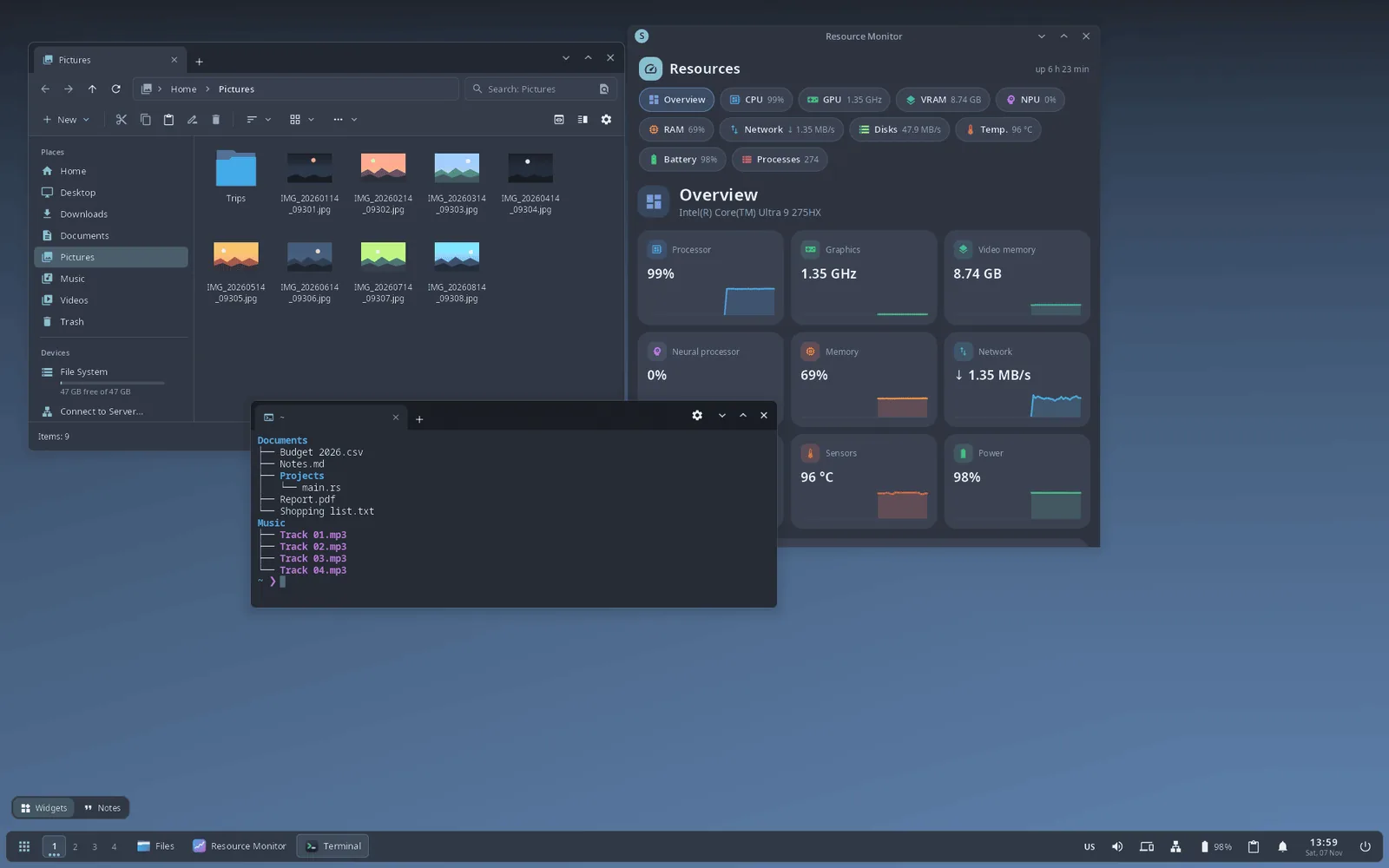
Classic taskbar at the bottom — the default layout - (open full size)
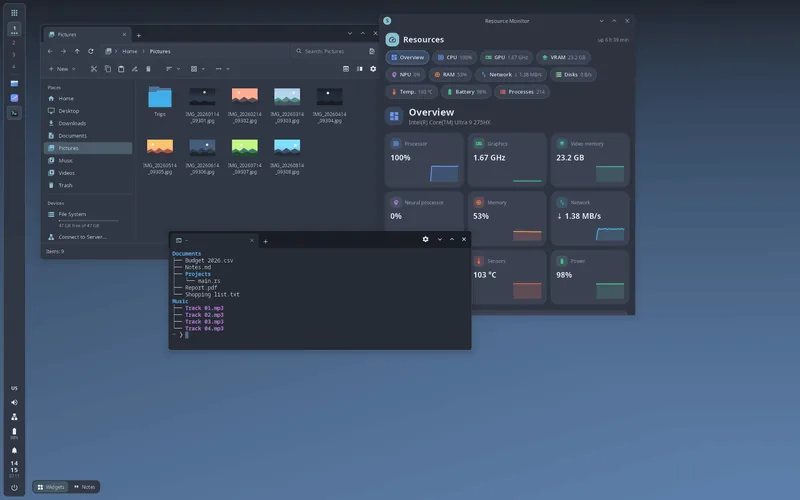
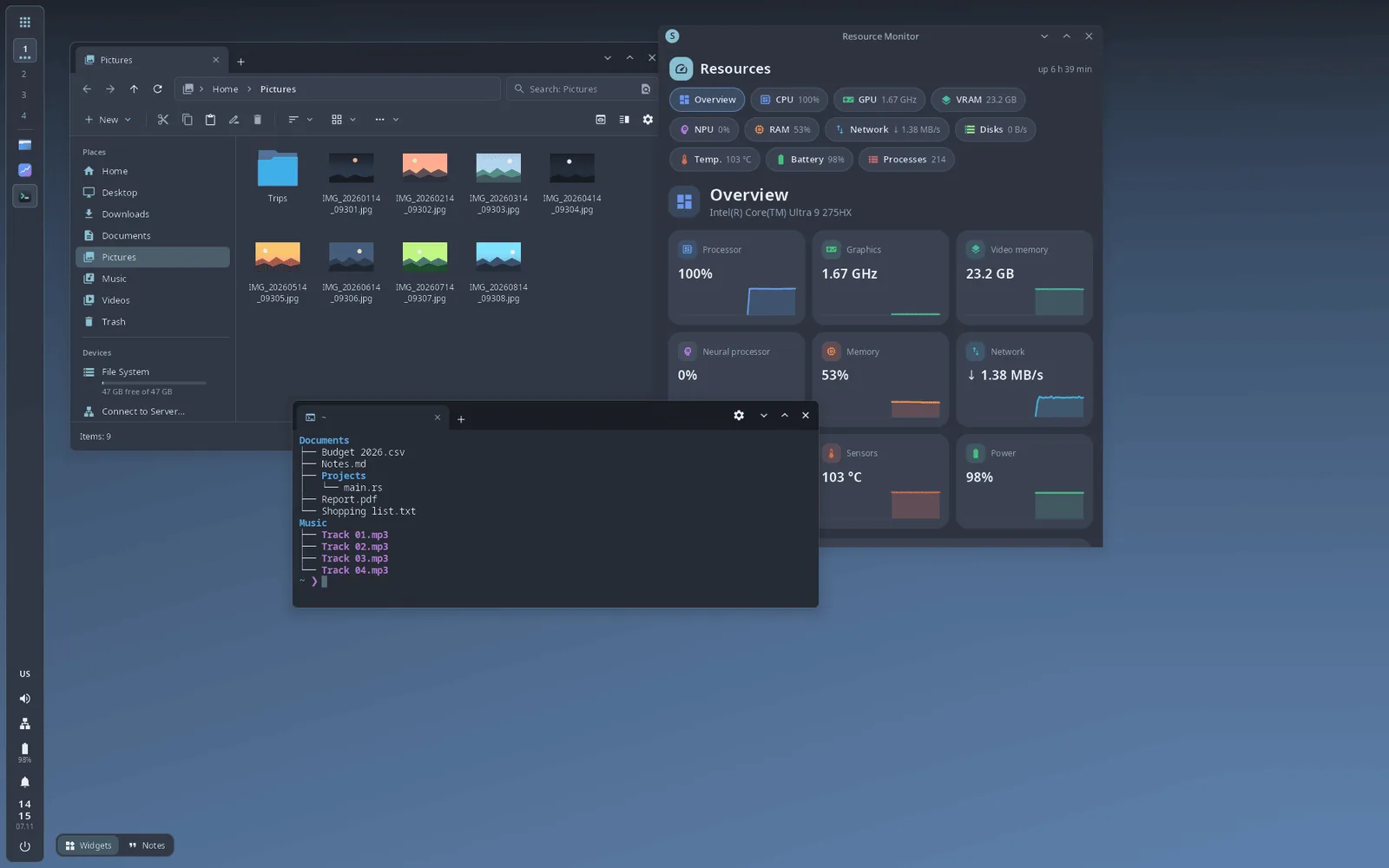
Vertical panel on the left - (open full size)
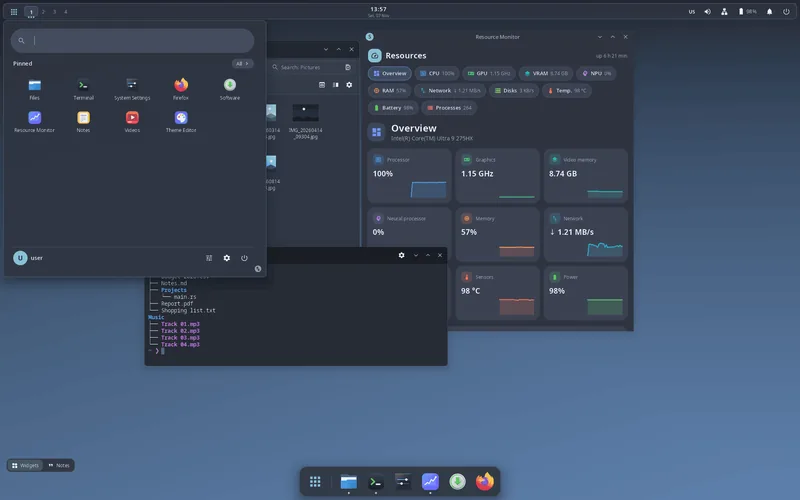
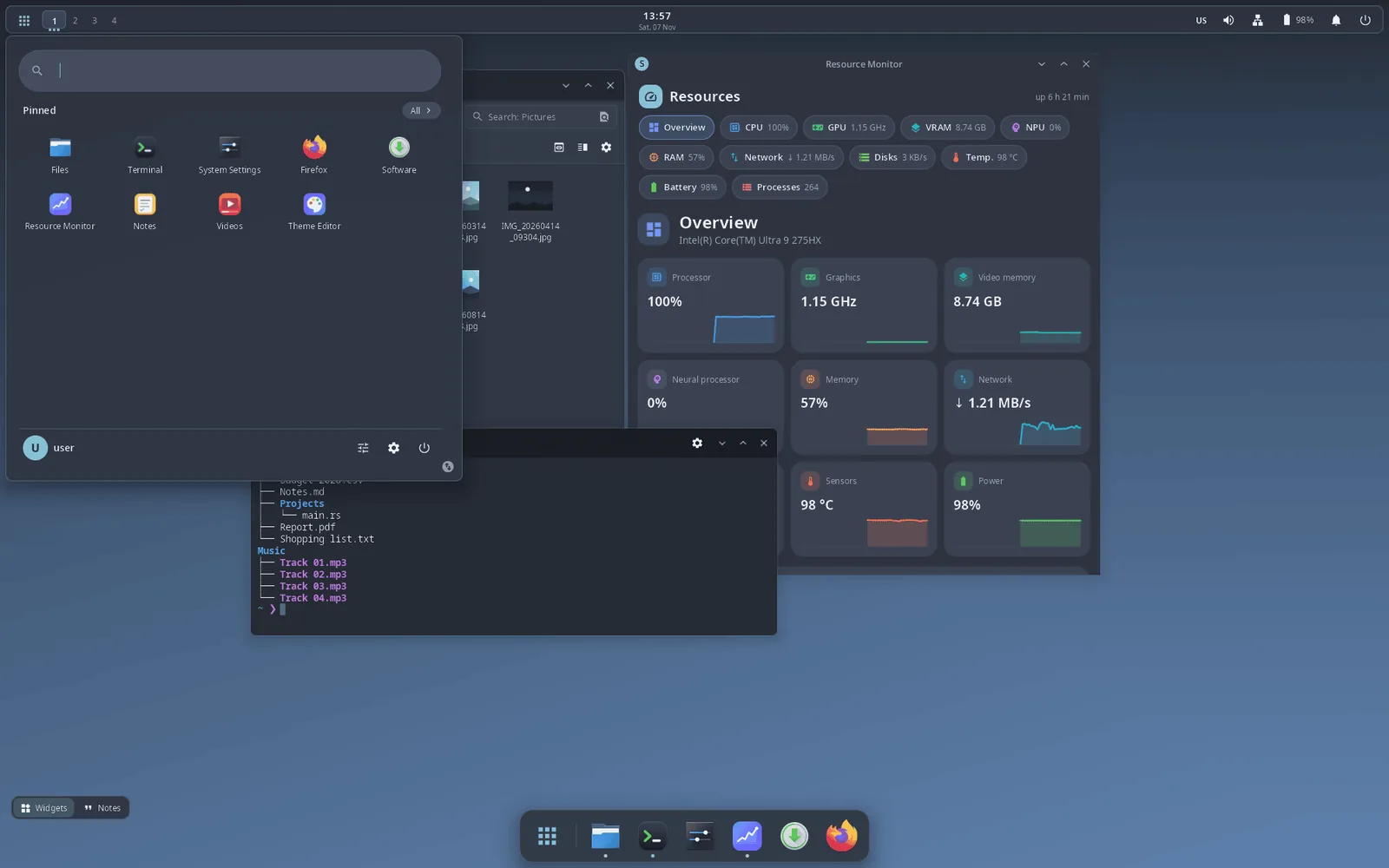
The launcher with pinned applications - (open full size)
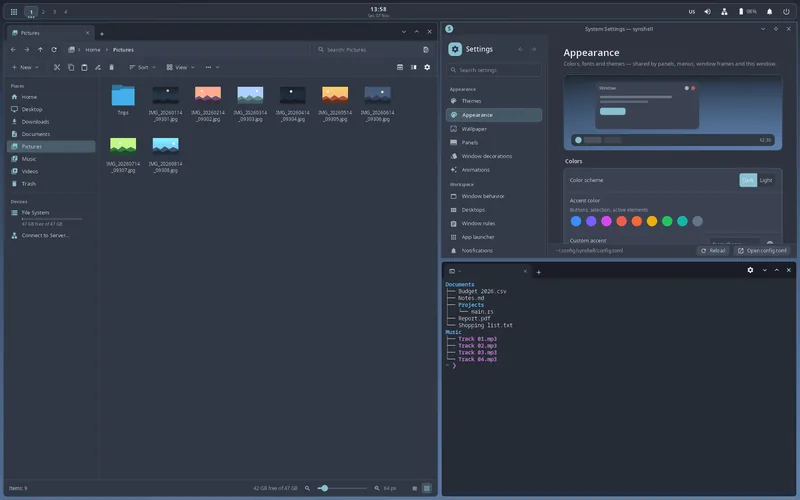
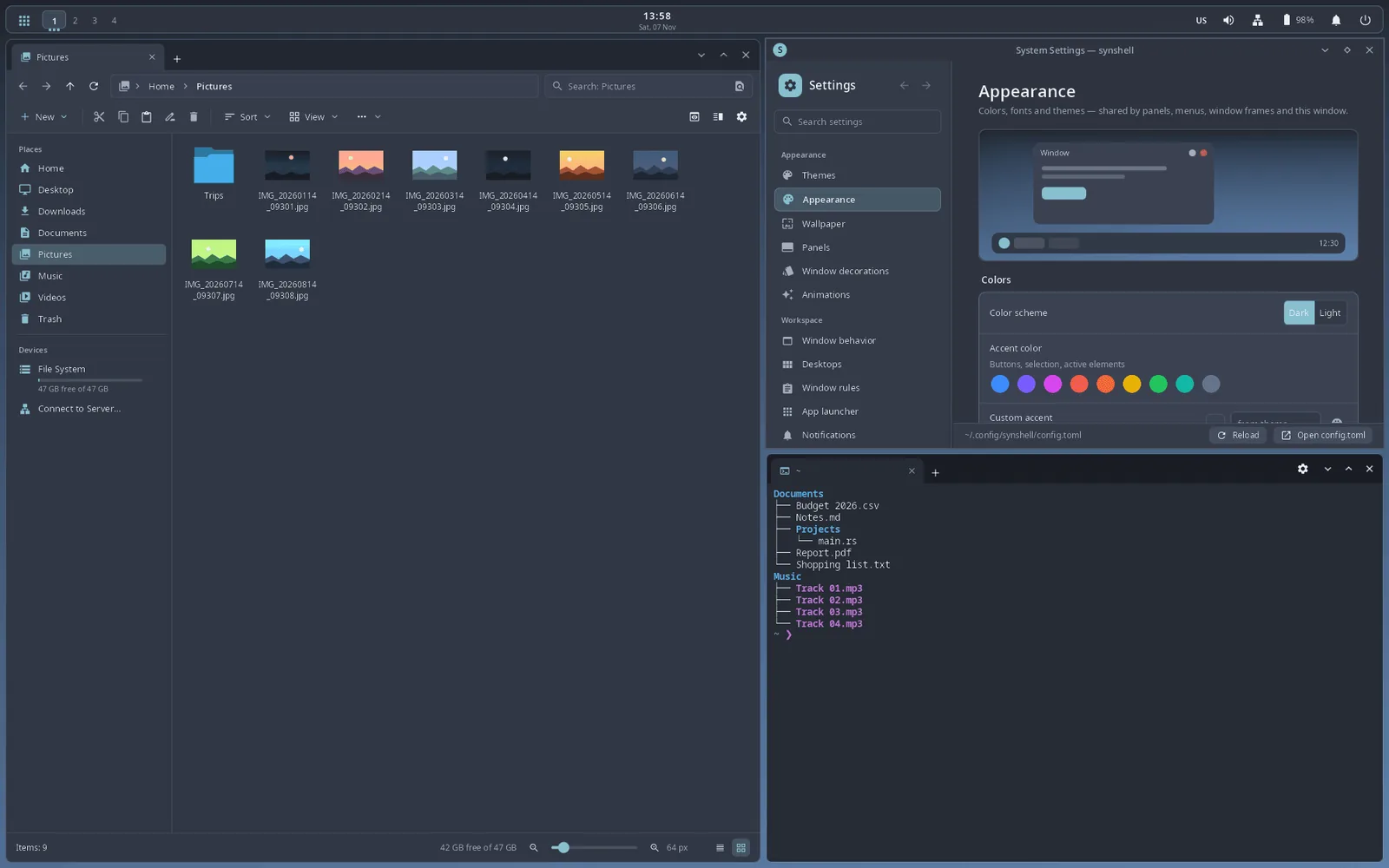
Tile layout: the file manager, System Settings and the terminal - (open full size)
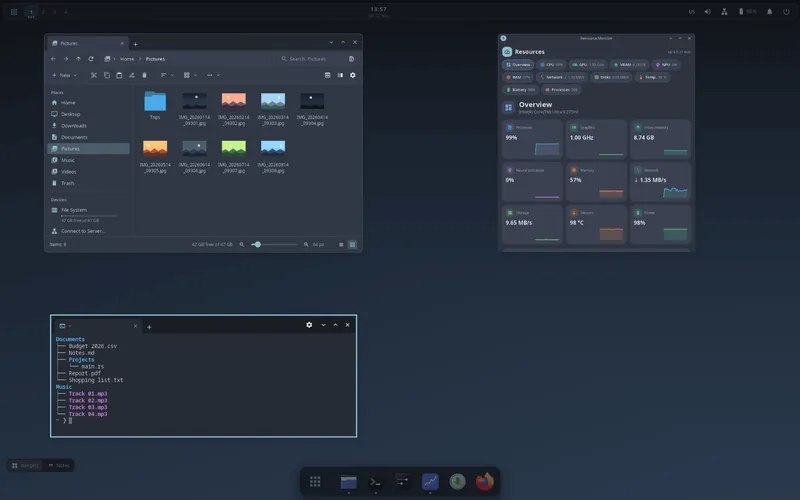
Window overview: all windows of the desktop side by side - (open full size)
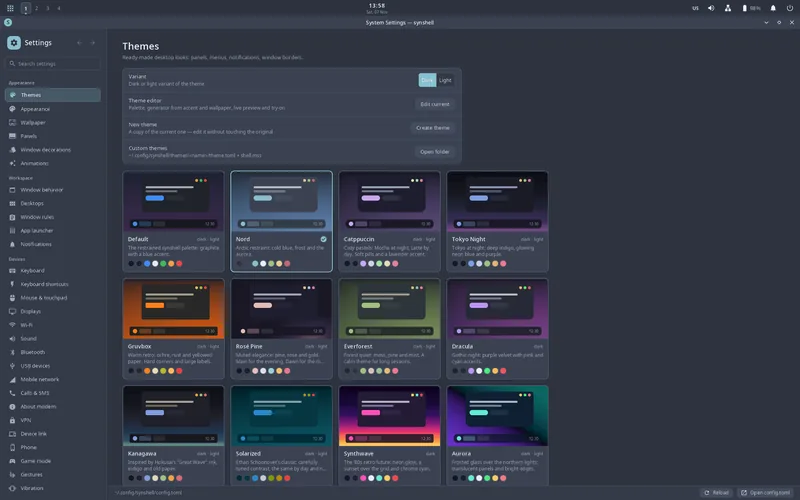
System Settings, Themes page - (open full size)
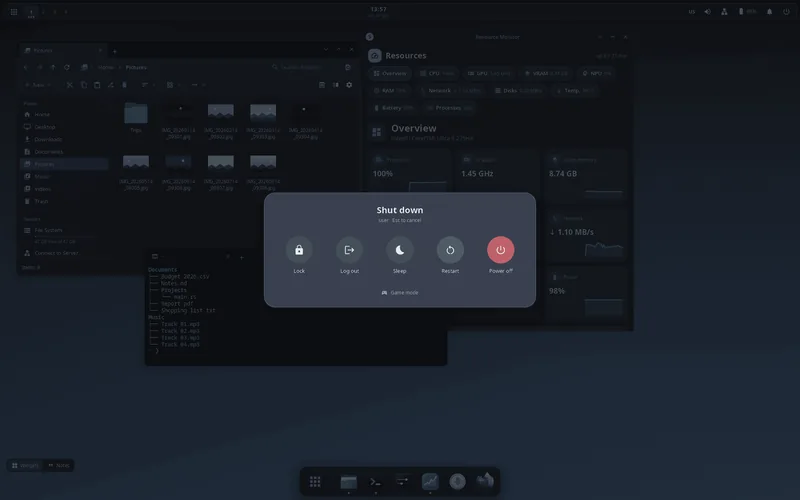
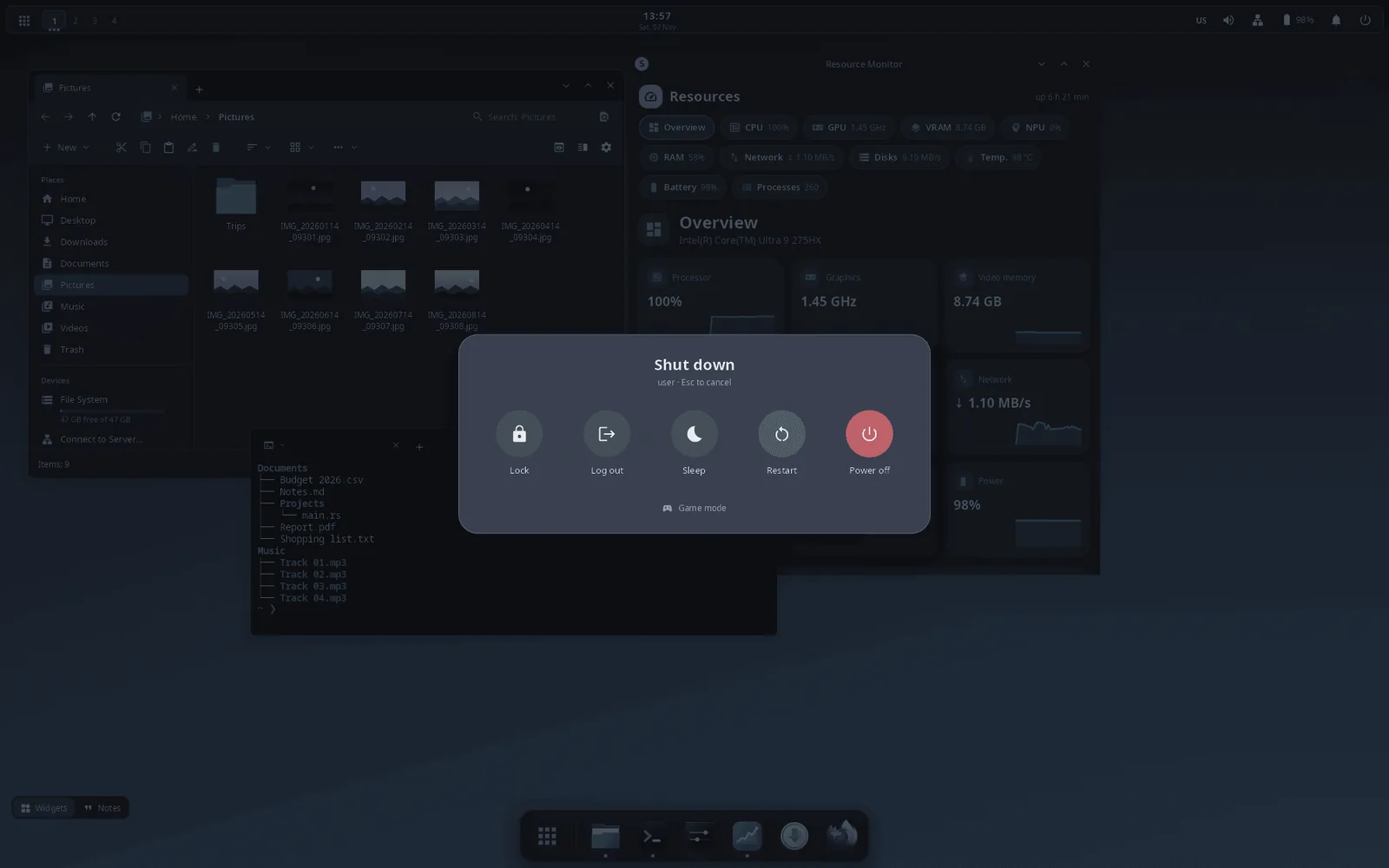
Power menu over a dimmed screen - (open full size)
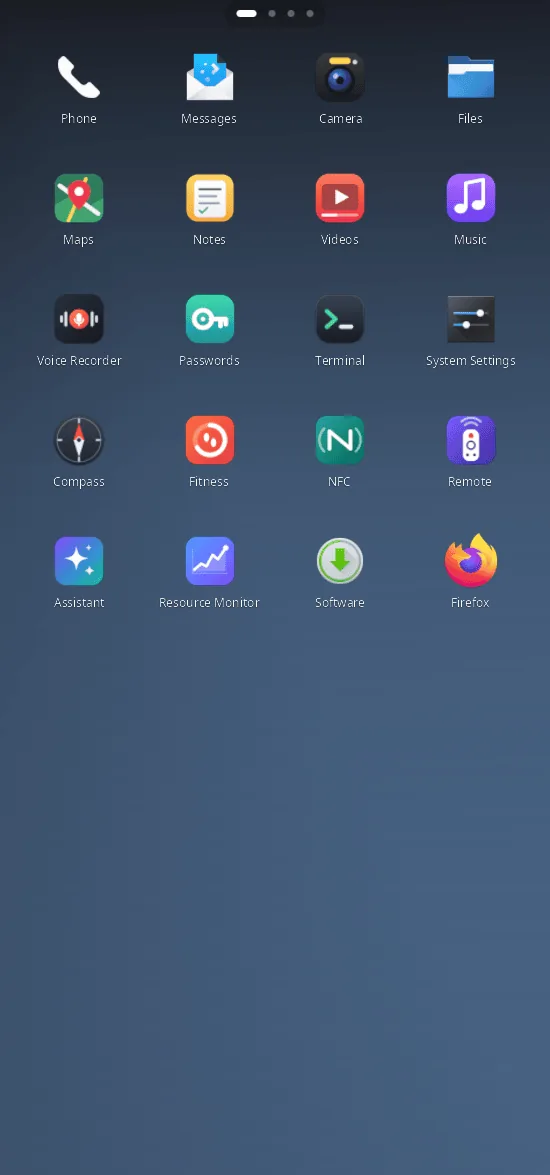
The same synshell on a phone: home screen - (open full size)
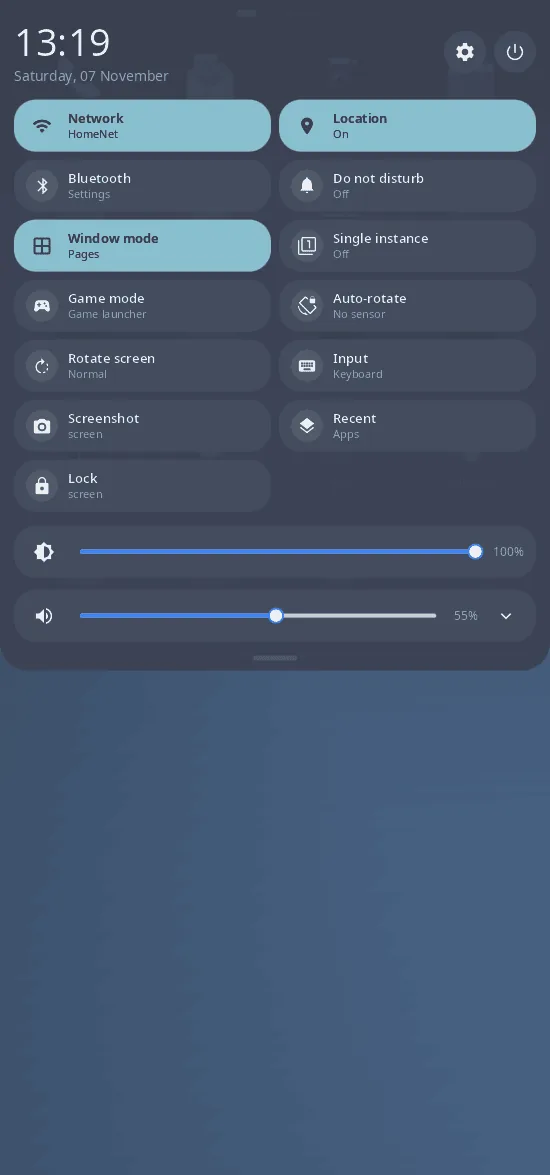
Phone: quick settings shade
Measured, not promised
How it is tested
synshell is my own daily session on the laptop and on the phone, so what is described here is what I run every day. The whole interface — shells, dock, settings, all 31 applications — is drawn with syngui.
Every number here is measured on my own hardware. github.com/VitaminDB/synshell