Features
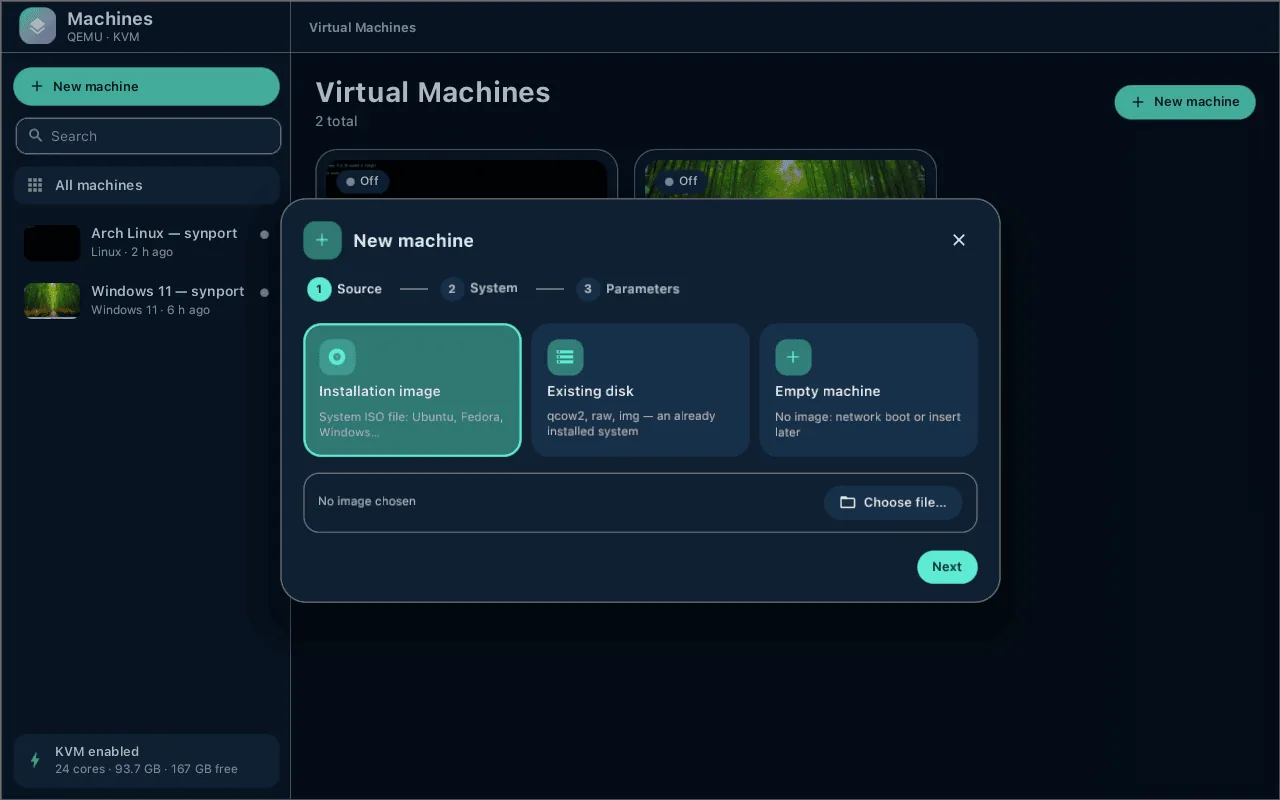
- Wizard — create a machine from an ISO, import an existing disk (qcow2/raw/img, UEFI variables and TPM are copied), or start empty; presets for Linux, Windows 11/10, BSD, Android.
- Windows 11 ready — UEFI + Secure Boot, TPM 2.0 (swtpm), “syn-vm Guest Tools” in one click: its own agent, its own virtio-serial driver and the syn-gpu graphics driver (or virtio-win, as before).
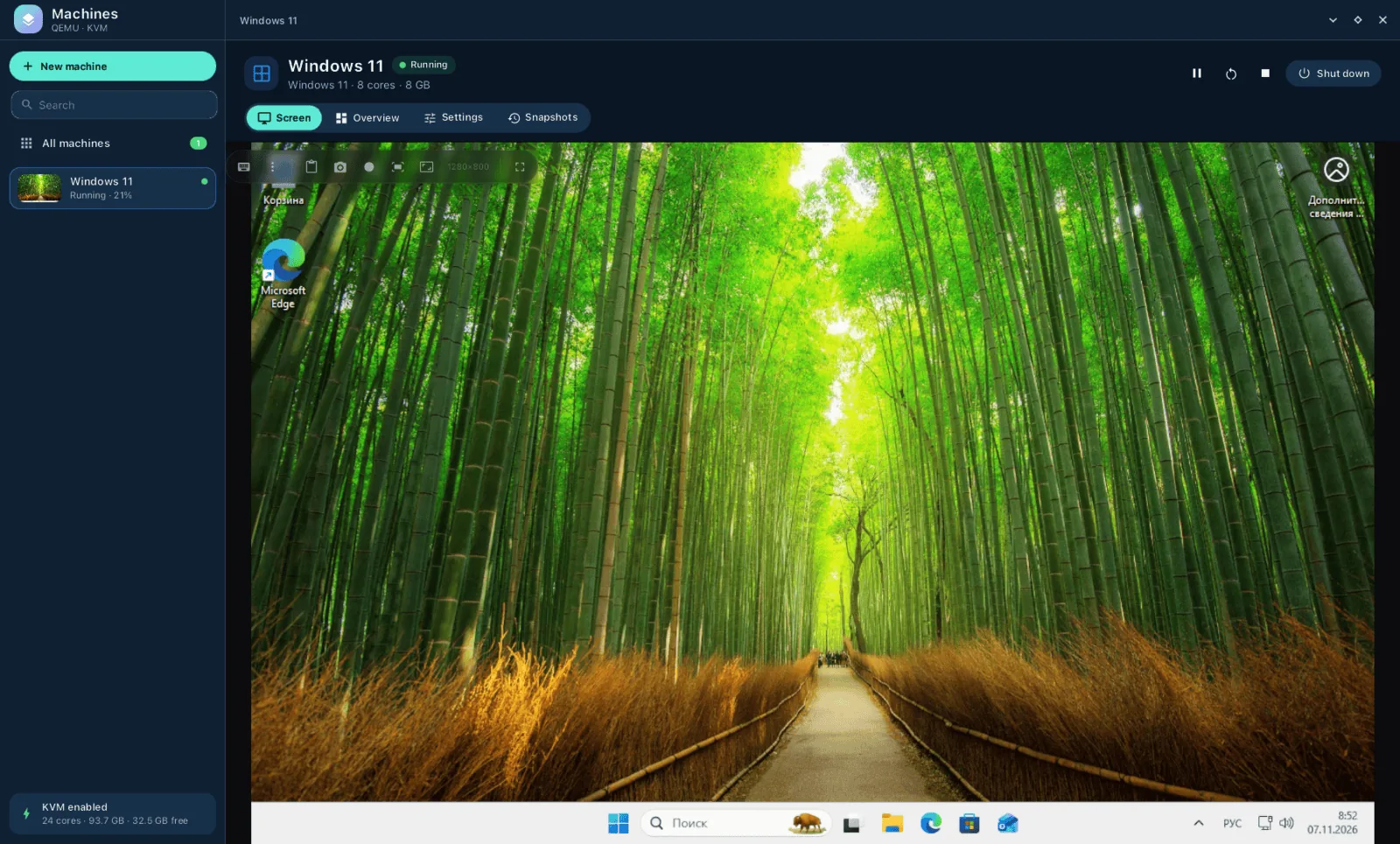
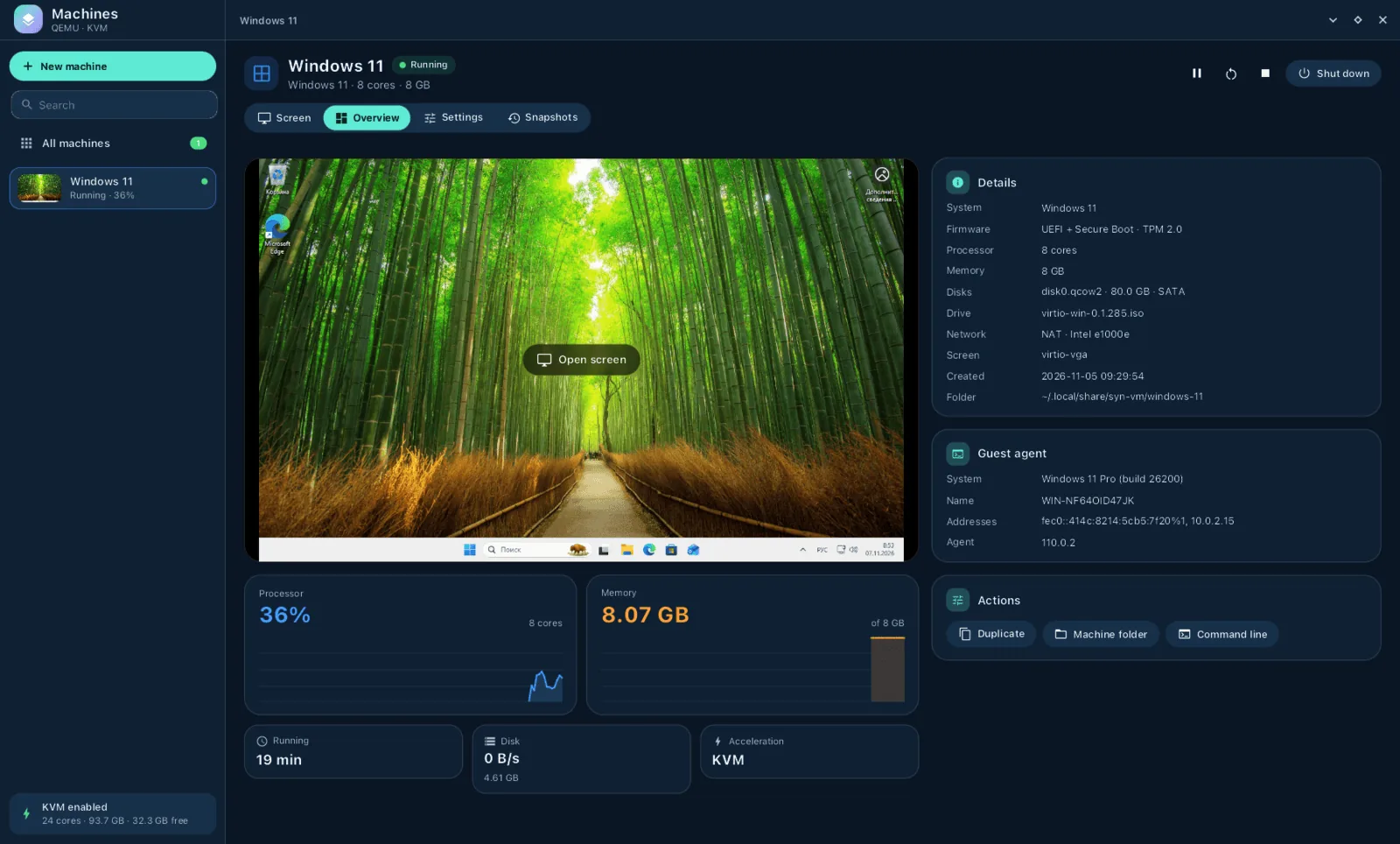
- Built-in display — the guest screen right in the window, input, guest resolution follows the window, two-way clipboard with text and images; live thumbnails in the machine list.
- 3D graphics (syn-gpu) — Vulkan and DirectX (through DXVK) in Windows guests rendered on the host GPU; pick the host graphics card and the guest's video memory in the settings; game frames go straight into the window.
- Snapshots — create, restore and delete; USB devices are replugged after a restore.
- Device passthrough — PCI (VFIO, returned to the host on shutdown), USB by physical port (a phone that goes Android → fastboot → recovery stays with the guest), input devices, whole disks, serial ports, host TPM, PipeWire audio.
- Shared folders — several per machine: virtiofs, 9p or SMB; mapped as Z:, Y:… in Windows and mounted at /mnt/hostshare… in Linux.
- Own guest agent (syn-vm-agent, Windows and Linux) — commands with streamed output and timeouts, including in the logged-in user's session, files and folders verified by SHA-256, clock synced from the host, guest logs on the host (
--agent-log); older machines use qemu-ga. - Screen recording — the guest screen at native resolution with a steady frame rate (NVENC / VAAPI / x264).
- CLI for scripts — everything the window can do, plus screenshots, typing, keys and clicks without a window.
- MCP server — let an AI agent drive your VMs:
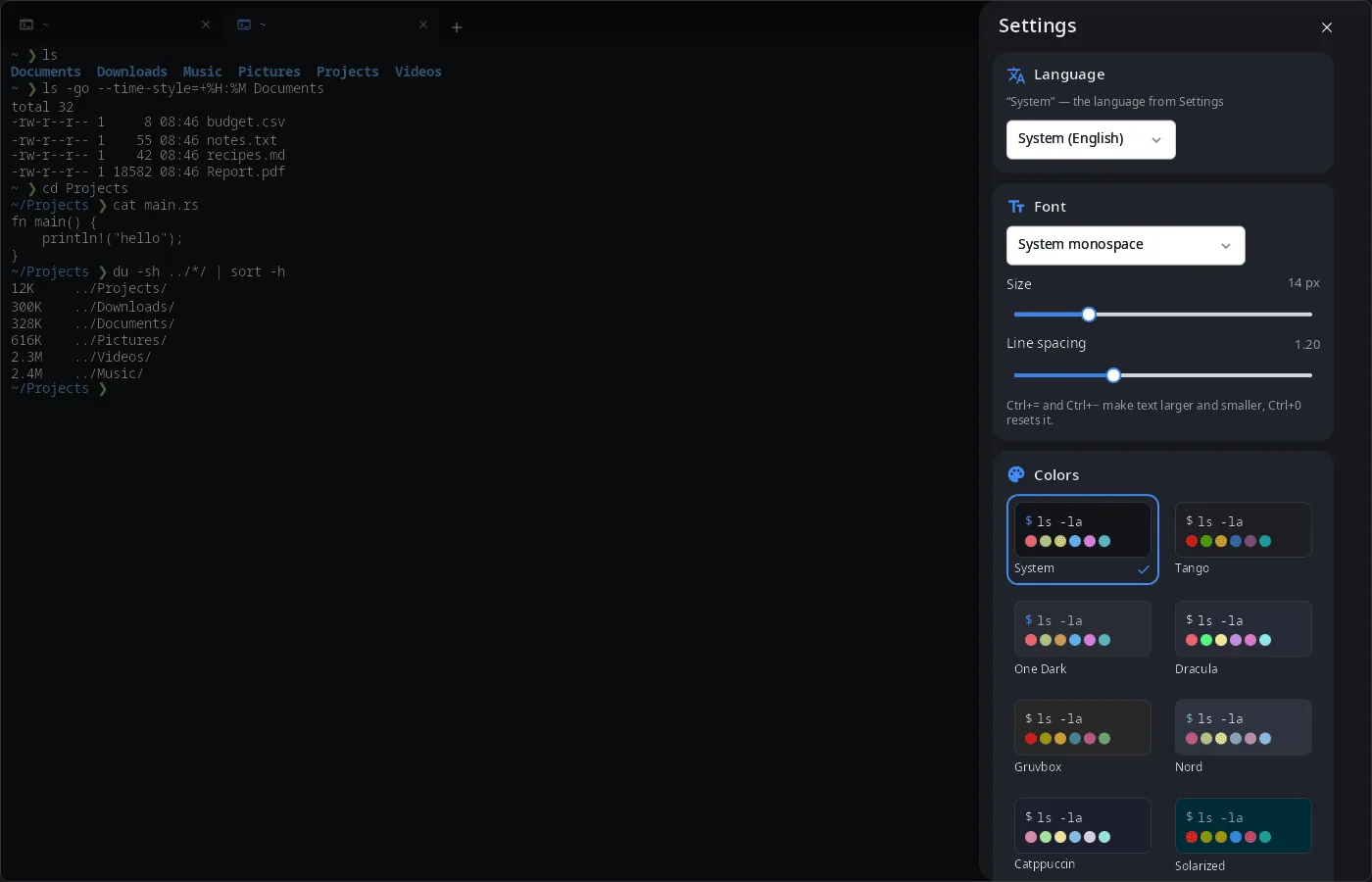
claude mcp add syn-vm -- syn-vm --mcp. - 14 languages — the UI follows the system or the language chosen in the app.
| Overview | Wizard |
|---|---|
 |
 |
| Settings | Snapshots |
|---|---|
 |
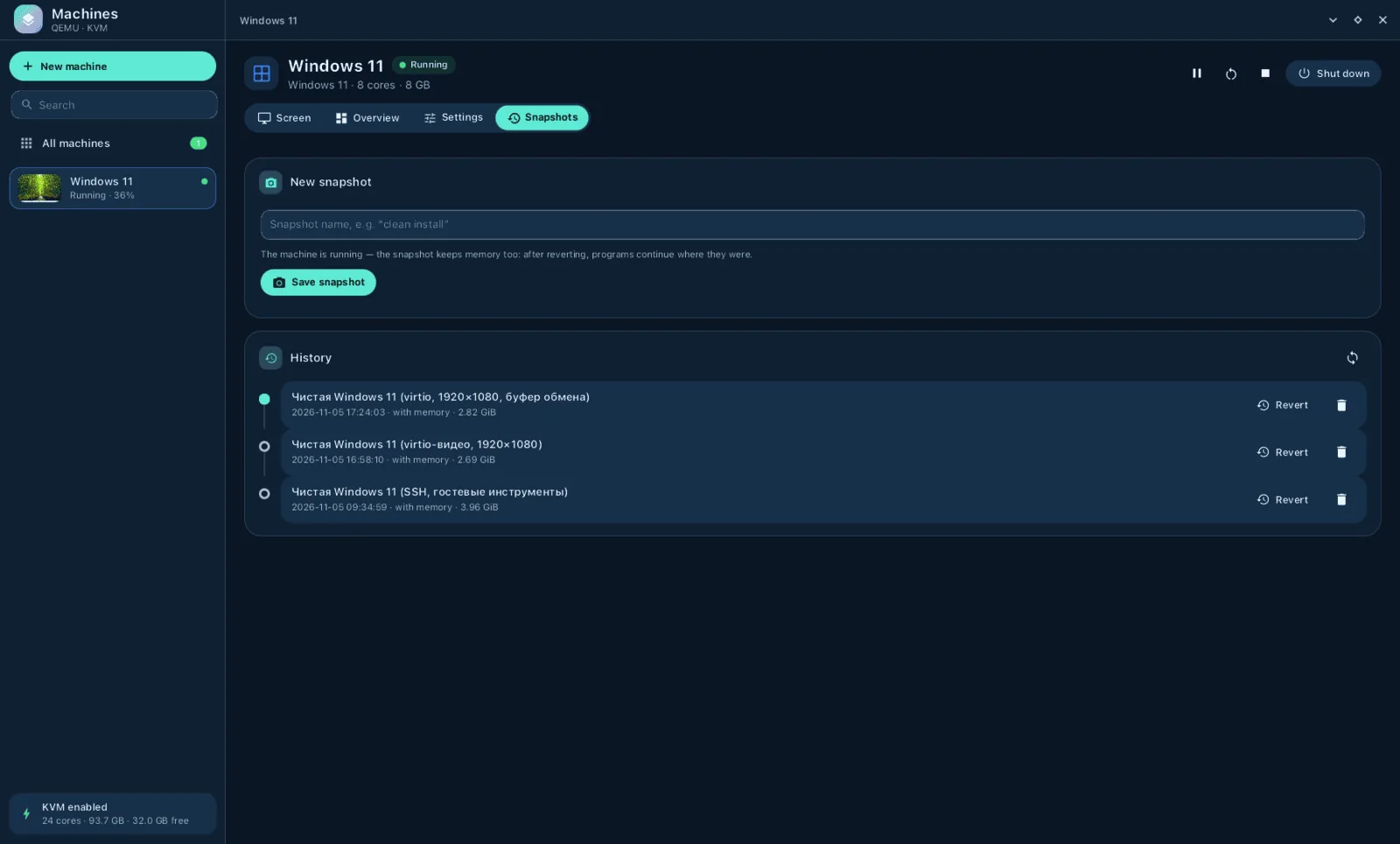 |
Install
Arch Linux (AUR) — x86_64 and aarch64:
yay -S syn-vm-bin      # prebuilt
yay -S syn-vm-git      # built from source
Optional: qemu-desktop (the machines themselves), edk2-ovmf (UEFI), swtpm (TPM for Windows 11), virtiofsd or samba (shared folders), libisoburn (the “syn-vm Guest Tools” disc), virtio-win (optional, virtio-win drivers for Windows).
The whole desktop: yay -S synshell-bin. From source: cargo build --release -p syn-vm in the synshell repository.
Command line
syn-vm --list                                   # machines and their state
syn-vm --new arch --iso archlinux.iso --os linux --memory 8192 --disk-gb 40
syn-vm --start arch --wait-boot                 # start headless, wait for the guest agent
syn-vm --sh arch 'uname -a'                     # run in the guest
syn-vm --push arch ./file.txt /root/file.txt    # copy a file in
syn-vm --exec win11 --user -- notepad.exe       # in the logged-in user's session
syn-vm --agent-log win11 --follow               # guest logs
syn-vm --tools win11 install                    # “syn-vm Guest Tools”
syn-vm --usb arch attach 3-1                    # give USB port 3-1 to the guest, live
syn-vm --snapshot arch create before-update
syn-vm --record arch demo.mp4 --duration 30     # record the guest screen
syn-vm --screendump arch frame.png
syn-vm --help                                   # everything else
Part of synshell
syn-vm is one of the applications of synshell — a Wayland desktop environment in Rust for computers and phones, built on the syngui UI framework.
License
GPL-3.0-only