Features
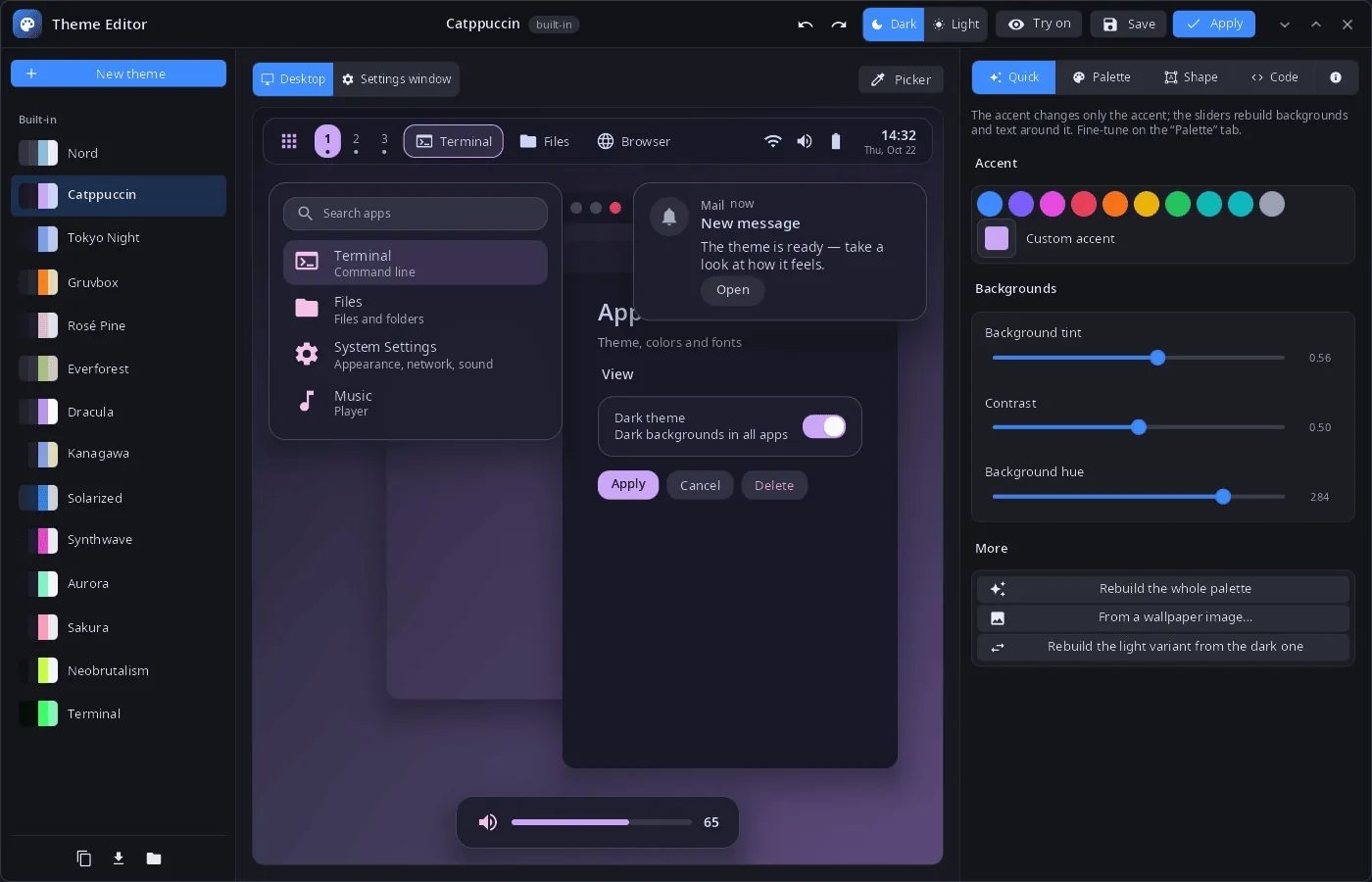
- Themes — 14 built-in themes (Nord, Catppuccin, Tokyo Night, Gruvbox, Rosé Pine, Everforest, Dracula, Kanagawa, Solarized, Synthwave, Aurora, Sakura, Neobrutalism, Terminal) and your own; a new theme from any of them; a changed built-in theme is saved as your copy, “Delete” brings the original back.
- Live preview — a desktop with the panel, launcher, notification and volume indicator, or the System Settings window, drawn with the real styles of the shell and Settings; dark and light variants.
- Try on — while the editor is open, the whole system shows the draft; closing the editor puts the current theme back.
- Quick — accent presets and a custom accent; backgrounds rebuilt from tint, contrast and hue; the whole palette from a wallpaper image; the light variant from the dark one and back.
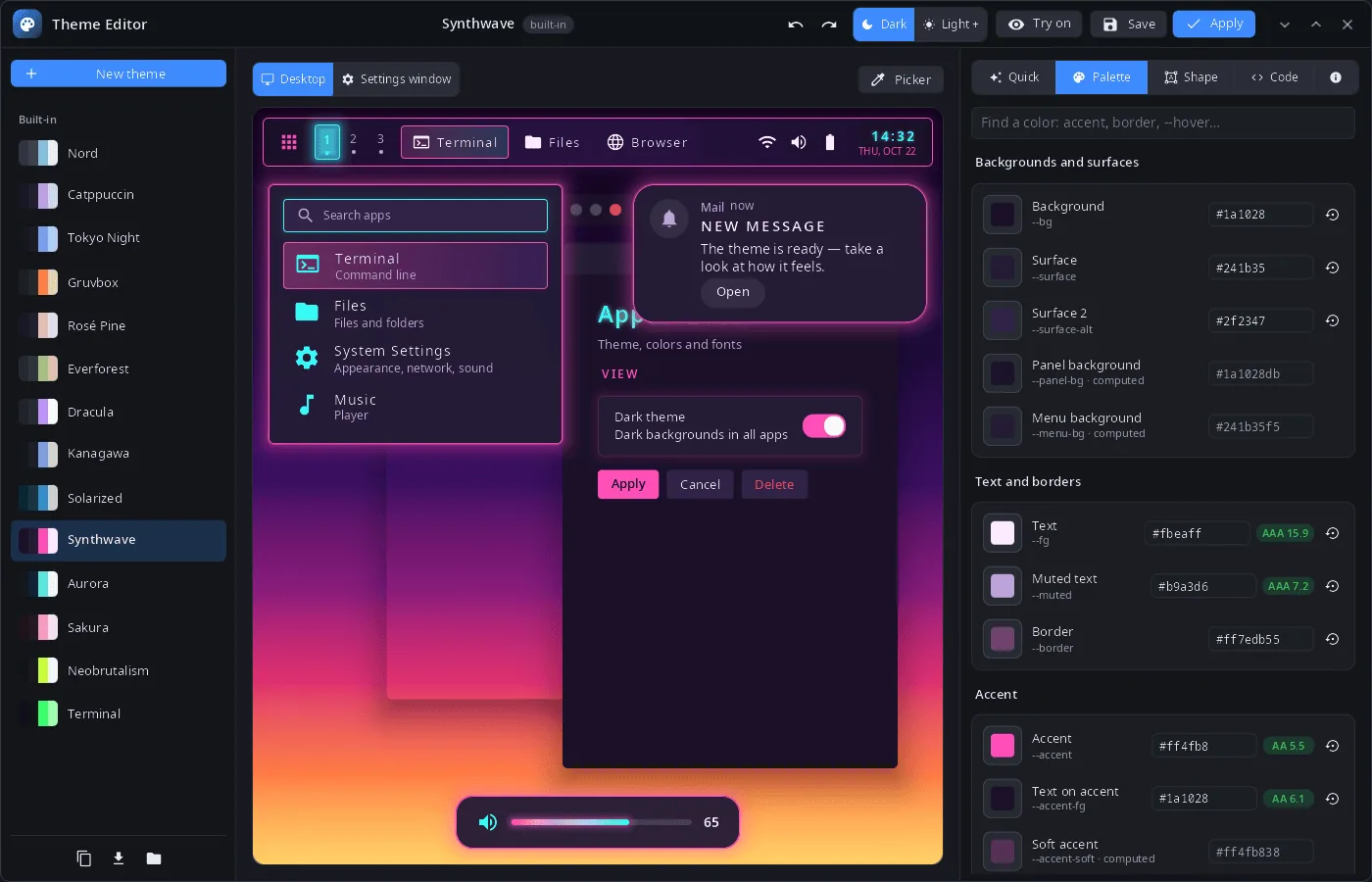
- Palette — every color token with search, contrast against the background (AA/AAA) and reset to default; the picker shows which tokens an element of the preview uses.
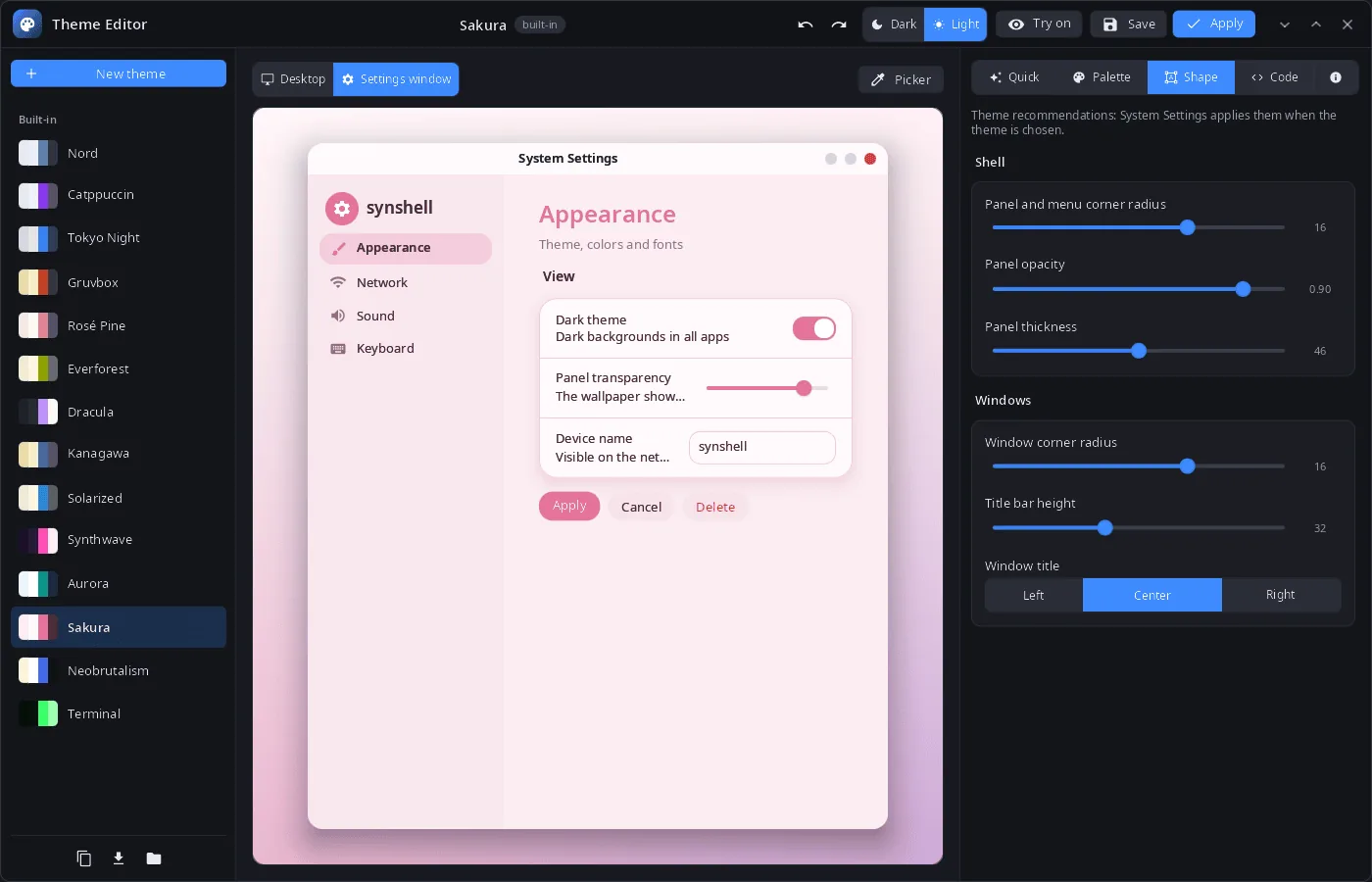
- Shape — corner radius and opacity of panels and menus, panel thickness, window corners, title bar height and title alignment.
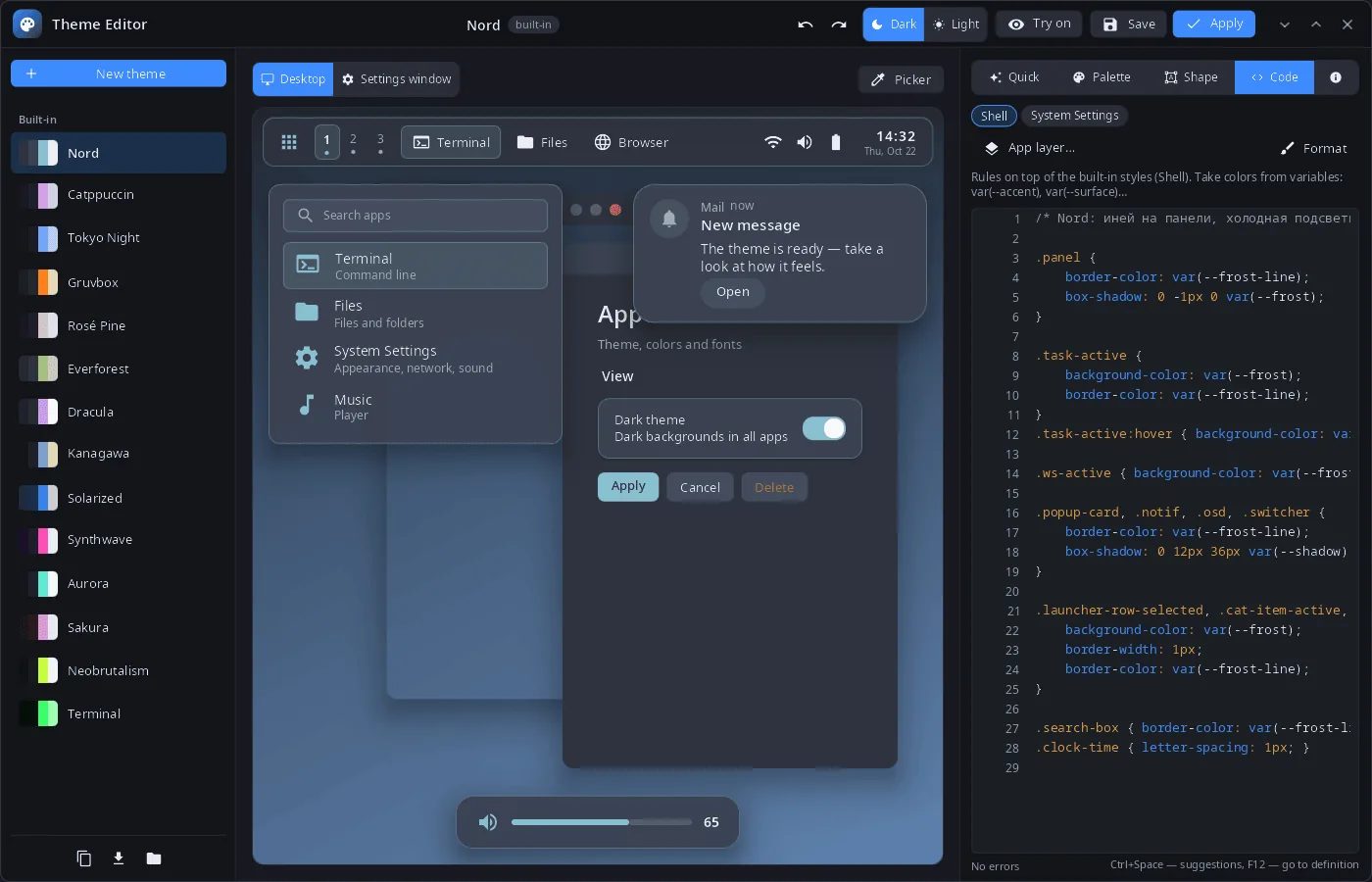
- Code — MSS layers for the shell, System Settings and any app, with completion (Ctrl+Space), go to definition (F12), error checking and formatting.
- Files — export and import of
.syntheme; themes live in~/.config/synshell/themes/<id>/(theme.tomland MSS layers); undo and redo. - 14 languages — the UI follows the language of the system or the one chosen in System Settings.
| Palette | Shape | Code |
|---|---|---|
 |
 |
 |
Install
Arch Linux (AUR) — x86_64 and aarch64:
yay -S syn-themeeditor-bin      # prebuilt
yay -S syn-themeeditor-git      # built from source
Depends on synshell-core. Part of the synshell metapackage: yay -S synshell-bin installs the whole desktop. From source: cargo build --release -p syn-themeeditor in the synshell repository.
Command line
syn-themeeditor                         # the current system theme
syn-themeeditor dracula                 # open a theme by id
syn-themeeditor --new nord              # new theme based on Nord
syn-themeeditor --import my.syntheme    # import a theme file
syn-themeeditor --mss-context ctx.json  # variables, classes and animations for the MSS language server
syn-themeeditor nord --screenshot shot.png --size 1400x900 --mode palette --scene settings --light
                                        # window snapshot (modes: quick, palette, shape, code, about)
Part of synshell
syn-themeeditor is one of the applications of synshell — a Wayland desktop environment in Rust for computers and phones, built on the syngui UI framework.
License
GPL-3.0-only