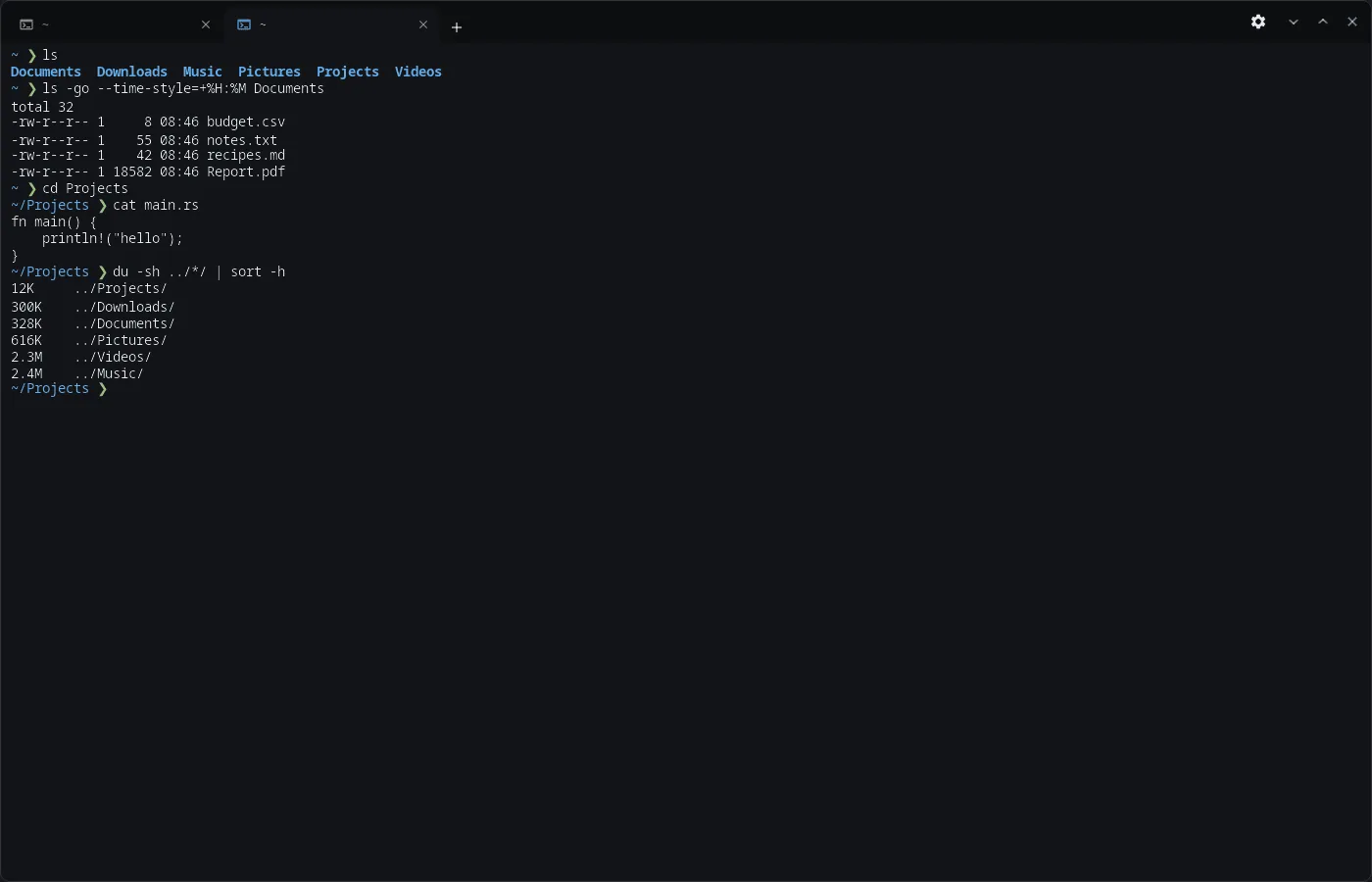
Features
- Tabs in the title bar — the tab title follows the current folder; Ctrl+Shift+T new tab (in the folder of the current one, if enabled), Ctrl+Shift+W close, Ctrl+Tab and Ctrl+PageUp/PageDown switch, Ctrl+1…9 by number, Ctrl+Shift+PageUp/PageDown move the tab; Ctrl+Shift+N new window, Ctrl+, settings.
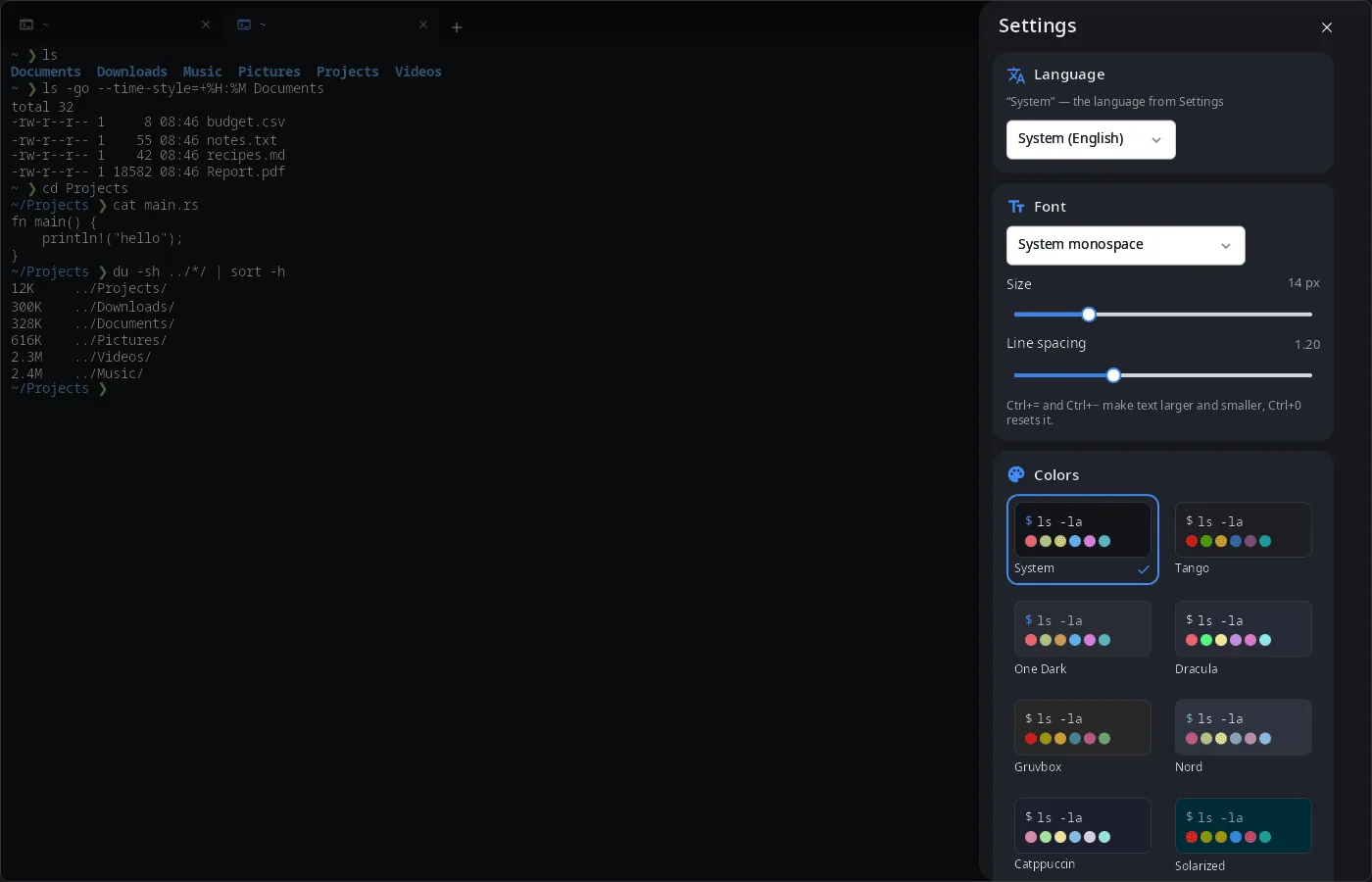
- Color schemes — “System” (built from the synshell palette and accent, follows the theme), Tango, One Dark, Dracula, Gruvbox, Nord, Catppuccin, Solarized, Solarized Light, GitHub Light.
- Font — any monospace font, size and line spacing; Ctrl+= and Ctrl+− make text larger and smaller, Ctrl+0 resets.
- Background opacity from 50 to 100 %.
- Shell and history — the shell of new tabs (
$SHELLby default), the number of scrollback lines. - Close confirmation when a program is still running in a tab or window.
- Copy and paste — Ctrl+Shift+C / Ctrl+Shift+V.
- Live theme — the window follows
config.tomland theme changes without a restart. - Phone — tabs under the compositor frame and a row of extra keys at the bottom.
- 14 languages — the UI follows the system or the language chosen in the terminal settings.
| Settings |
|---|
 |
Install
Arch Linux (AUR) — x86_64 and aarch64. syn-terminal is part of synshell-core, the base set of desktop programs (compositor, shell, settings, file manager, terminal, software center, screenshots):
yay -S synshell-core-bin      # prebuilt
yay -S synshell-core-git      # built from source
Settings are stored in ~/.config/synshell/terminal.toml.
The whole desktop: yay -S synshell-bin. From source: cargo build --release -p syn-terminal in the synshell repository.
Command line
syn-terminal                                  # shell in the current folder
syn-terminal --working-directory ~/Projects   # start in a folder (also -d, -w)
syn-terminal -e htop                          # run a command (also -x, --)
syn-terminal -e 'make && ./run'               # one string with spaces runs through sh -c
--title, --class, --app-id are accepted for compatibility with other terminals.
Part of synshell
syn-terminal is one of the applications of synshell — a Wayland desktop environment in Rust for computers and phones, built on the syngui UI framework.
License
GPL-3.0-only