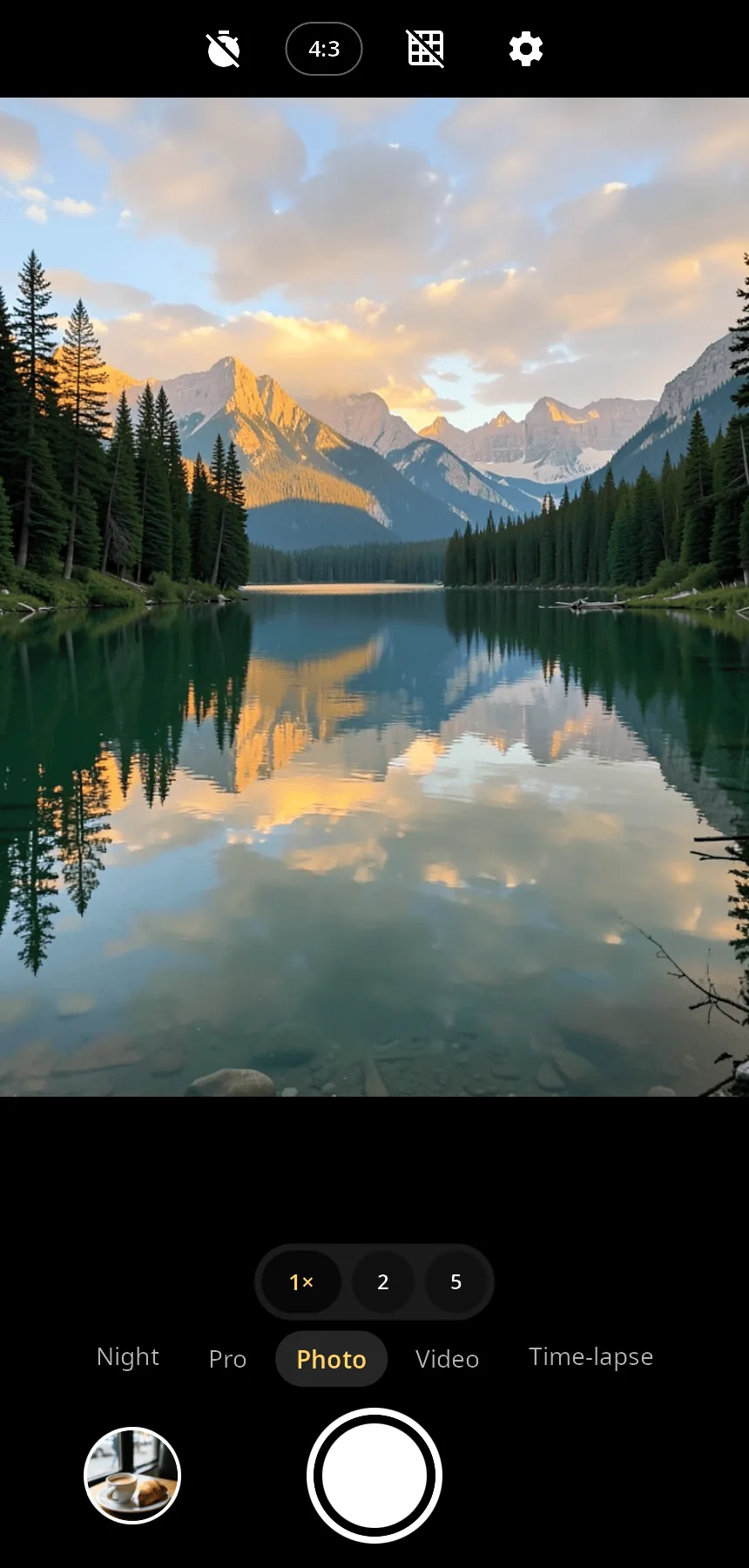
Features
- Photo — flash, 3 s / 10 s timer, rule-of-thirds grid, 4:3, 16:9 or 1:1; above 12 MP — full sensor resolution (the shot takes up to 15 seconds).
- Night — a burst of full-size frames is aligned and merged (moving objects do not double), with a tone curve for dark scenes; the app suggests Night when it is dark.
- Pro — ISO, shutter speed, focus distance, white balance (auto, daylight, cloudy, fluorescent, tungsten) and exposure compensation.
- Video — 720p, 1080p or 4K, H.264 or HEVC through the phone's hardware encoder, microphone sound, stabilization, pause, a photo while recording, torch.
- Time-lapse — every N-th frame, adjustable speed-up, no sound.
- Zoom and focus — pinch or buttons (switches to the ultra-wide lens), tap to focus and meter, long press locks AE/AF, exposure slider; front/back camera and the list of back lenses (main, ultra-wide, macro; a faulty module is shown as unavailable).
- QR codes — in Photo mode a found code appears as a hint with “Copy” (and “Open” for links);
--scan-qrreturns the first code to the caller (Settings uses it for eSIM activation codes). - Viewer — photos with pinch zoom, videos with playback, swipe between shots, details, open in another app, delete.
- Settings — camera at startup, full screen, storage folders (by default XDG “Pictures” and “Videos”), shutter sound, language.
- 14 languages — follows the system or the language chosen in the app.
| Video | Settings | Viewer |
|---|---|---|
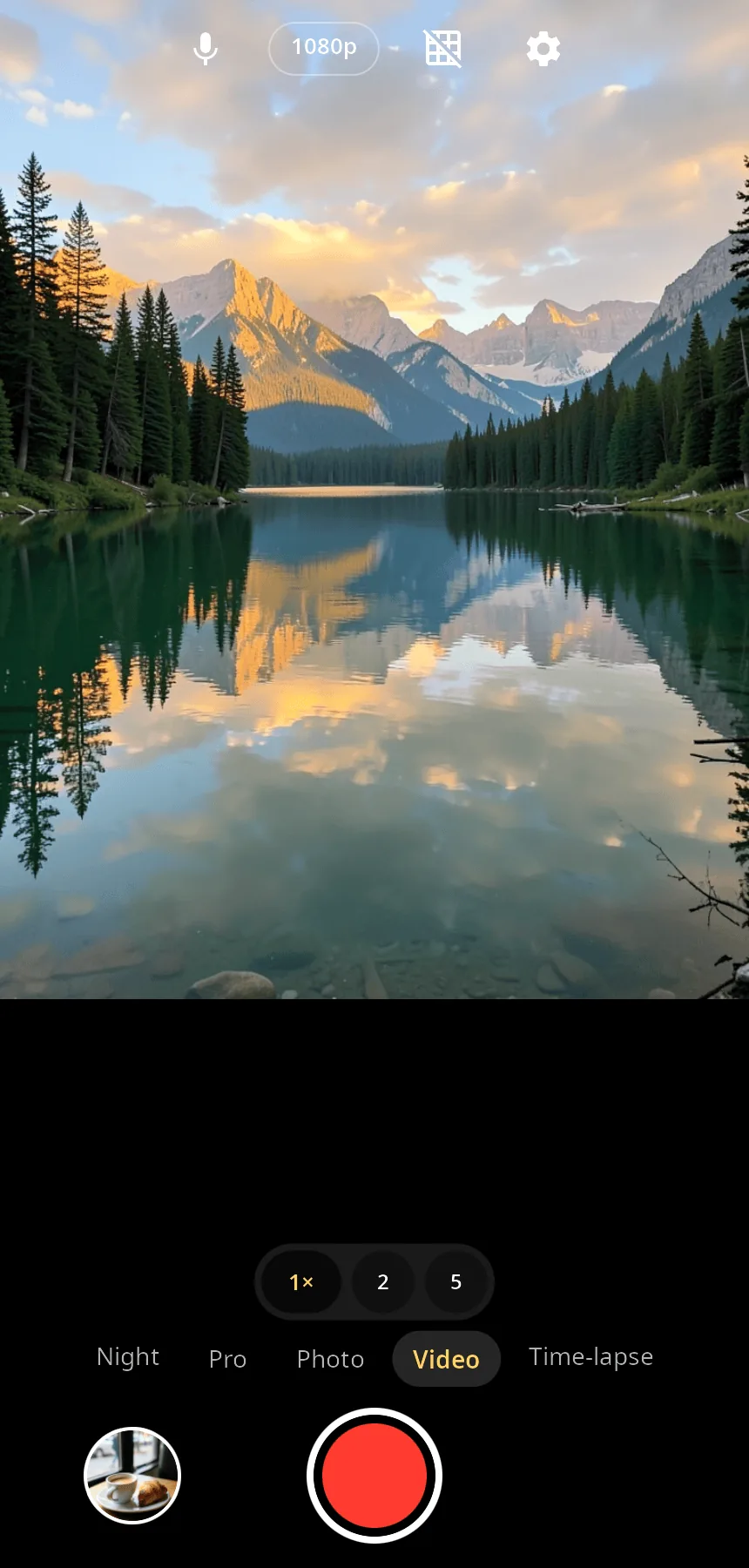 |
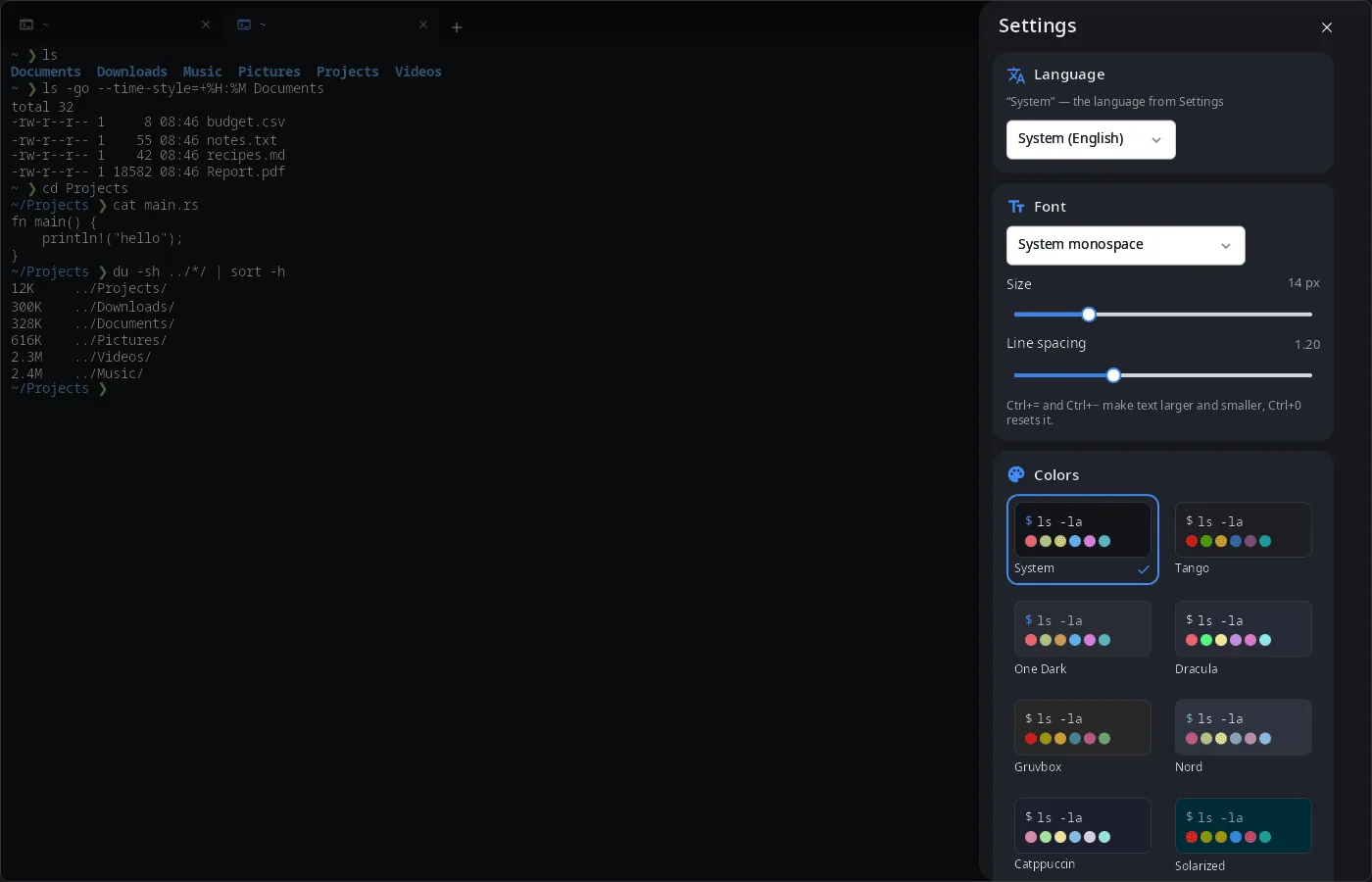 |
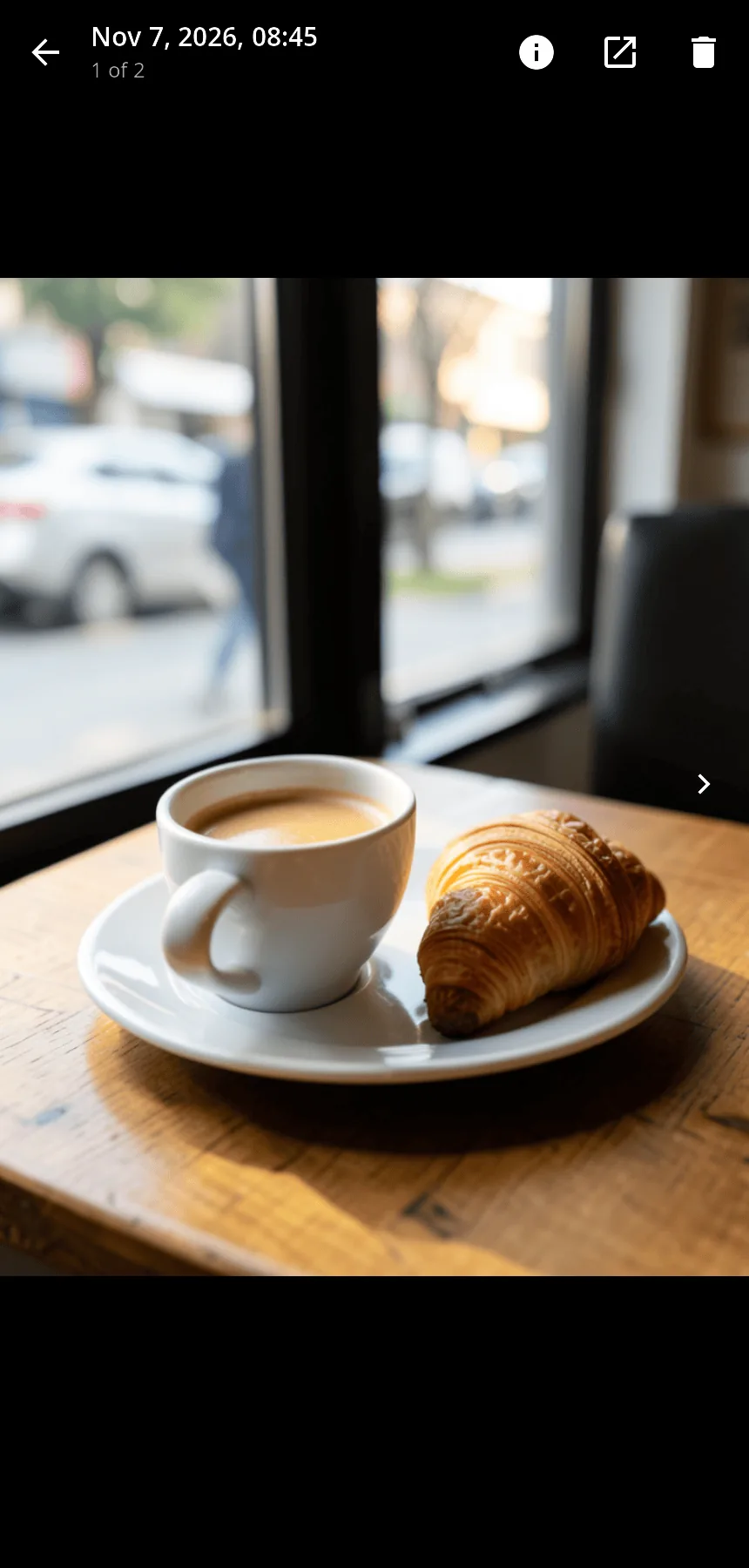 |
The preview and the photos in the screenshots are generated pictures shown through the --screenshot mode, not frames from a real camera.
Requirements
Three kinds of cameras share one interface:
syncamd, the camera service of the synshell phone platform (socket/run/syncam/syncam.sock, frames as dma-buf, full-size stills and HAL controls);- a raw Bayer sensor on a mainline kernel (Qualcomm camss and similar): the pipeline is found in the media graph (
/dev/media*) and enabled automatically, frames go through a software ISP — black level, demosaic, white balance, gamma, auto exposure via sensor controls, contrast autofocus via the lens motor, digital zoom; a still is a stream frame; - a V4L2 webcam (desktop).
Without any camera the app opens and says so.
Install
Arch Linux (AUR) — x86_64 and aarch64:
yay -S syncamera-bin      # prebuilt
yay -S syncamera-git      # built from source
Depends on synshell-core. syncamera is also part of the synshell meta-package: yay -S synshell-bin. From source: cargo build --release -p syn-camera in the synshell repository.
Command line
syncamera                                   # the app
syncamera --scan-qr LPA:                    # print the first QR code starting with “LPA:” and exit
syncamera --screenshot out.png --preview frame.png --mode video   # window snapshot without a camera
syncamera --screenshot out.png --settings   # … with the settings sheet (or --viewer: the first shot)
Part of synshell
syncamera is one of the applications of synshell — a Wayland desktop environment in Rust for computers and phones, built on the syngui UI framework.
License
GPL-3.0-only