Features
- Edits
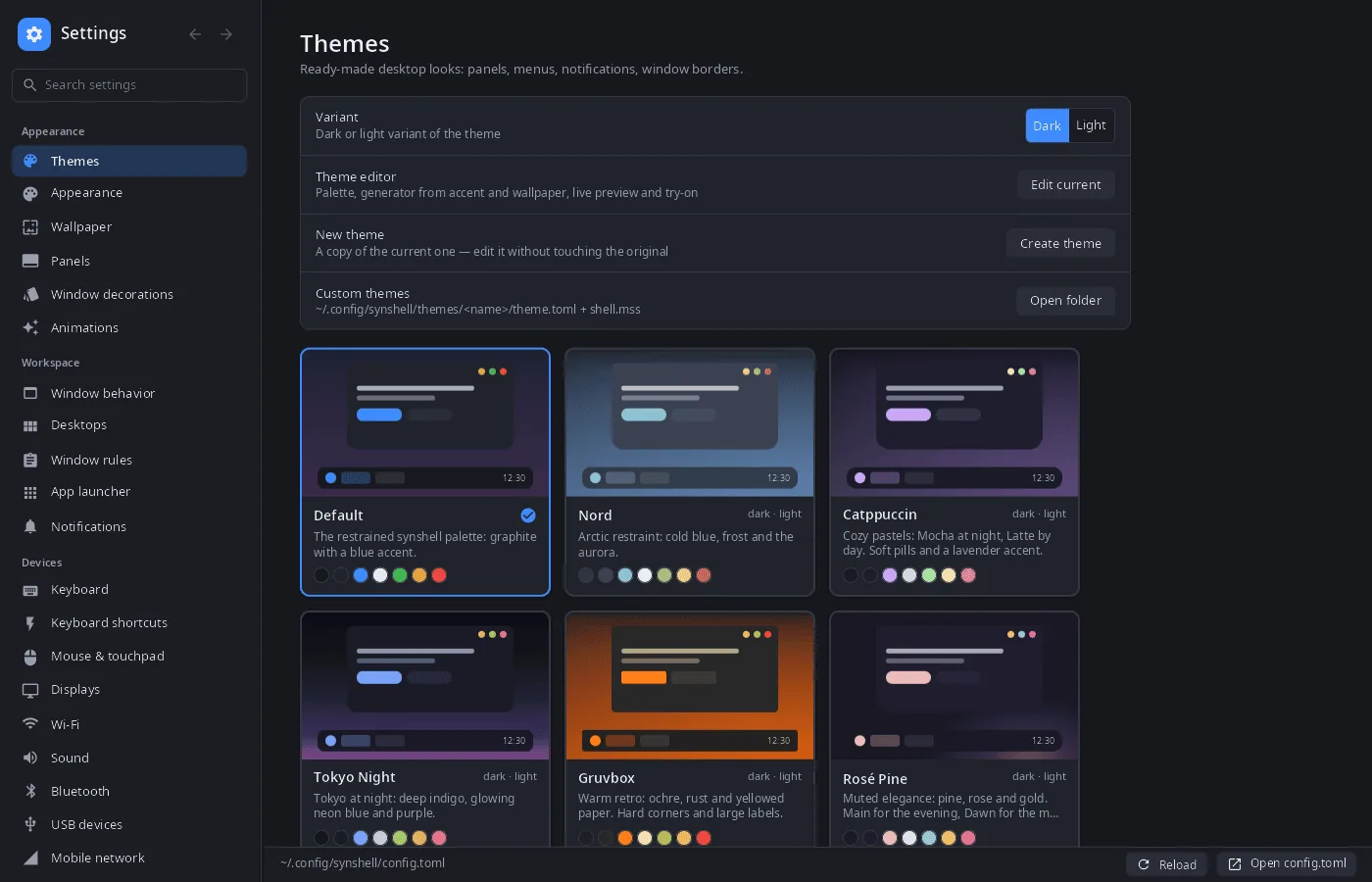
config.tomlin place — only the changed keys are rewritten (comments and order stay), the compositor and shell pick up the file on their own; an external edit is re-read in the window. - Themes — a gallery of built-in and custom themes with live previews, dark and light variants, “Edit current” and “Create theme” open the theme editor.
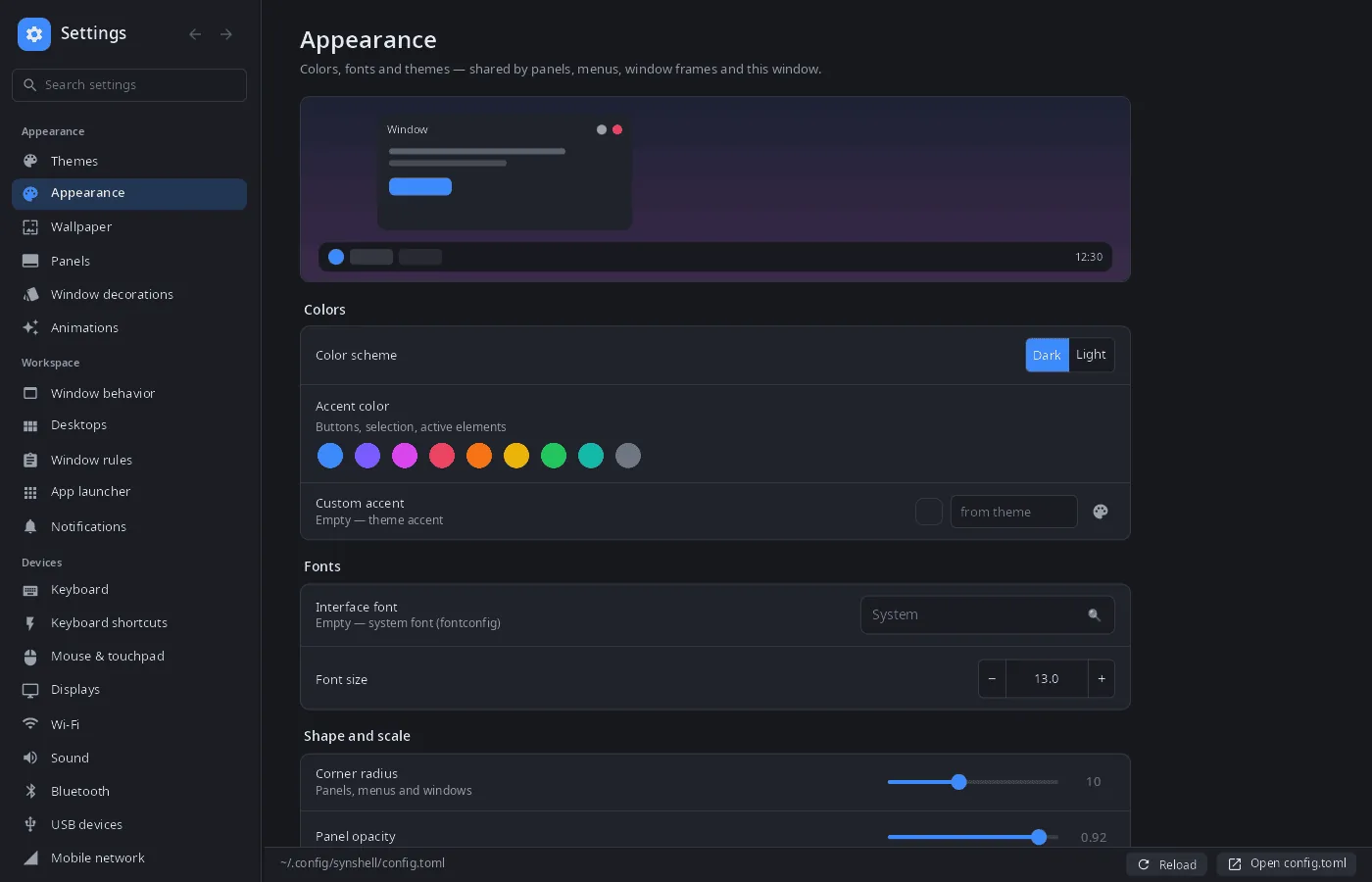
- Appearance — color scheme, accent color, interface font and size, corner radius, panel opacity, window decorations, animations.
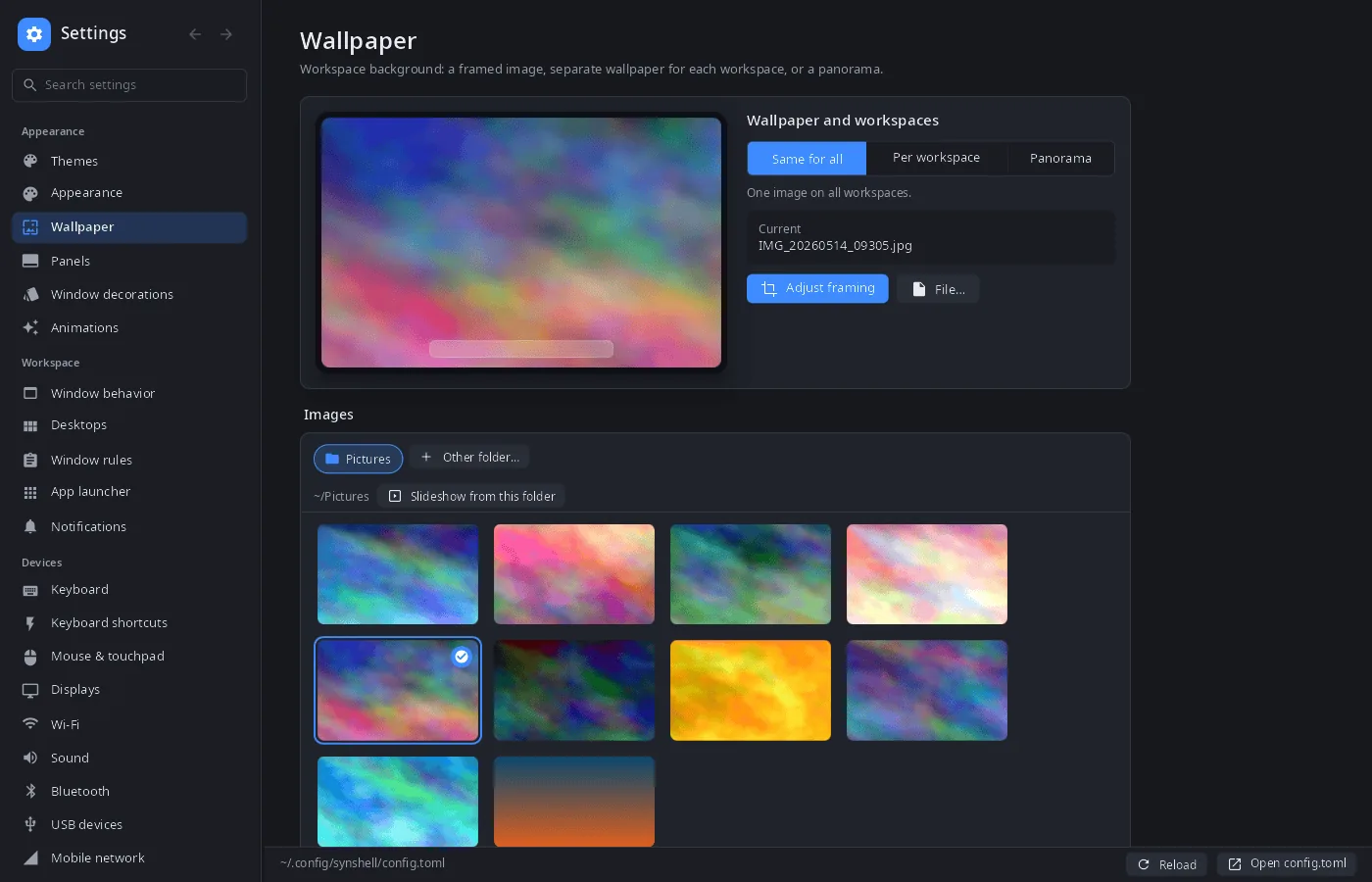
- Wallpaper — one image for all workspaces, a separate one per workspace, or a panorama across them; a gallery of the Pictures folder with thumbnails, a framing editor (drag and zoom with mouse, wheel or fingers), slideshow from a folder, gradient colors.
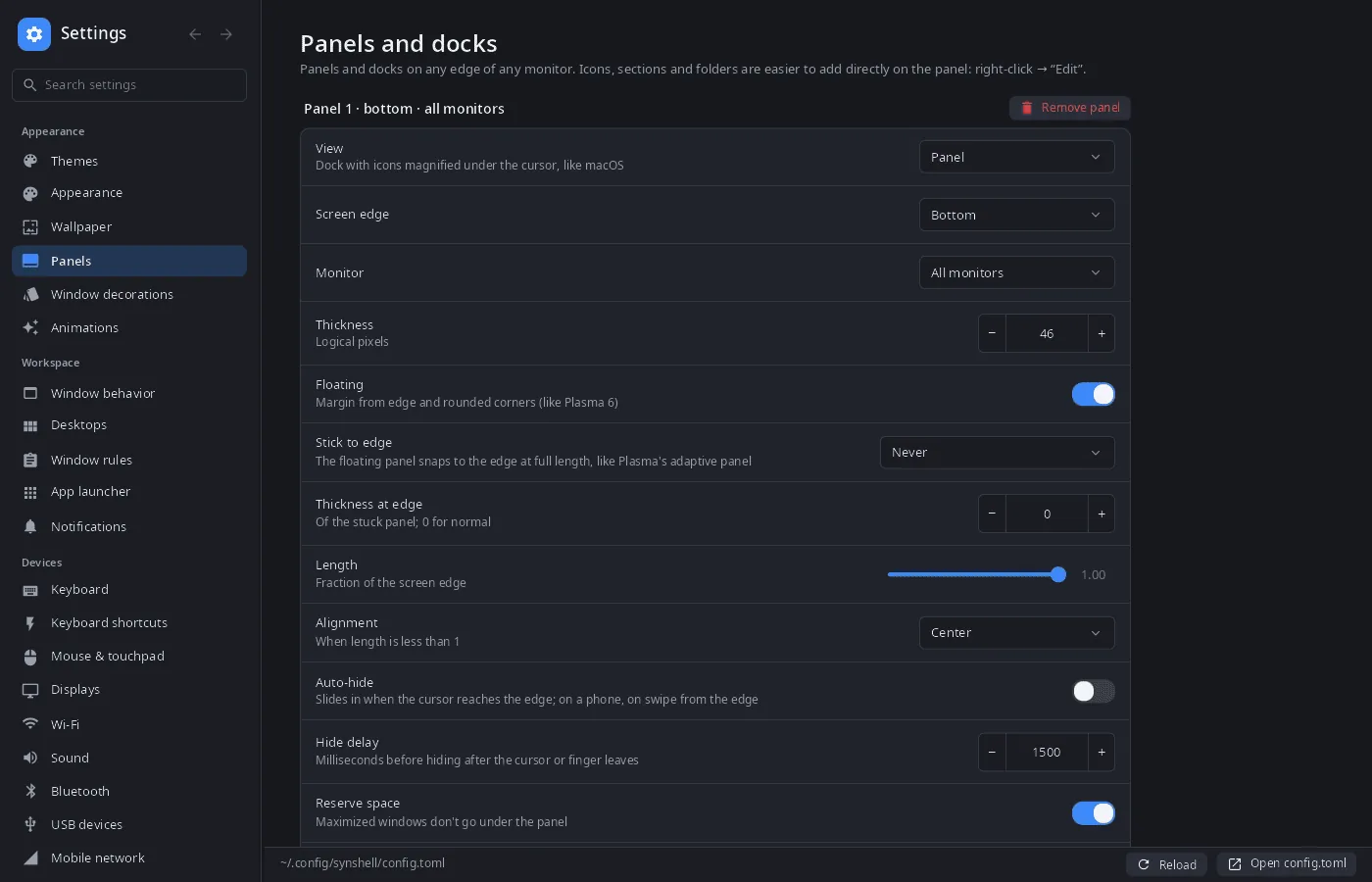
- Panels and docks — any edge of any monitor, floating or stuck to the edge, auto-hide, length, alignment, reserved space.
- Workspace — window behavior, workspaces and their default layout, window rules, launcher, notifications.
- Devices — keyboard and layouts, shortcuts, mouse and touchpad, monitors (scale, HDR), Wi-Fi, Bluetooth, sound (outputs, inputs and per-app volume), USB devices, VPN (NetworkManager, WireGuard with key generation), device link (synlink), game mode, hardware overview with live sensors.
- Phone — mobile network, calls and SMS, modem info, gestures, vibration.
- System — power and CPU governors, power alerts (low and critical battery, clean shutdown near 0 %, idle-sleep warning, unexpected power-off report, linked devices going to sleep or off), neural networks and the assistant, location and camera permissions, language, date and time, lock and idle, autostart, default applications (written to
mimeapps.list), session, “About”. - Search across all pages, in the interface language and in Russian.
- Phone layout — on a narrow screen the page list and the page open one at a time.
- 14 languages — the UI follows the system or the language chosen in settings.
| Appearance | Wallpaper | Panels |
|---|---|---|
 |
 |
 |
Install
Arch Linux (AUR) — x86_64 and aarch64. synsettings is part of synshell-core, the base set of desktop programs (compositor, shell, settings, file manager, terminal, software center, screenshots):
yay -S synshell-core-bin      # prebuilt
yay -S synshell-core-git      # built from source
Optional: networkmanager or iwd (Wi-Fi; VPN needs NetworkManager), bluez (Bluetooth), wireplumber (sound).
The whole desktop: yay -S synshell-bin. From source: cargo build --release -p syn-settings in the synshell repository.
Command line
synsettings                       # open on “Appearance”
synsettings wifi                  # open a page (same as --page wifi)
synsettings --list-pages          # page ids and titles
synsettings --list-themes         # installed themes
synsettings --apply-theme nord    # apply a theme like the “Themes” page does, then exit
synsettings --config ./test.toml  # edit another config file
synsettings --screenshot out.png --page themes --size 1400x900   # render a page to PNG without a window
Part of synshell
synsettings is one of the applications of synshell — a Wayland desktop environment in Rust for computers and phones, built on the syngui UI framework.
License
GPL-3.0-only