Features
- Encryption — the vault is one file (
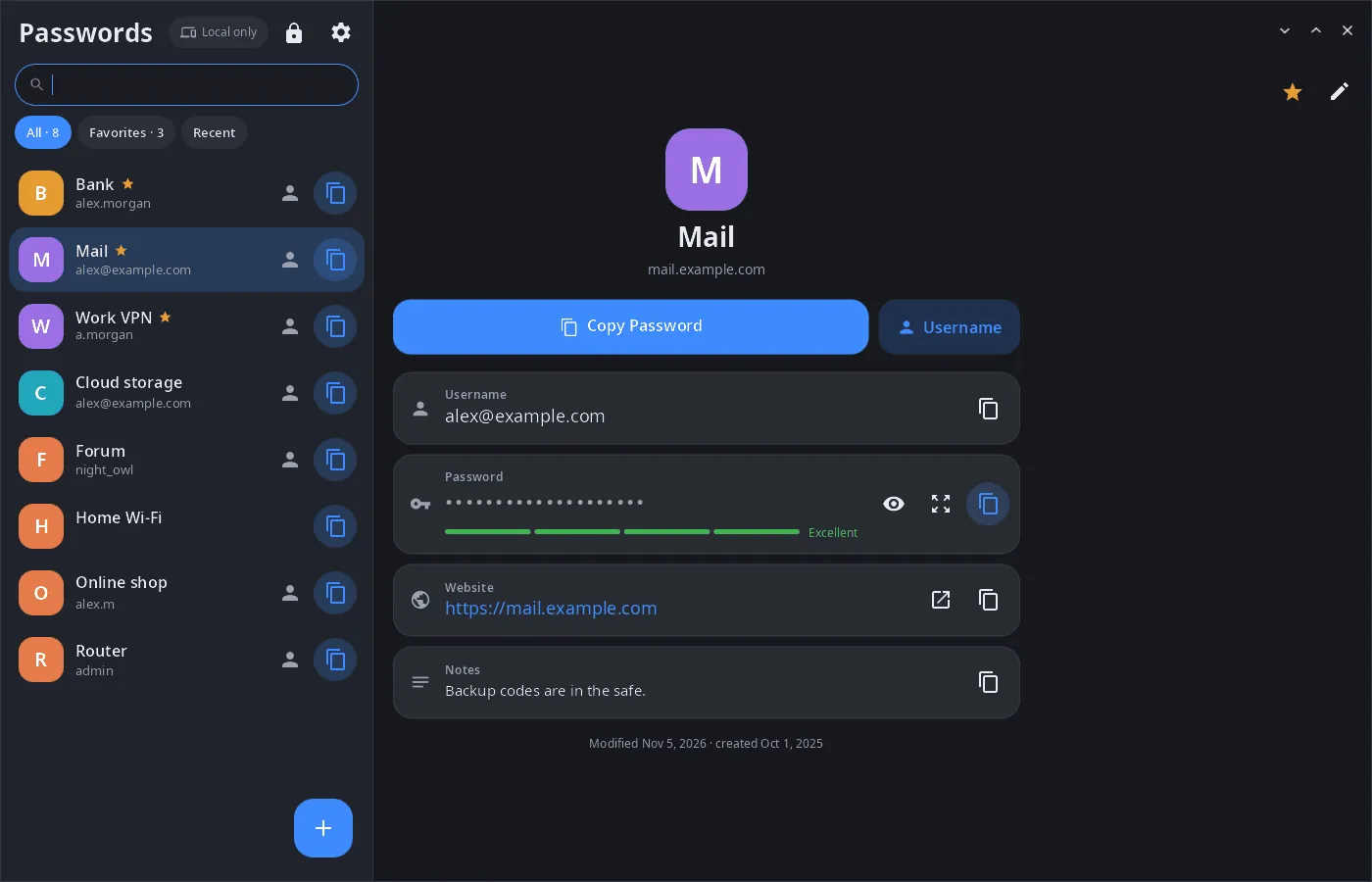
~/.local/share/synpass/vault.json): the key is derived from the master password with Argon2id, entries are encrypted with XChaCha20-Poly1305. - Entries — title, username, password, website and notes; favorites, recently copied, search; copy the password or username in one click, open the website.
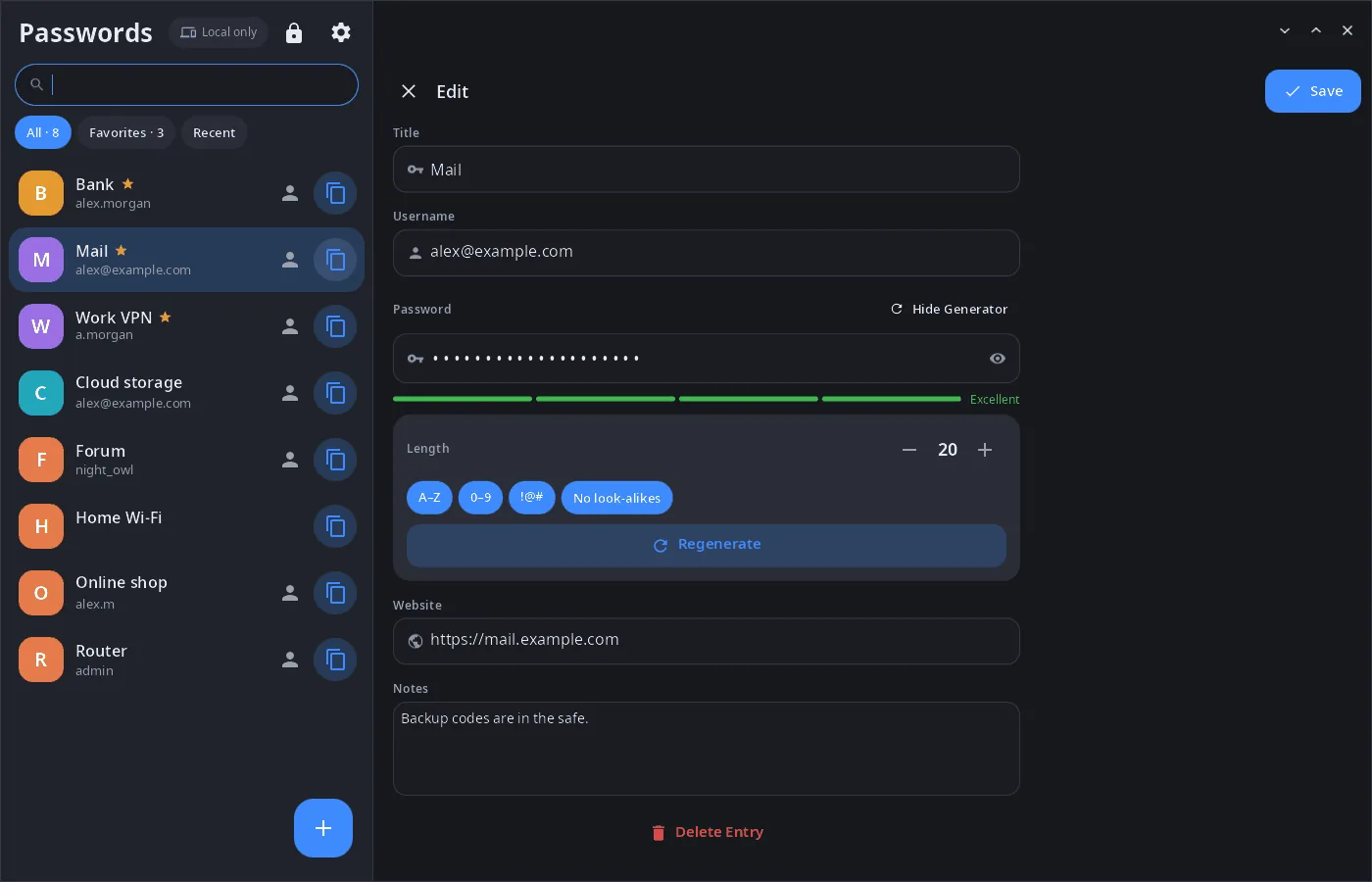
- Generator — length, uppercase letters, digits, symbols, no look-alike characters (0/O, 1/l/I); a strength meter.
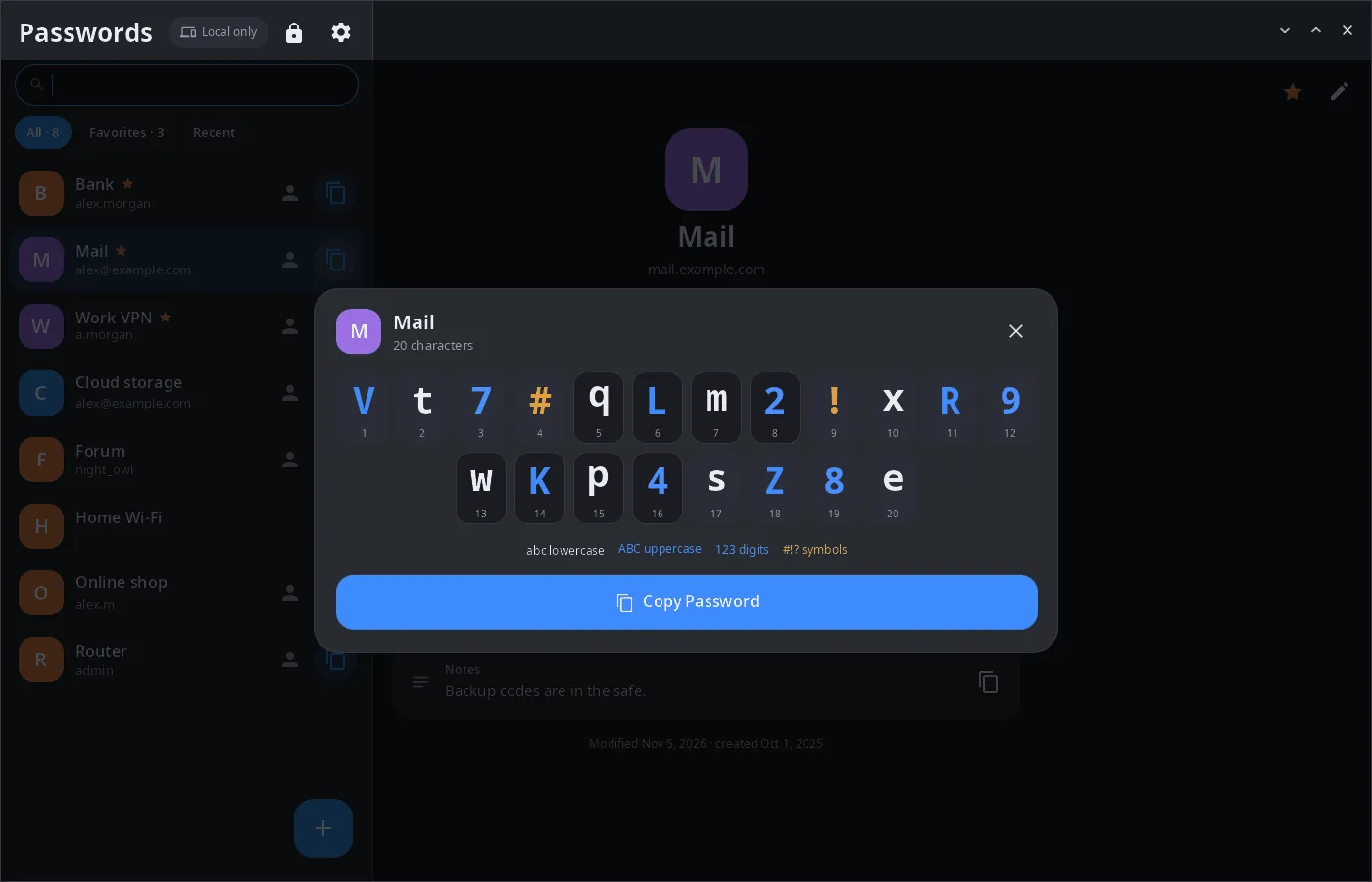
- Large view — the password character by character with numbering and character classes, easy to type on another device.
- Sync — entries are merged with devices linked through synlink (phone, other computer) in both directions; deletions reach the other devices too. A copied password goes to the shared clipboard of linked devices.
- Safety — auto-lock after a period of inactivity, clipboard cleared after a set time (here and on linked devices), change of master password, an optional security question to recover access.
- Computer and phone — two columns on a wide window, list → entry on a phone; 14 languages.
| Editing with the generator | Large view | Settings |
|---|---|---|
 |
 |
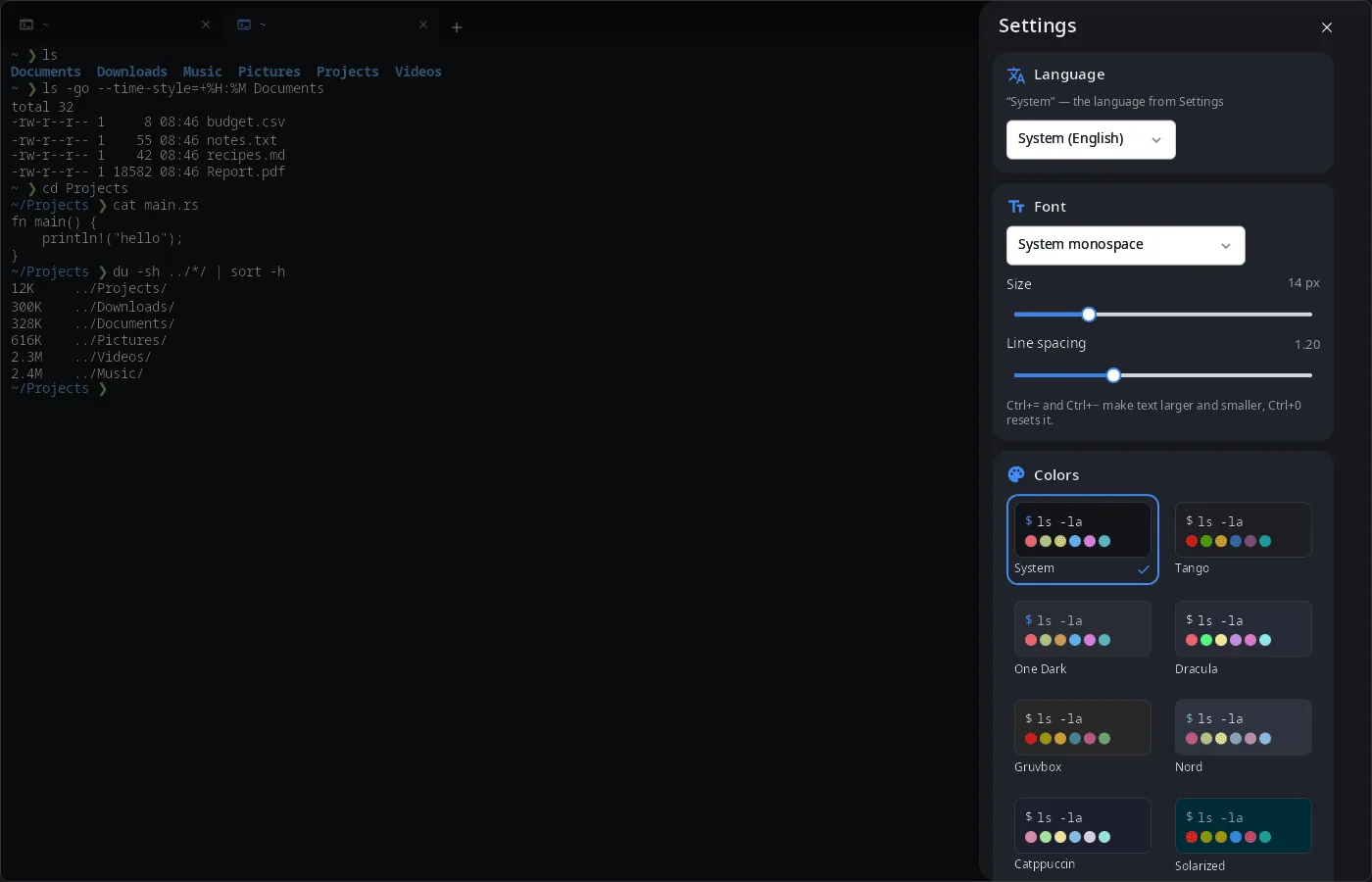 |
The screenshots show a demo vault with made-up entries.
Install
Arch Linux (AUR) — x86_64 and aarch64:
yay -S synpass-bin      # prebuilt
yay -S synpass-git      # built from source
Depends on synshell-core. Part of the synshell metapackage: yay -S synshell-bin installs the whole desktop. From source: cargo build --release -p syn-pass in the synshell repository.
Command line
synpass                                             # open the window
SYNPASS_VAULT=~/other-vault.json synpass            # use another vault file
synpass --screenshot shot.png --size 1400x900 --view edit
                                                    # snapshot on a demo vault in memory
                                                    # (views: locked, list, edit, big, settings)
Part of synshell
synpass is one of the applications of synshell — a Wayland desktop environment in Rust for computers and phones, built on the syngui UI framework.
License
GPL-3.0-only