05 / 07 · Rust · syngui · adb + fastboot
synport
Real Arch Linux ARM next to Android, installed from a Windows or Linux PC with one USB cable. Android stays; at power-on you pick the system with the volume keys.
- Licence
- Freeware (binary)
- Platform
- Windows · Linux → Android phones and tablets
- Packages
- Releases on GitHub (Windows, Linux)
- Status
- First release: Xiaomi 12T Pro
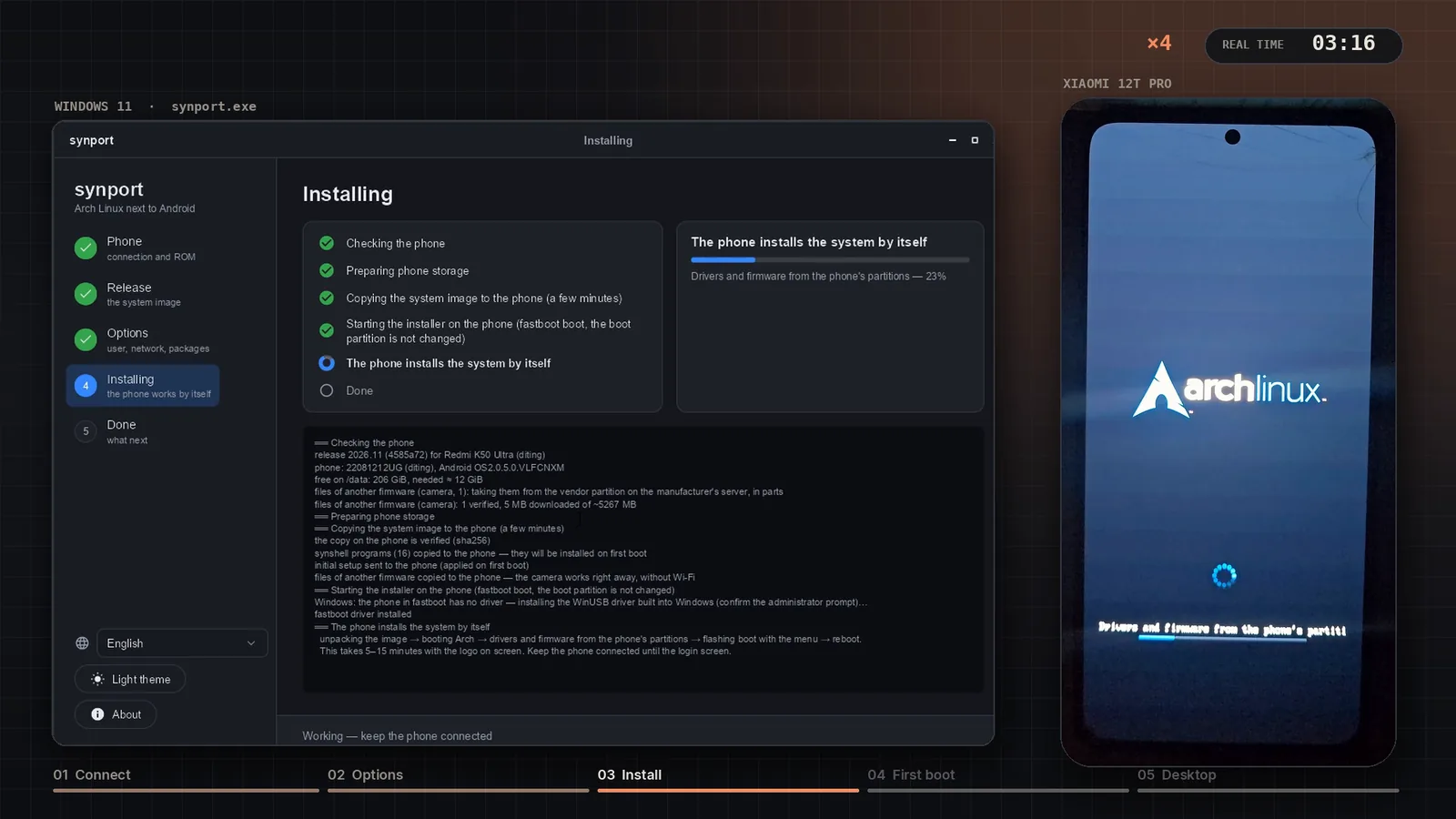
What it is
synport installs Arch Linux ARM next to Android. The phone keeps Android, its apps and data; at power-on you pick the system with the volume keys (Vol+ — Arch Linux, Vol− — Android). Arch runs on the phone's own stock kernel with GPU acceleration and my touch desktop, synshell.
The installer runs on Windows 10/11 or Linux and needs only a USB cable: it downloads adb and fastboot itself and on Windows binds the WinUSB driver for fastboot. The image ships no proprietary files — on first boot the phone takes its drivers and firmware from its own partitions.
Watch it run
Key features
- One window: phone check, release, options (user, Wi-Fi, time zone, apps), install, remove — or the same from the command line.
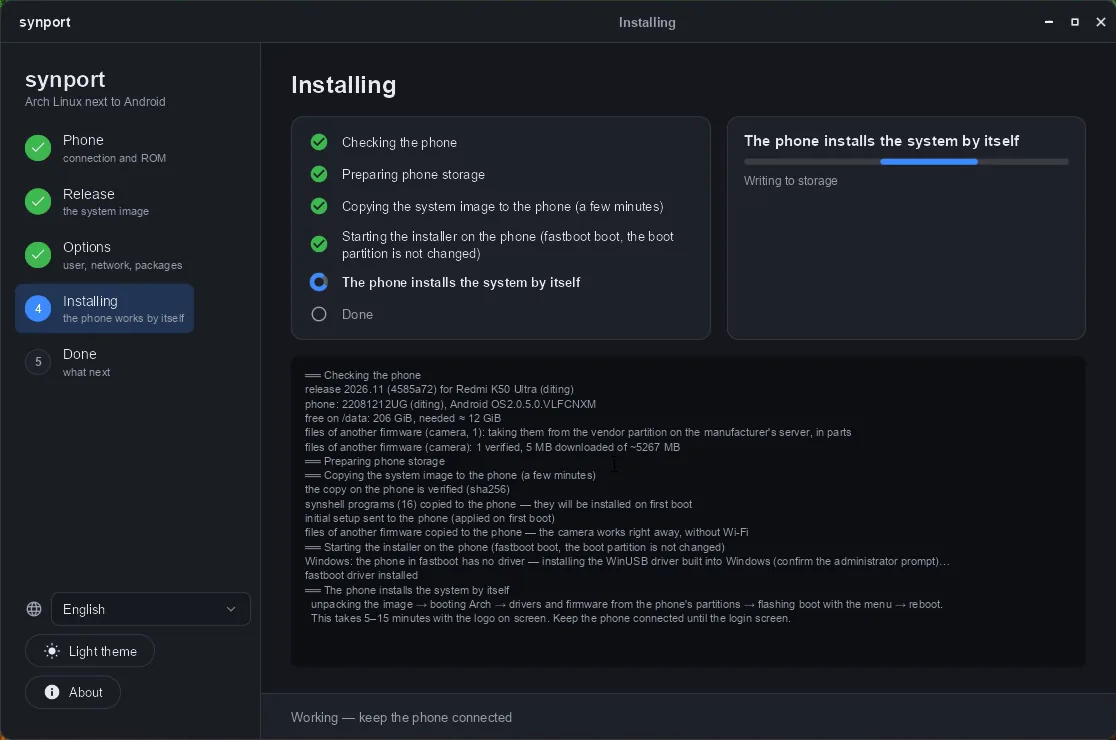
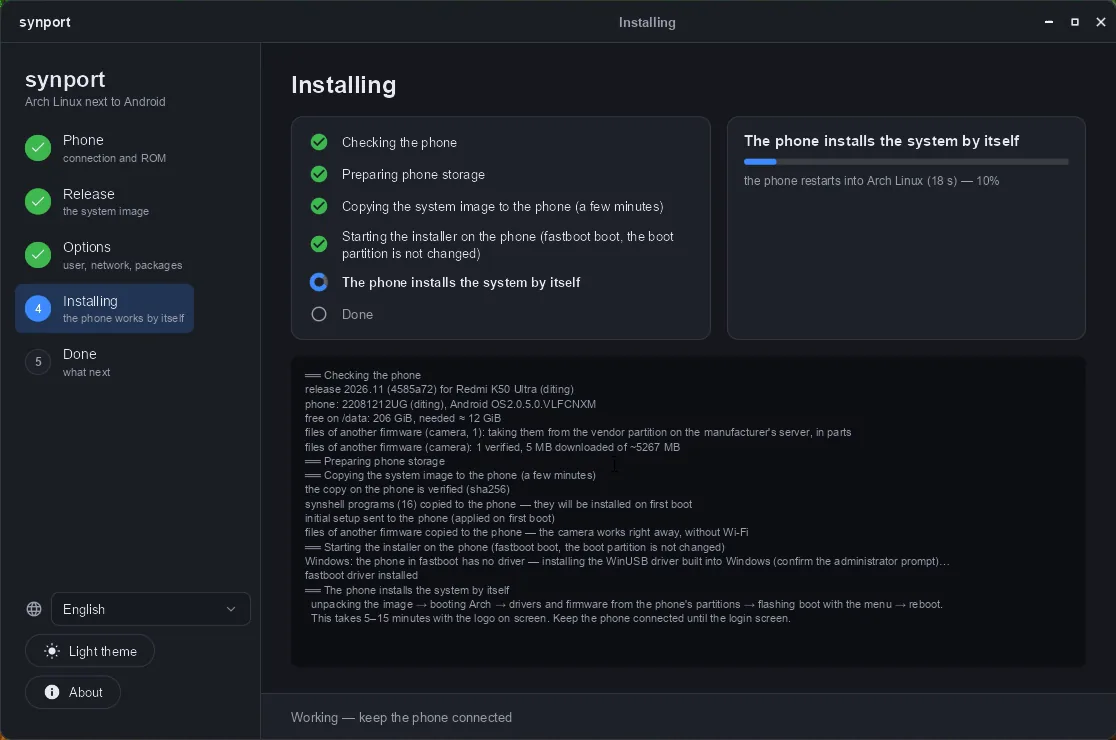
- Nothing flashed until the end: the installer starts on the phone from RAM (fastboot boot); if anything fails, the phone restarts into Android and synport shows why.
- No vendor files in the image: the phone imports its own drivers and firmware; the camera file it lacks is taken from Xiaomi's OTA on the PC, about 5 MB out of 5 GB.
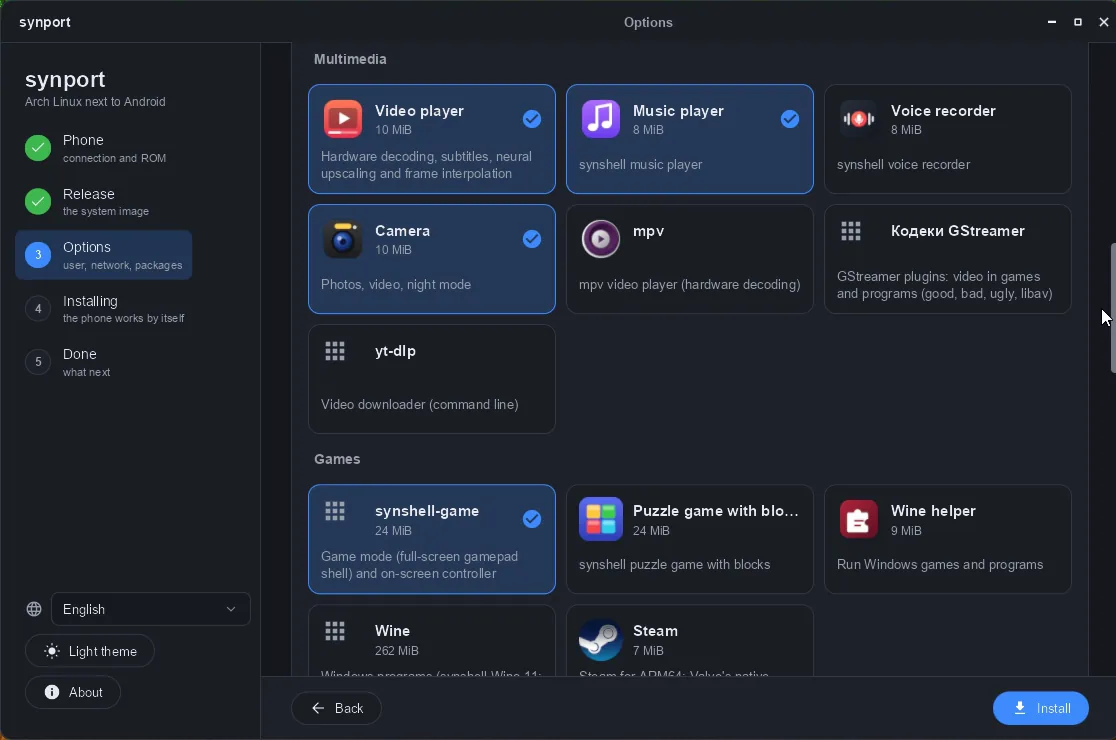
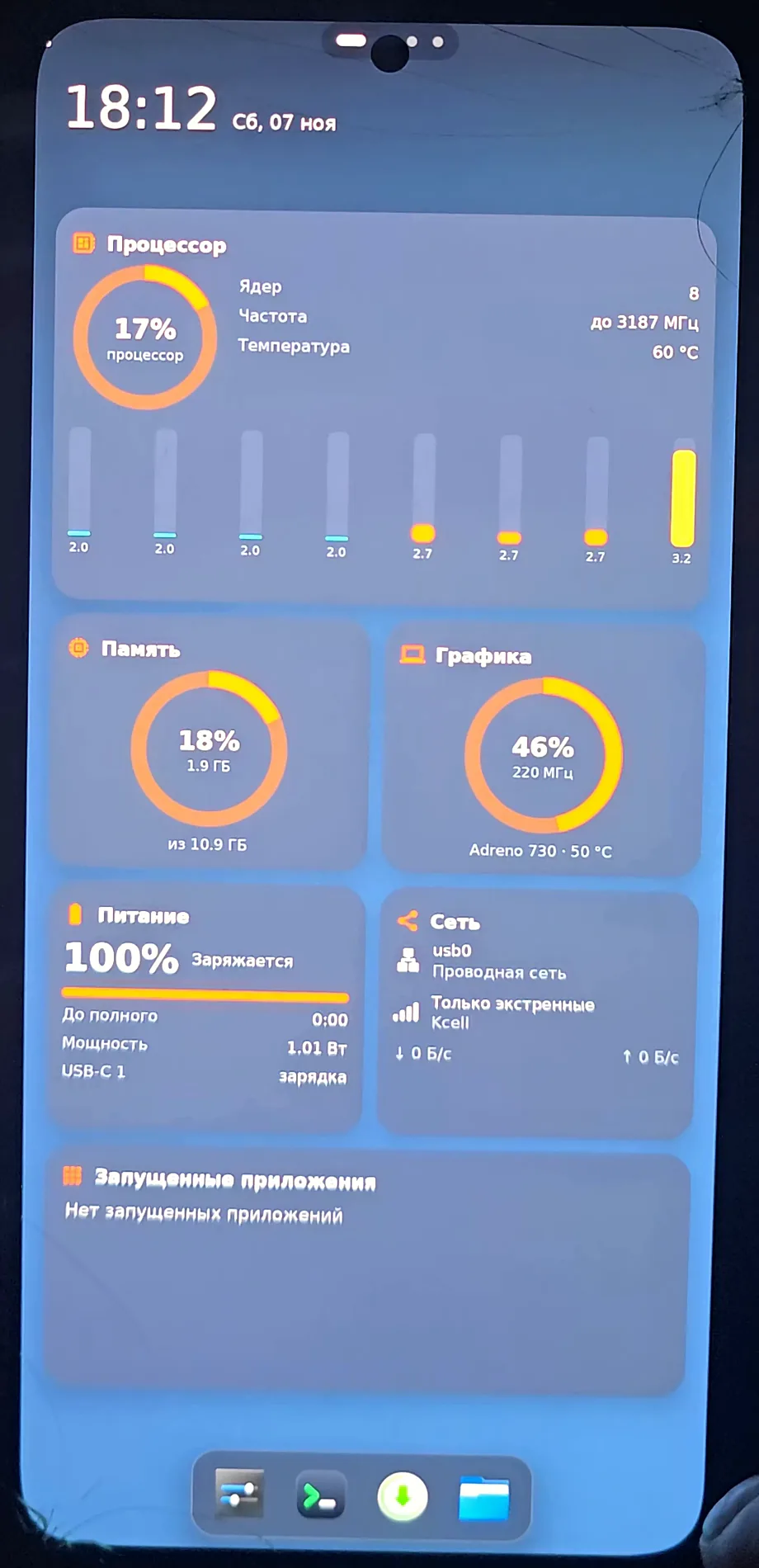
- Works on the phone: touch, 120 Hz, GPU (Vulkan, turnip), Wi-Fi, Bluetooth, sound, mobile data, calls and SMS, GPS, all five cameras, sensors, IR, NPU.
- Apps to pick at install: Firefox, Steam and Windows games through Wine, Android apps in a container, synshell programs.
- Remove in one click: the stock boot image is flashed back (checked by sha256), your files can be saved to the PC first.
Install
# 1. Download and unpack synport-diting-<version>.zip from Releases
# 2. Phone: unlocked bootloader, USB debugging on, cable connected
synport.exe          # Windows (or ./synport on Linux), then press Install
First device with a public release: Xiaomi 12T Pro / Redmi K50 Ultra (diting) on HyperOS OS2.0.5.0.VLFCNXM; the installer checks the ROM first. ONYX BOOX Note Air 4C and Samsung Galaxy Tab A 8.0 are ported, releases for them will follow.
Requirements and limitations
- Unlocked bootloader (official Mi Unlock; unlocking wipes the phone). synport never locks it back.
- Windows 10/11 or Linux x86_64 and a USB cable; about 20 GB free on the phone.
- One ROM for now: OS2.0.5.0.VLFCNXM (China). Fingerprint reader — not yet.
- Free, binary only; the GPL parts (kernel config, BusyBox, initramfs) are in every release.
Screenshots
- (open full size)
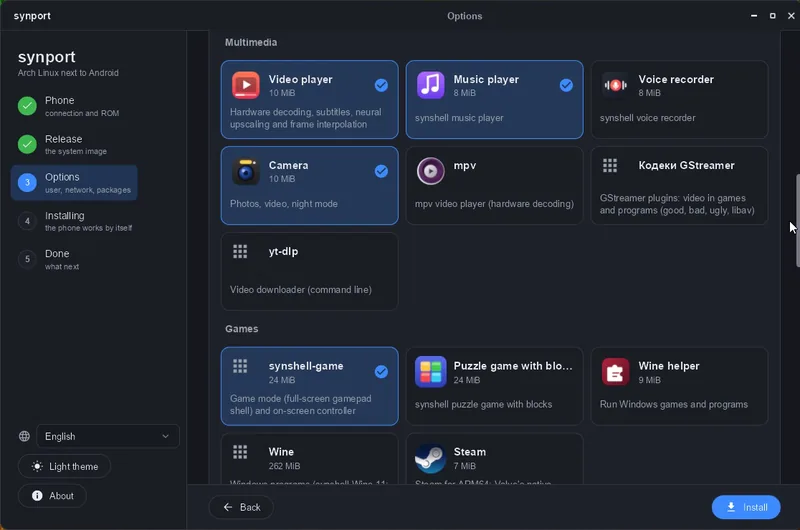
Options: user, Wi-Fi, time zone, apps - (open full size)
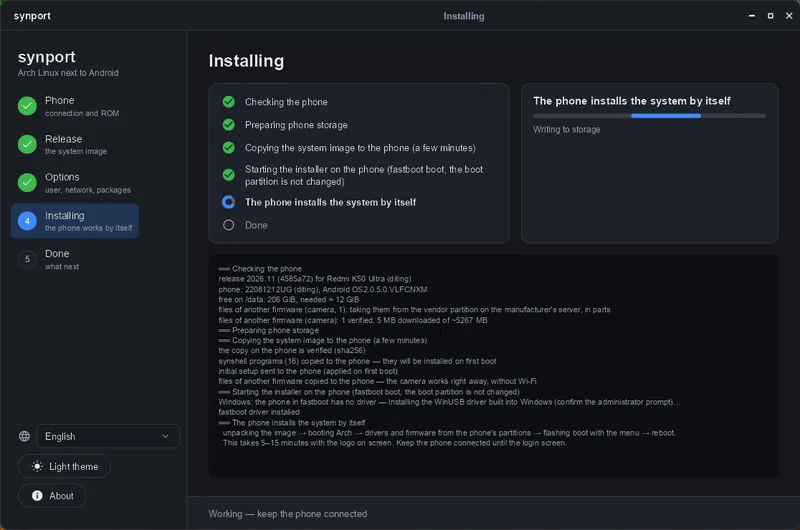
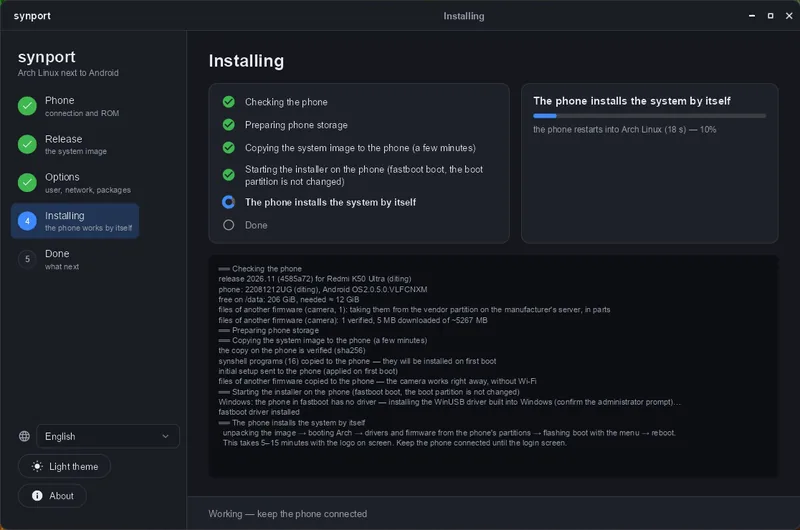
Installing: every step is visible in advance - (open full size)
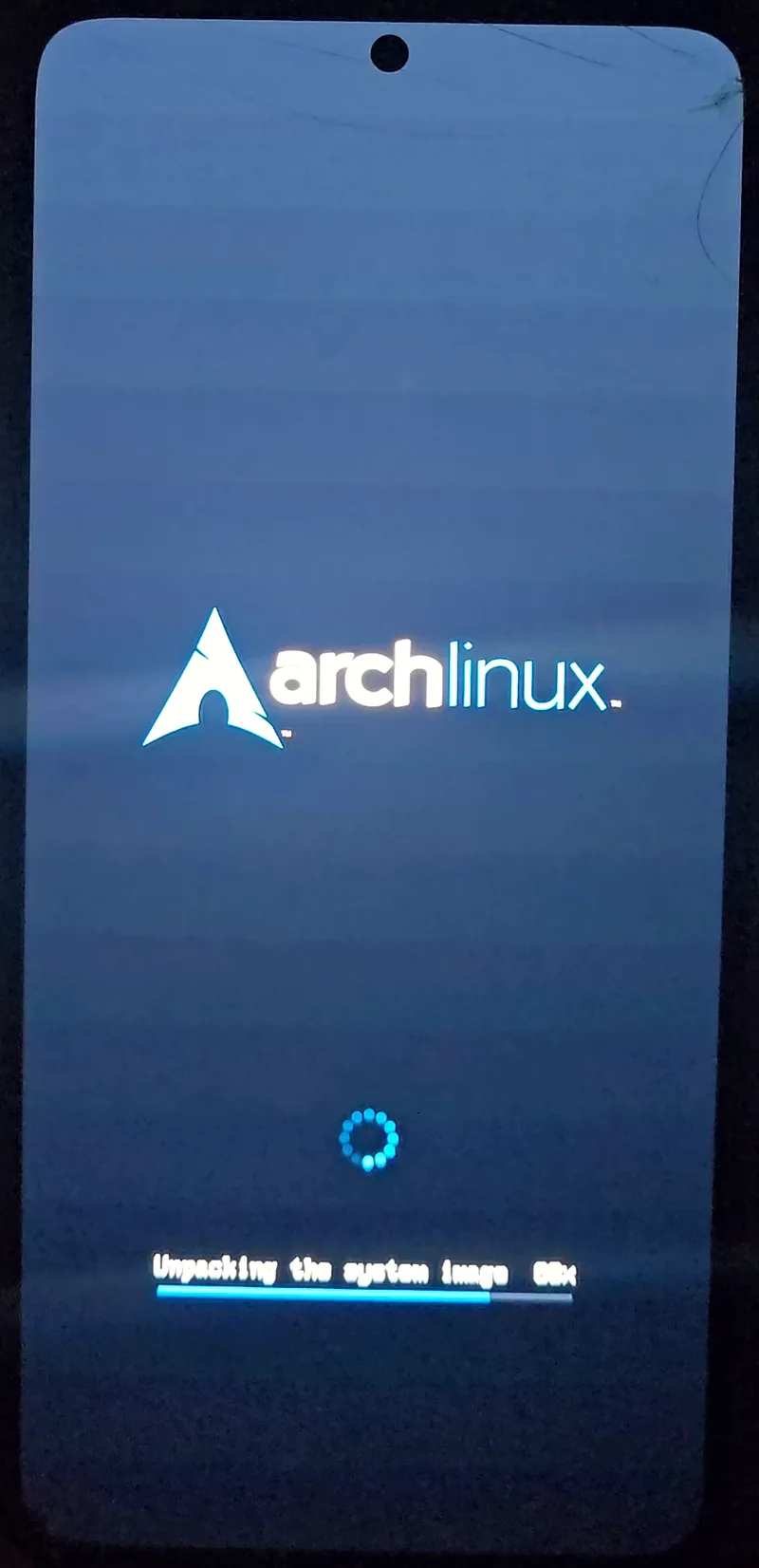
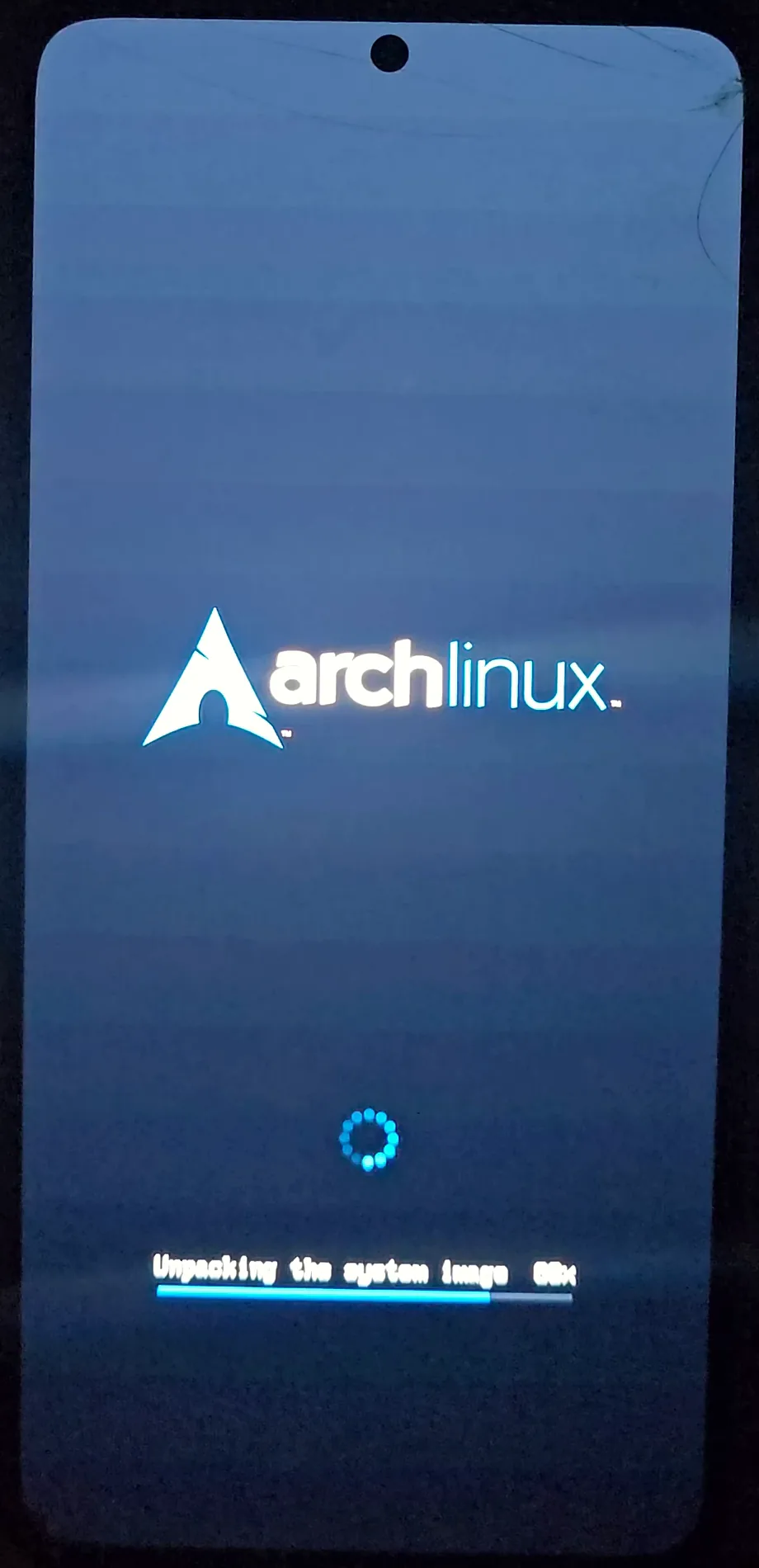
The phone installs Arch by itself - (open full size)
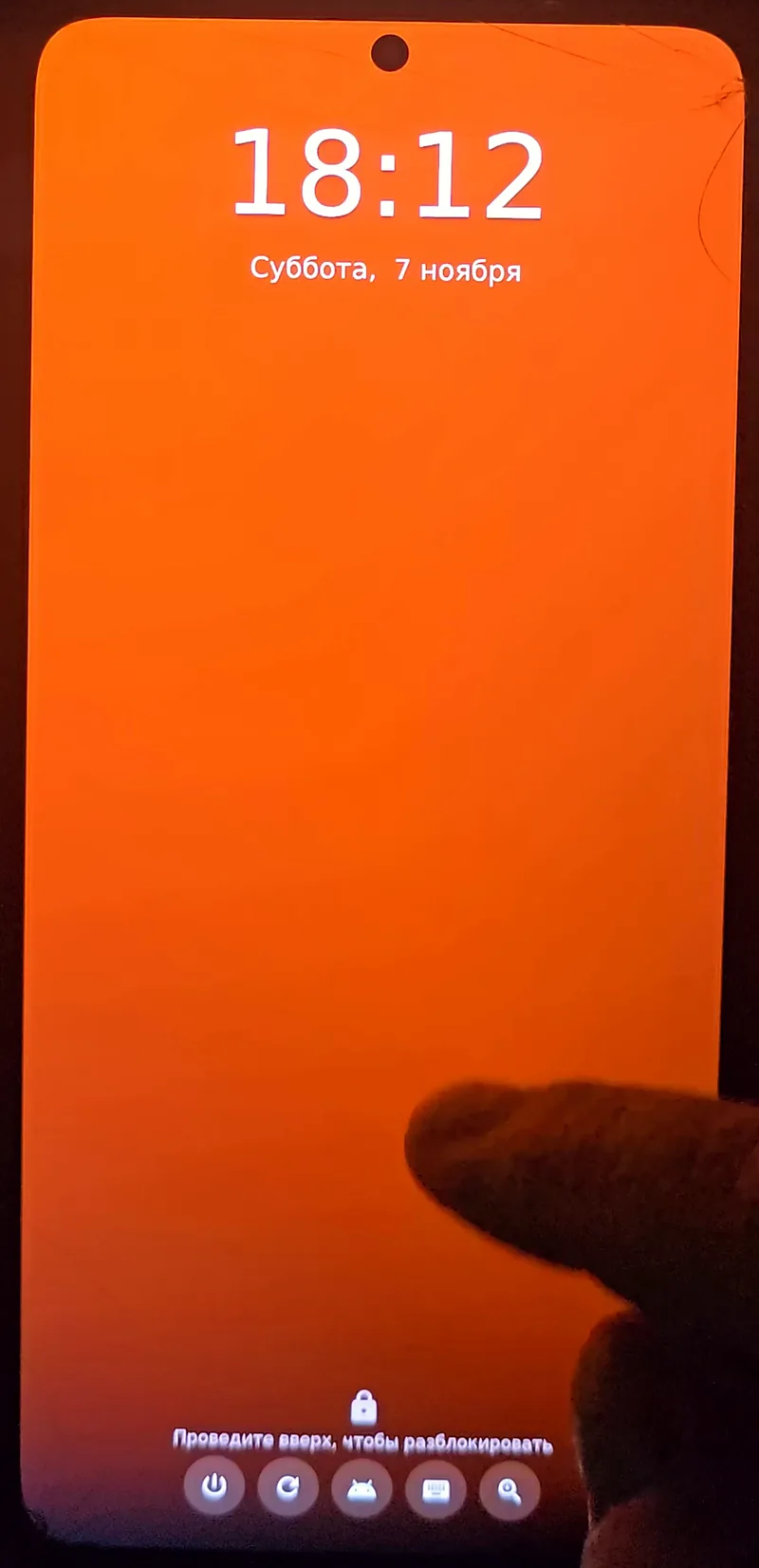
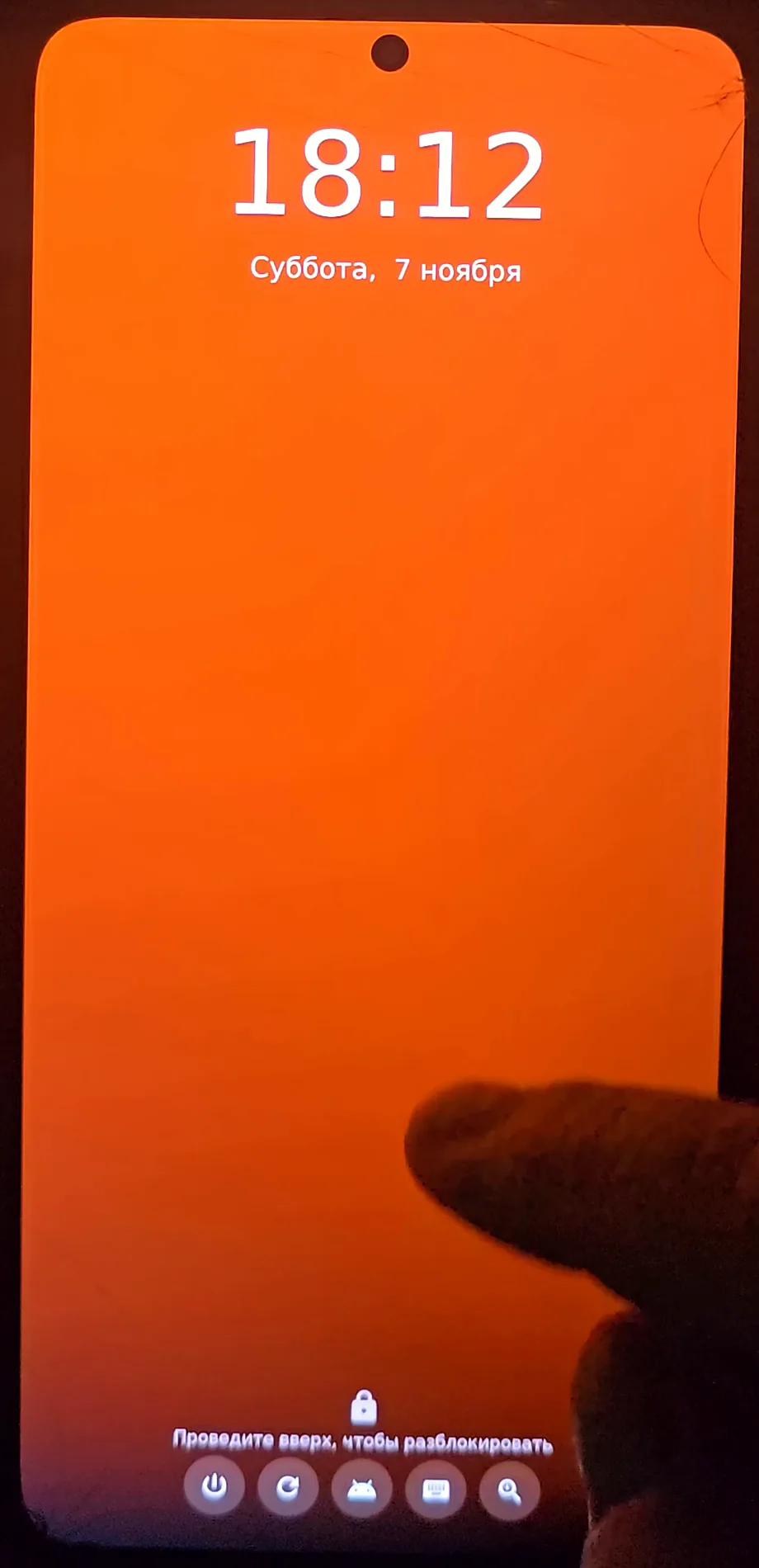
First boot: the synshell lock screen - (open full size)
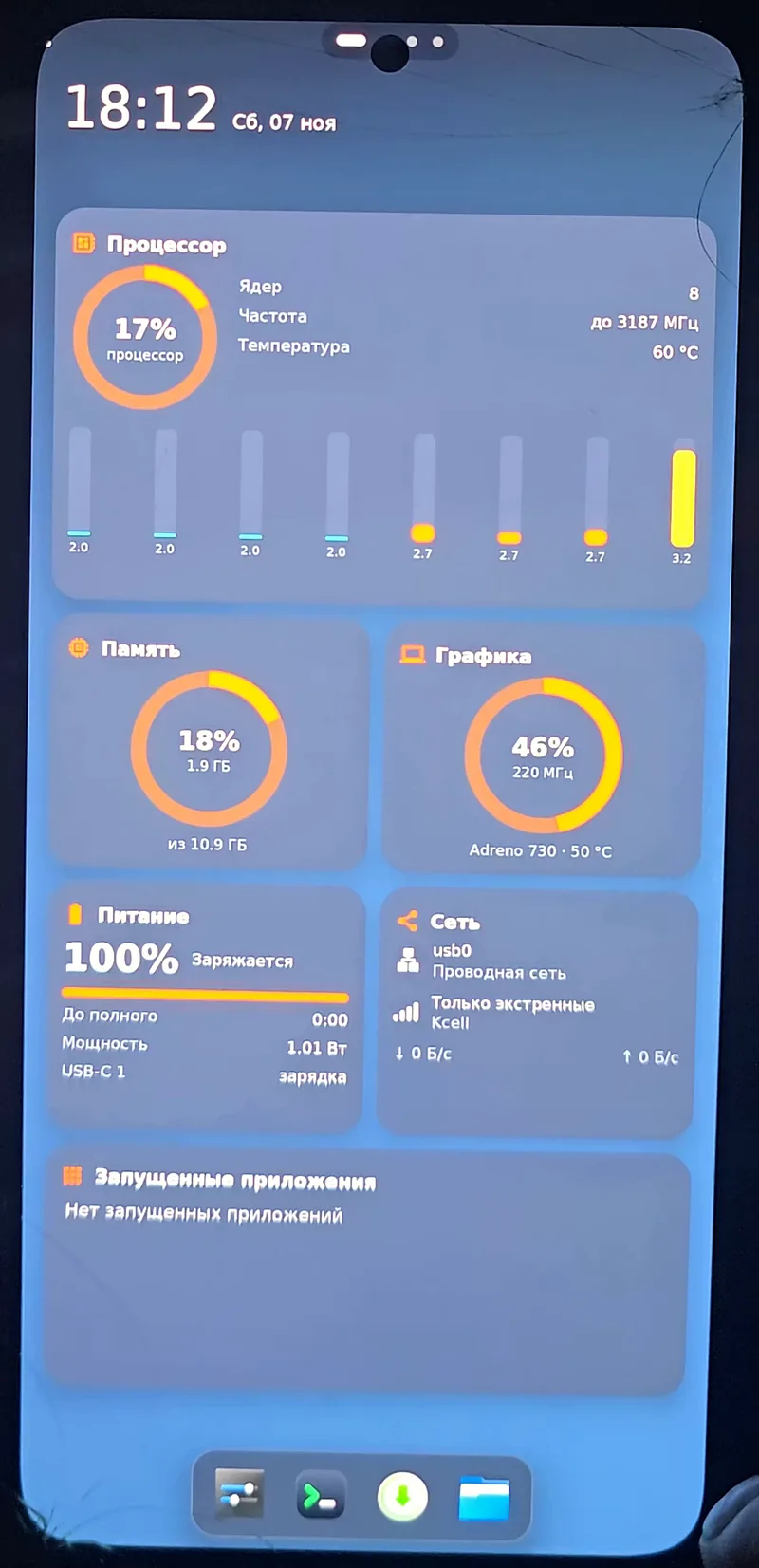
synshell desktop with system widgets - (open full size)
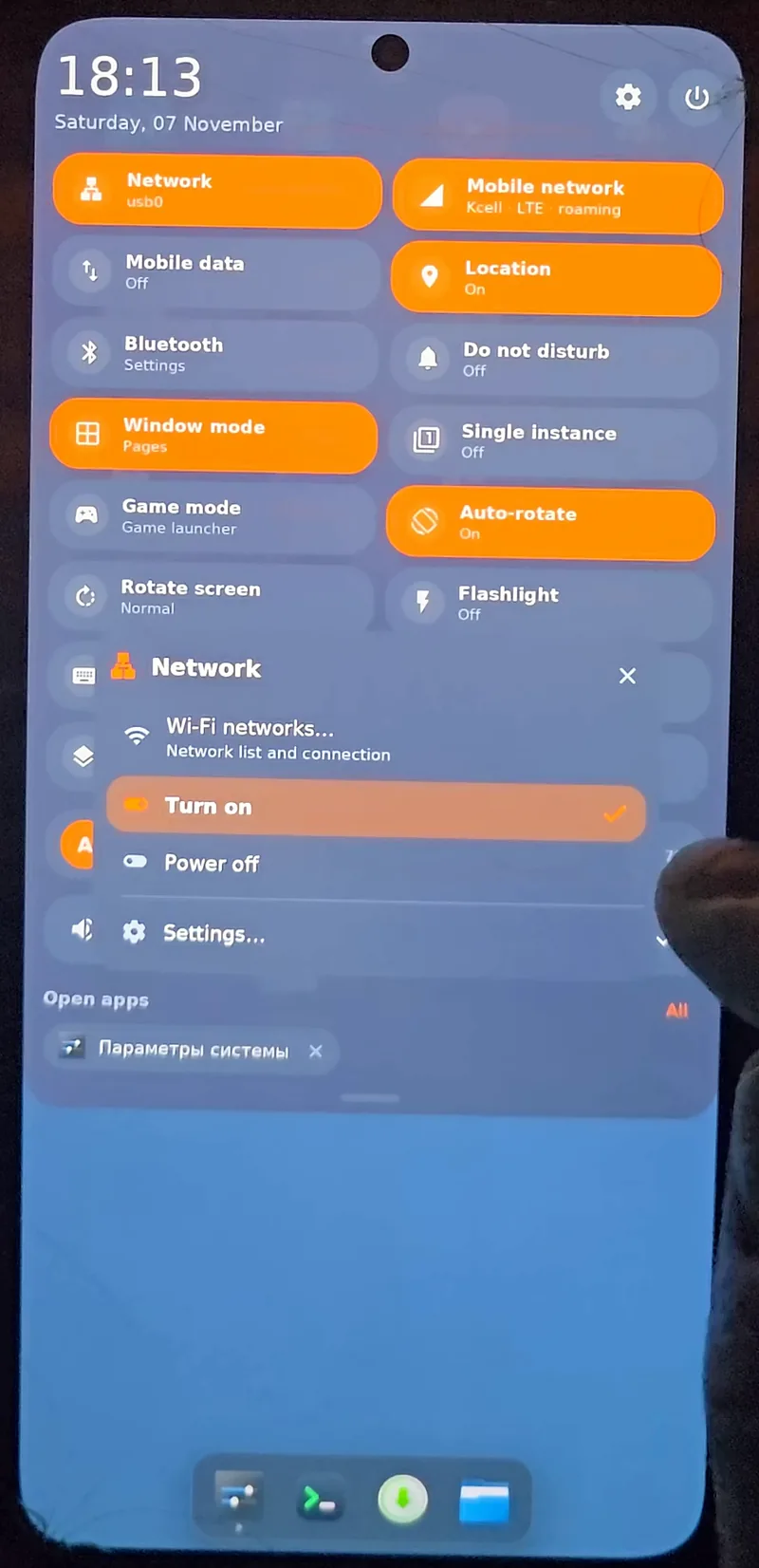
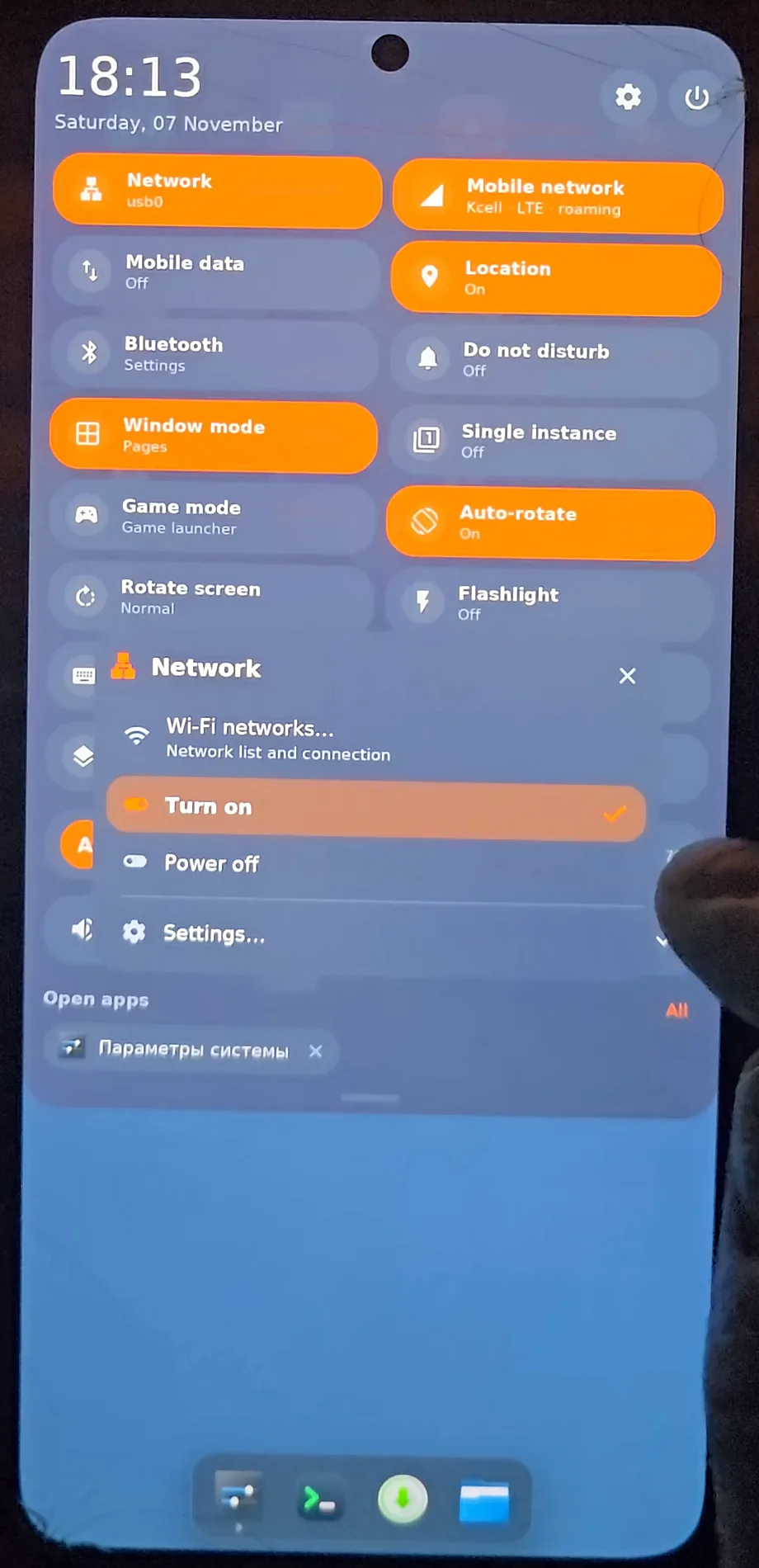
Quick settings - (open full size)
Done
Measured, not promised
How it is tested
Every release is installed from clean Windows and Arch virtual machines before it goes out, then checked on the phone: services, NPU, cameras, Wi-Fi.
Every number here is measured on my own hardware. github.com/VitaminDB/synport