Features
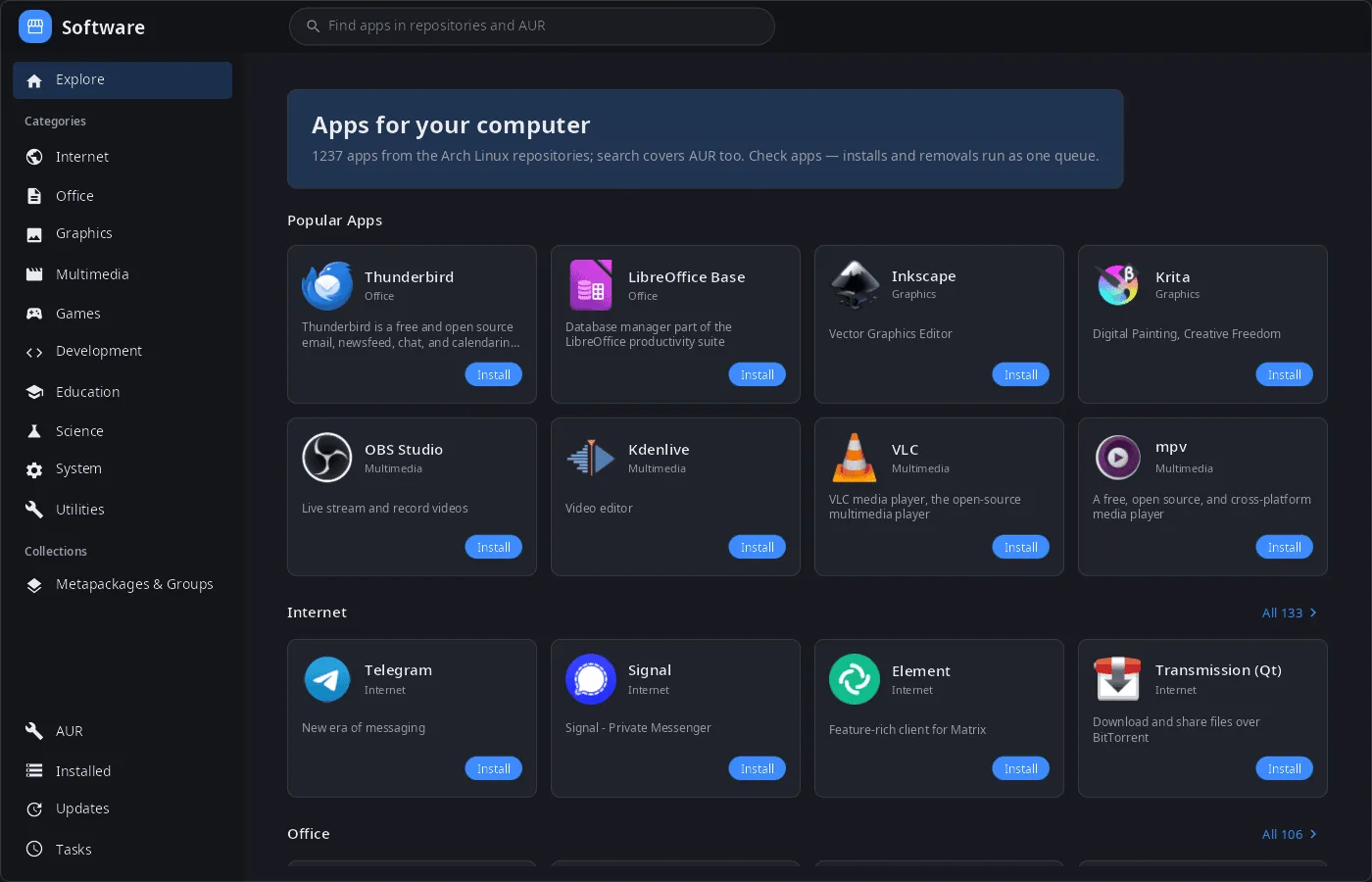
- Catalog — popular apps and ten categories from AppStream data (
archlinux-appstream-data): icons, descriptions and screenshots in the interface language; programs without AppStream screenshots get them from Flathub. - One search for the repositories and AUR.
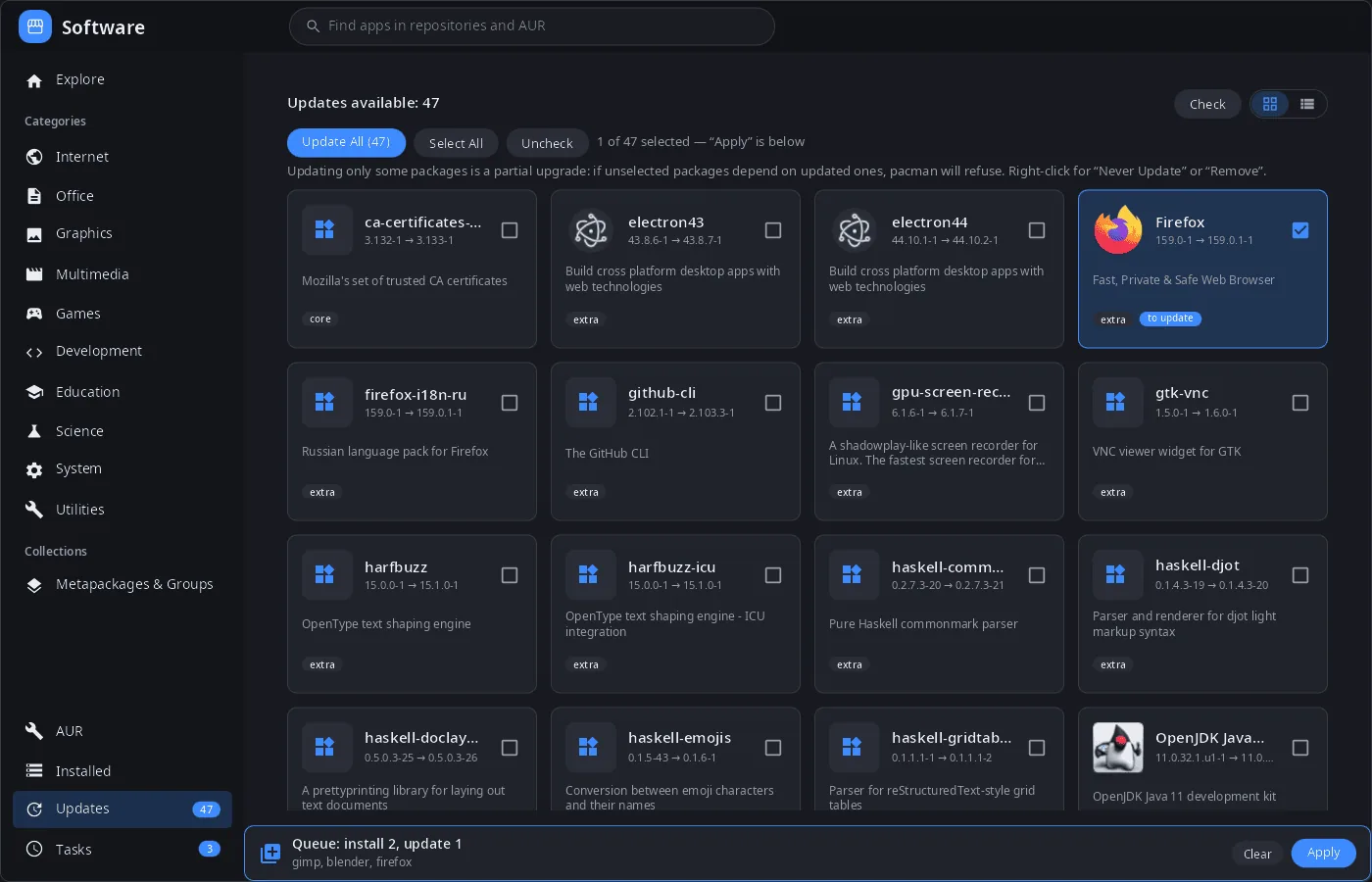
- Queue of changes — “Install”, “Remove”, “Update” and checkboxes add to a queue (opposite actions cancel out), “Apply” runs it as one job: removal → pacman transaction → AUR builds. “Install now” and “Remove now” skip the queue.
- Updates — check without root (
checkupdates), update all or selected packages, “Never update” for a package; AUR updates are listed separately. - AUR — search, install and update; packages are built on this computer, the PKGBUILD can be viewed before installing.
- Installed — filter, all packages / programs / not from repositories / metapackages, cards or list.
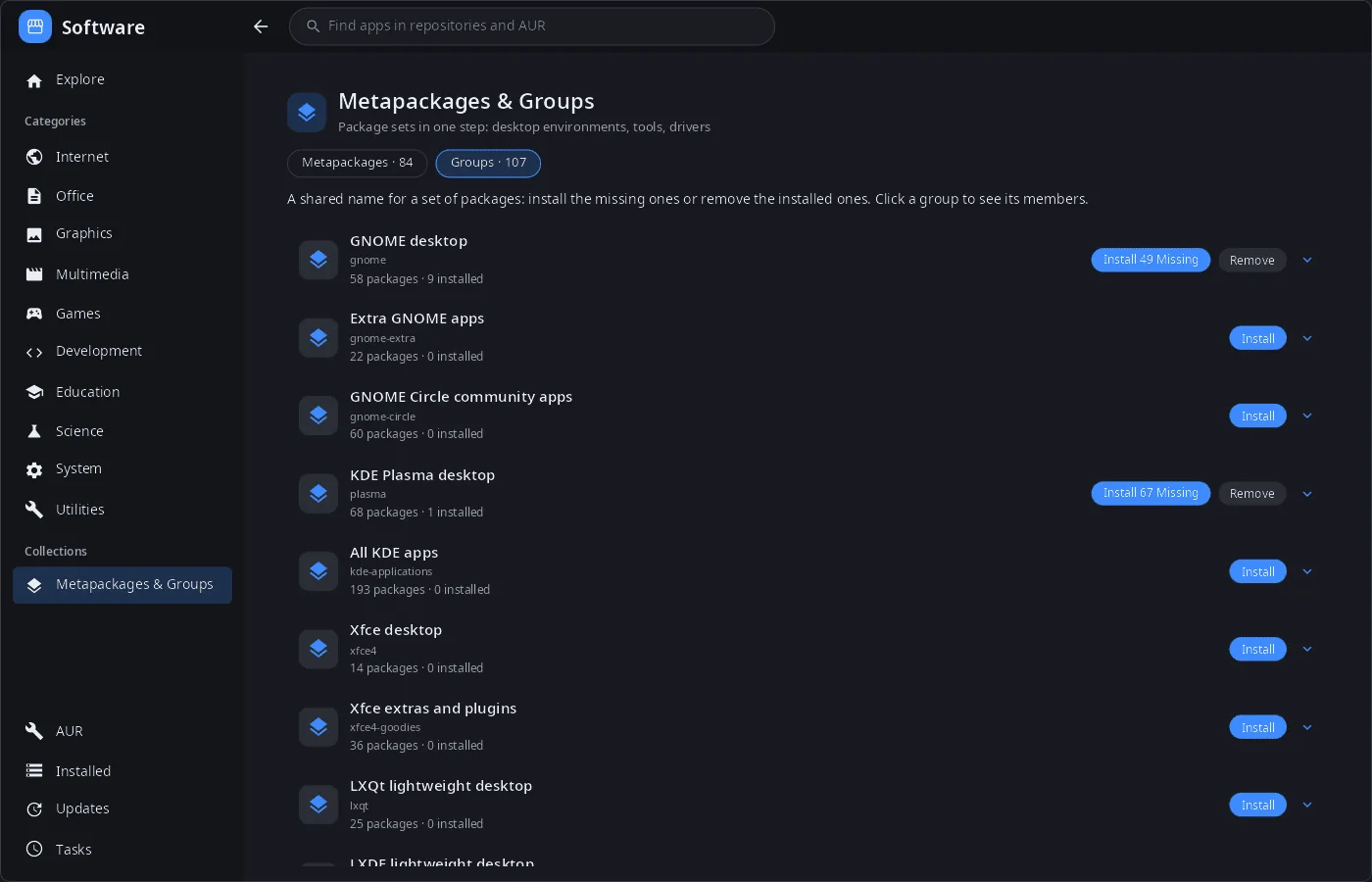
- Metapackages and groups — install the missing members of a group or remove the installed ones in one step (GNOME, KDE Plasma, Xfce, drivers and so on).
- Package details — version, repository, license, sizes, dependencies and optional dependencies, file list, website.
- Safe removal — if other packages depend on the one being removed, it asks: cascade removal or forced removal.
- Password prompt — its own polkit agent window for pacman, no terminal needed.
- Job log — progress and pacman output of every job, cancel.
- Desktop and phone — three columns on a computer; list → package with bottom navigation on a phone.
- 14 languages — the UI follows the system or the language chosen in settings.
| Updates | Metapackages & groups |
|---|---|
 |
 |
Install
Arch Linux (AUR) — x86_64 and aarch64. synpkg is part of synshell-core, the base set of desktop programs (compositor, shell, settings, file manager, terminal, software center, screenshots):
yay -S synshell-core-bin      # prebuilt
yay -S synshell-core-git      # built from source
Optional: archlinux-appstream-data (categories, icons and screenshots), polkit (installing without running as root), base-devel (building AUR packages), pacman-contrib (update checks without root).
The whole desktop: yay -S synshell-bin. From source: cargo build --release -p syn-pkg in the synshell repository.
Command line
synpkg                 # open the catalog
synpkg gimp            # open with a search
synpkg --screenshot out.png --tab explore --size 1400x900   # render to PNG without a window
                       # (--tab explore|aur|installed|updates|jobs, --select PACKAGE, --queue name:install,…)
Part of synshell
synpkg is one of the applications of synshell — a Wayland desktop environment in Rust for computers and phones, built on the syngui UI framework.
License
GPL-3.0-only