Features
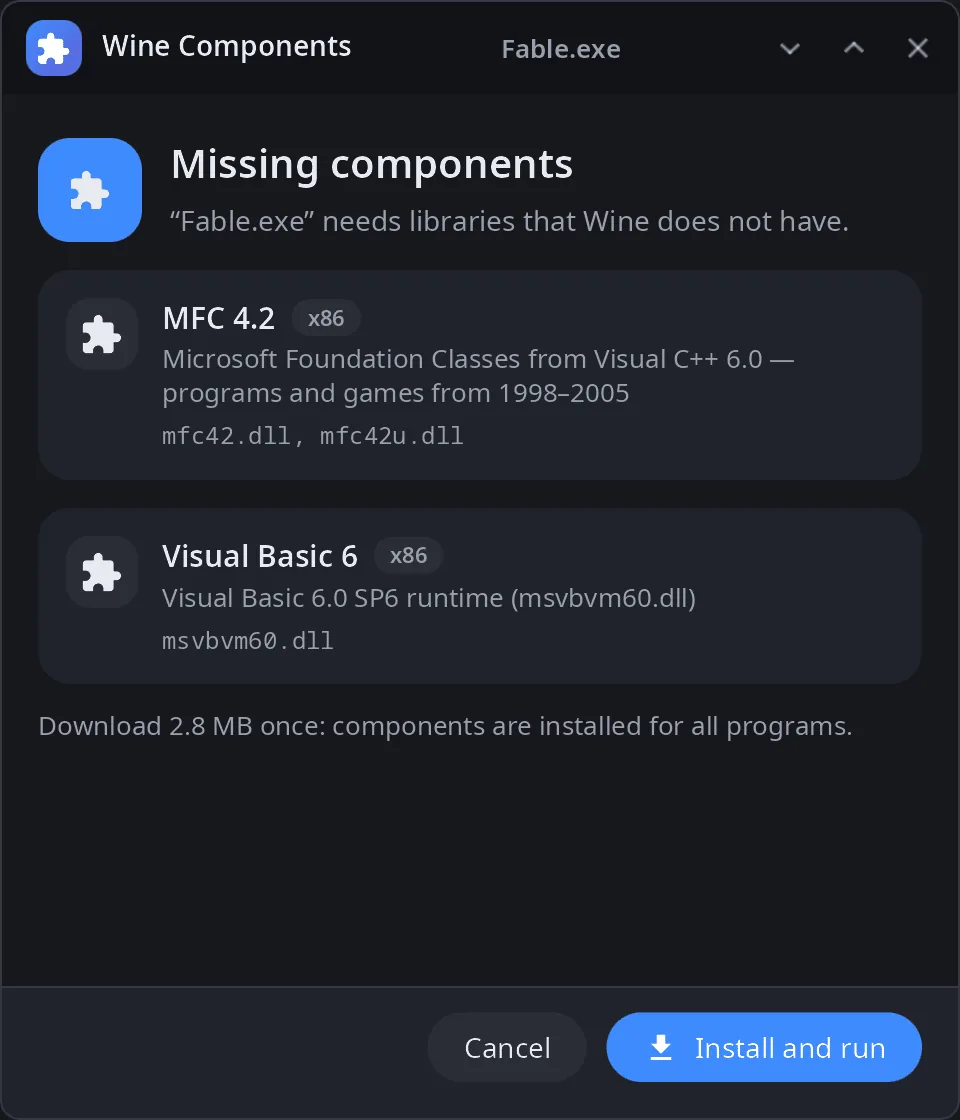
- Components — MFC 4.2 to MFC 14, ATL 7.0, C++ 2022 threads, Visual Basic 5 and 6 runtimes, OpenAL Soft; x86 and x64 where available.
- One copy for all prefixes — DLLs go to
$XDG_DATA_HOME/syn-wine/dlls, not into each Wine prefix. - Asked when needed — when a program fails to start because of a missing DLL, Wine calls the helper: a window lists what is missing, installs it and starts the program again.
- Video and audio codecs — when a program cannot play a video or sound format, the window offers the GStreamer packages that handle it (installed with pacman, administrator password required).
- From the original redistributables — files are downloaded from the vendors' installers, checked by SHA-256 and unpacked by the helper itself (CAB, MSI, NSIS, ZIP); nothing extra has to be installed.
- Check without running —
scanreads a program's imports and tells which DLLs are missing and which package has them. - Own packages — add or replace entries in
$XDG_DATA_HOME/syn-wine/packages.toml. - 14 languages — the UI follows the system language.
| Components | Video and audio |
|---|---|
 |
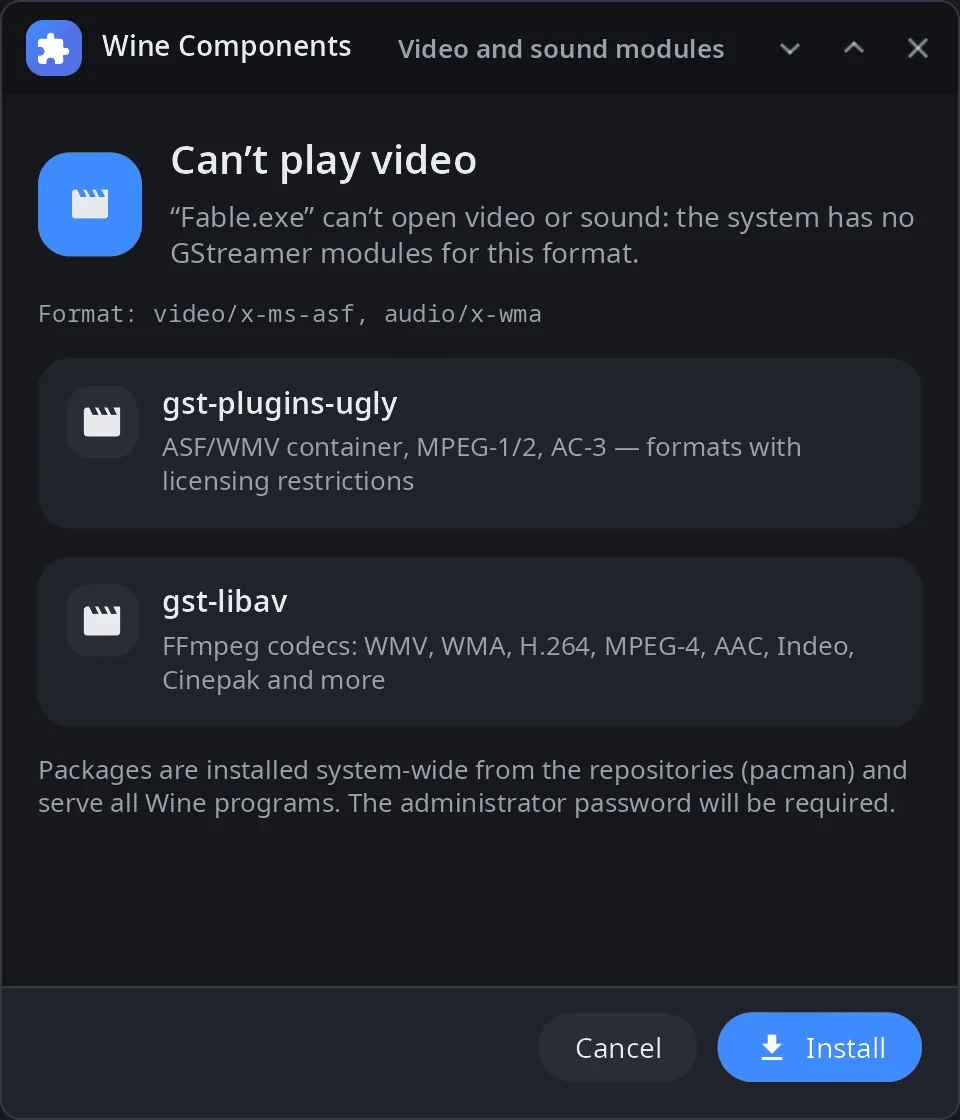 |
Automatic questions about missing DLLs and codecs need synshell's own Wine build (crates/syn-wine), which also looks for DLLs in the shared directory.
Install
Arch Linux (AUR) — x86_64 and aarch64:
yay -S syn-wine-helper-bin      # prebuilt
yay -S syn-wine-helper-git      # built from source
The whole desktop: yay -S synshell-bin. From source: cargo build --release -p syn-wine-helper in the synshell repository.
Command line
syn-wine-helper                           # window with the list of components
syn-wine-helper list                      # packages and what is installed
syn-wine-helper install mfc42 vb6run      # by package id or DLL name
syn-wine-helper install msvbvm60.dll --arch x86
syn-wine-helper remove mfc42
syn-wine-helper scan Game.exe             # which DLLs would be missing
syn-wine-helper run Game.exe              # check, offer what is missing, start in Wine
syn-wine-helper probe setup.exe           # which DLLs are inside an installer
Part of synshell
syn-wine-helper is one of the applications of synshell — a Wayland desktop environment in Rust for computers and phones, built on the syngui UI framework.
License
GPL-3.0-only