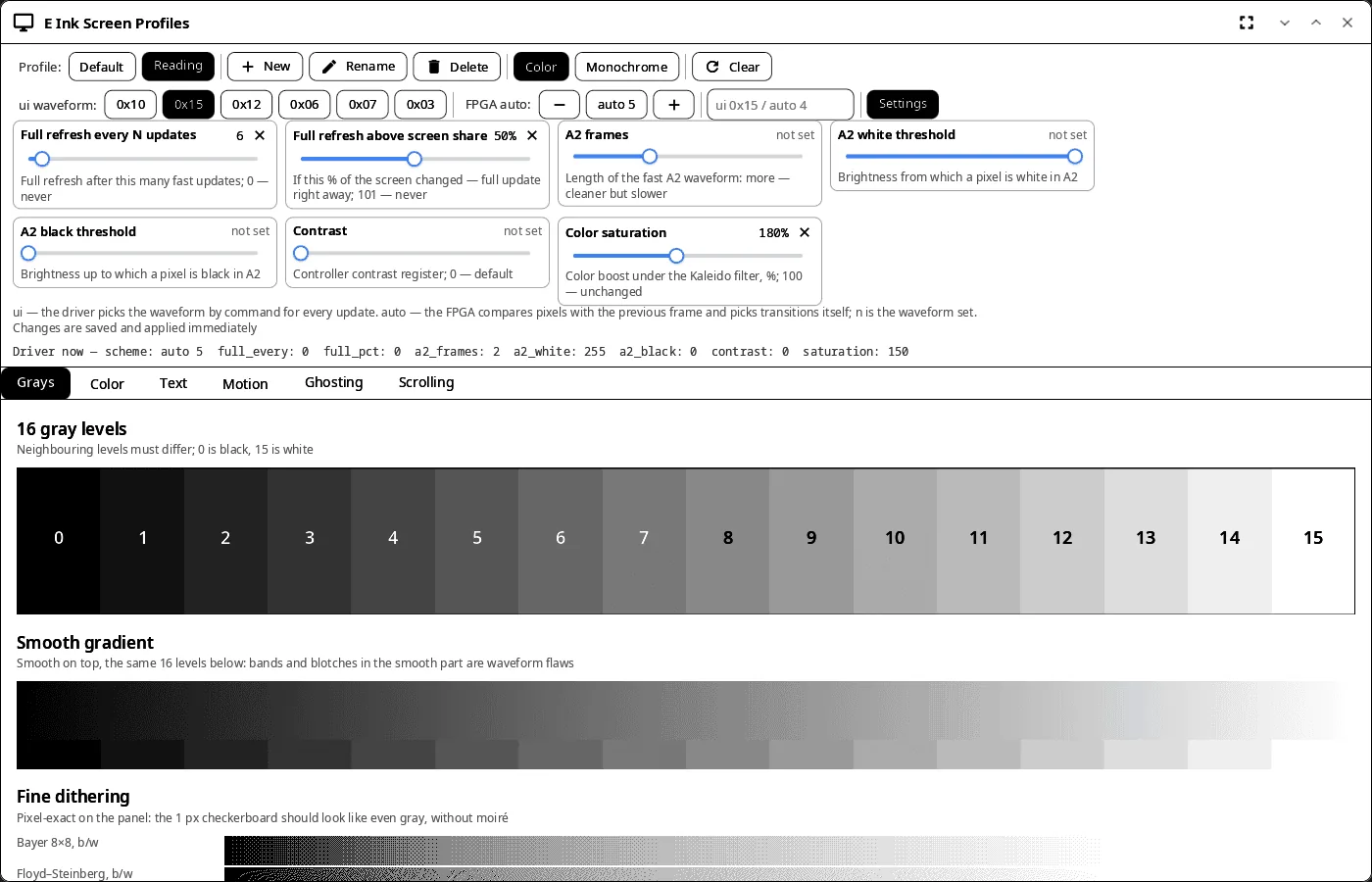
It works with the onyx-tcon-fpga driver (ONYX BOOX, for example Note Air 4C). On other hardware it shows the test patterns, but profiles are not applied.
Features
- Profiles — named sets of driver settings: create, rename, delete; picking a profile applies it at once. Profiles are shared with the login screen, the quick settings and System Settings; the built-in “Default” profile does not change.
- Profile editor — waveform mode (
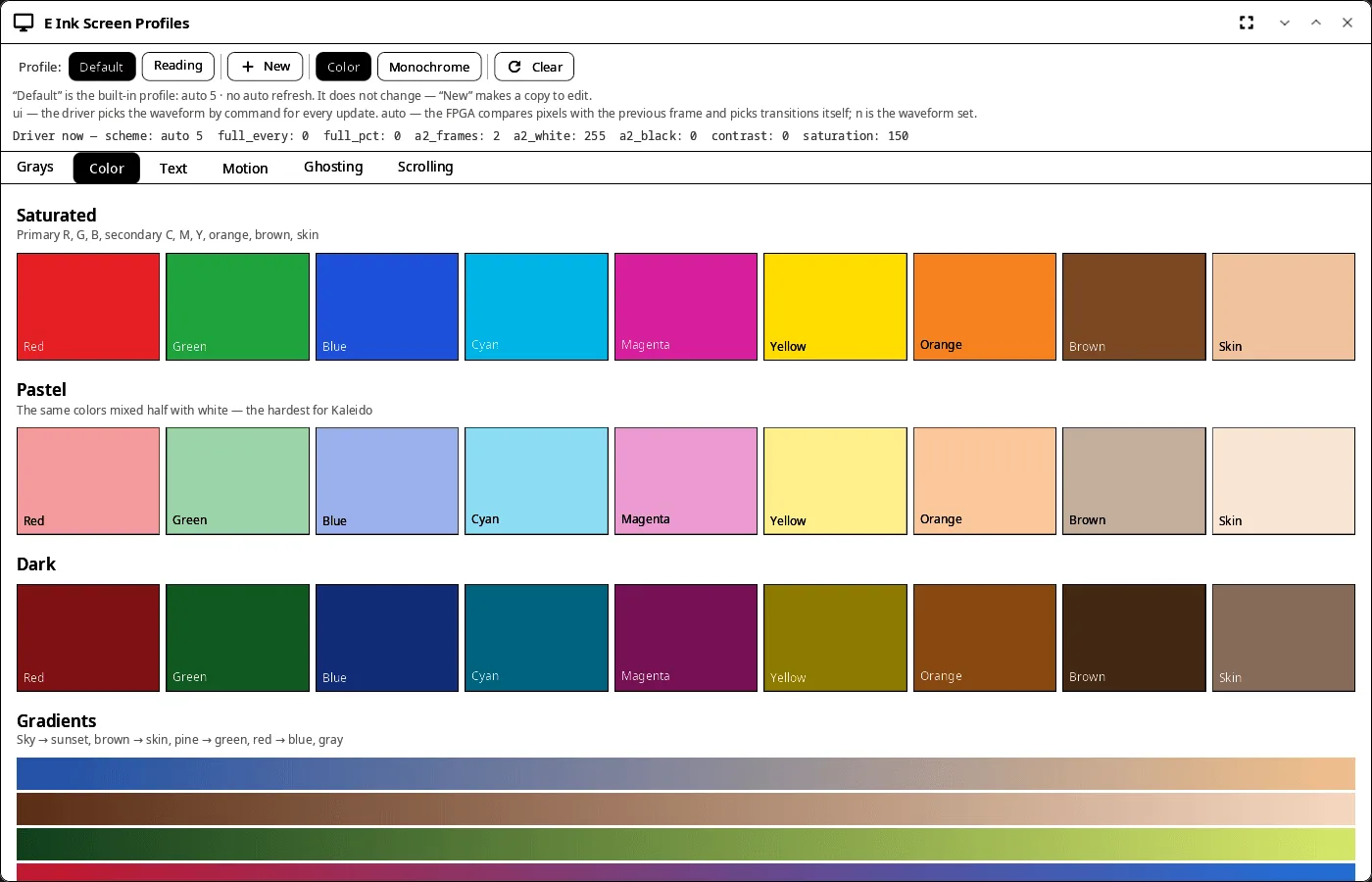
ui <set>or FPGAauto <n>), full refresh every N updates and above a share of the screen, A2 frames and thresholds, contrast, color saturation; changes go to the driver and the profile file right away. Color or monochrome mode, full screen clear. - Tests — 16 gray levels, gradients and dithering at panel pixel size; saturated, pastel and dark colors; text from 8 to 32 pt black on white and white on black; motion, ghosting and scrolling.
| Colors | Text |
|---|---|
 |
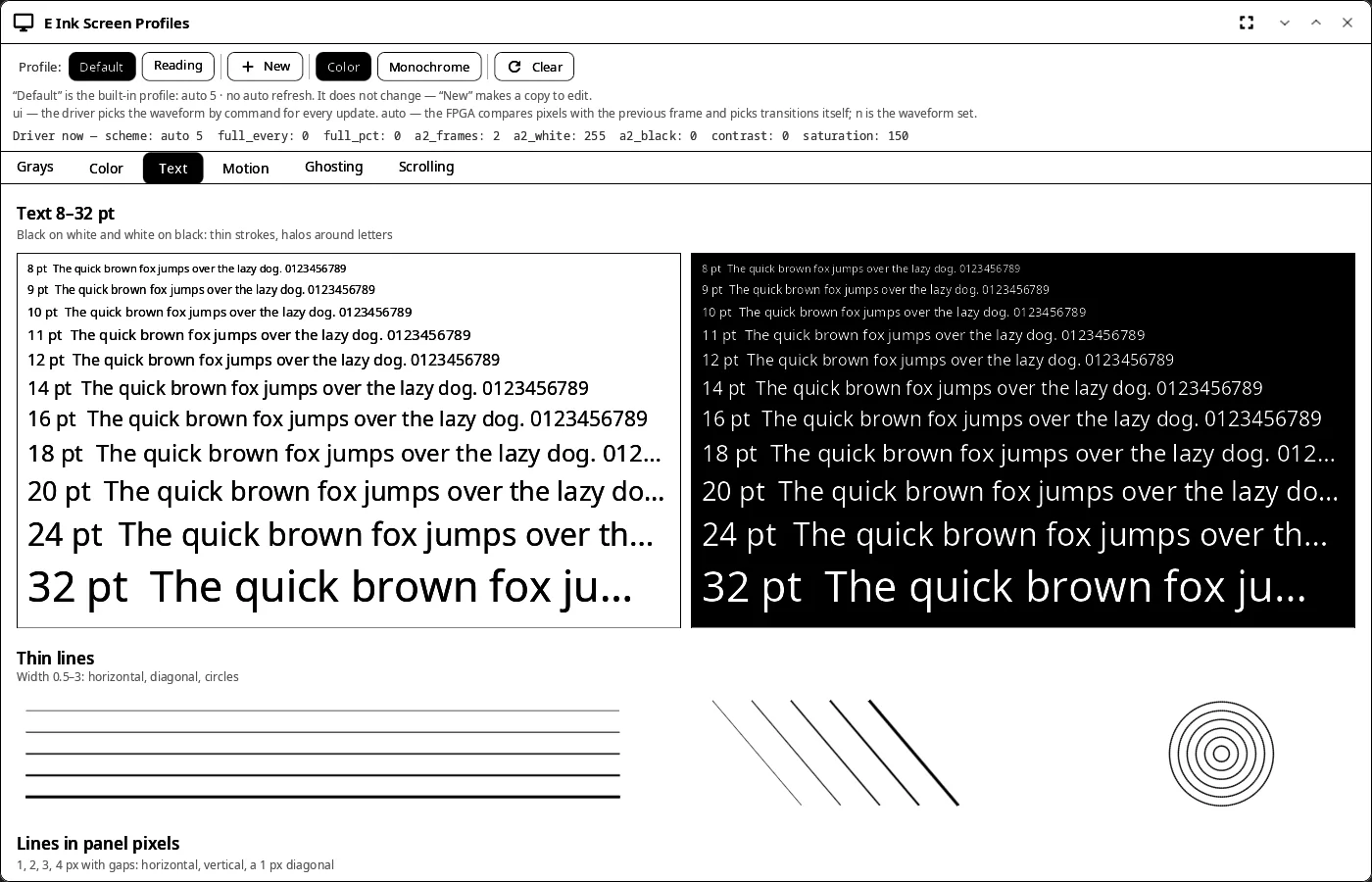 |
The screenshots were taken on a computer with a stand-in driver directory.
Install
Release archive (not in the AUR — a developer tool) — x86_64 and aarch64, from v0.2.0:
curl -LO https://github.com/VitaminDB/synshell/releases/download/v0.2.0/syn-epdtest-0.2.0-$(uname -m).tar.zst
sudo tar -xpf syn-epdtest-0.2.0-$(uname -m).tar.zst -C /
Depends on synshell-core; not part of the synshell metapackage. From source: cargo build --release -p syn-epdtest in the synshell repository.
Command line
syn-epdtest                                   # open the window
SYNSHELL_SYSFS=/tmp/sys syn-epdtest           # stand-in sysfs for testing on a computer
syn-epdtest --screenshot shot.png --size 1400x900 --tab color --profile Reading
                                              # window snapshot (tabs: gray, color, text, motion, ghost, scroll)
Part of synshell
syn-epdtest is one of the applications of synshell — a Wayland desktop environment in Rust for computers and phones, built on the syngui UI framework.
License
GPL-3.0-only