Features
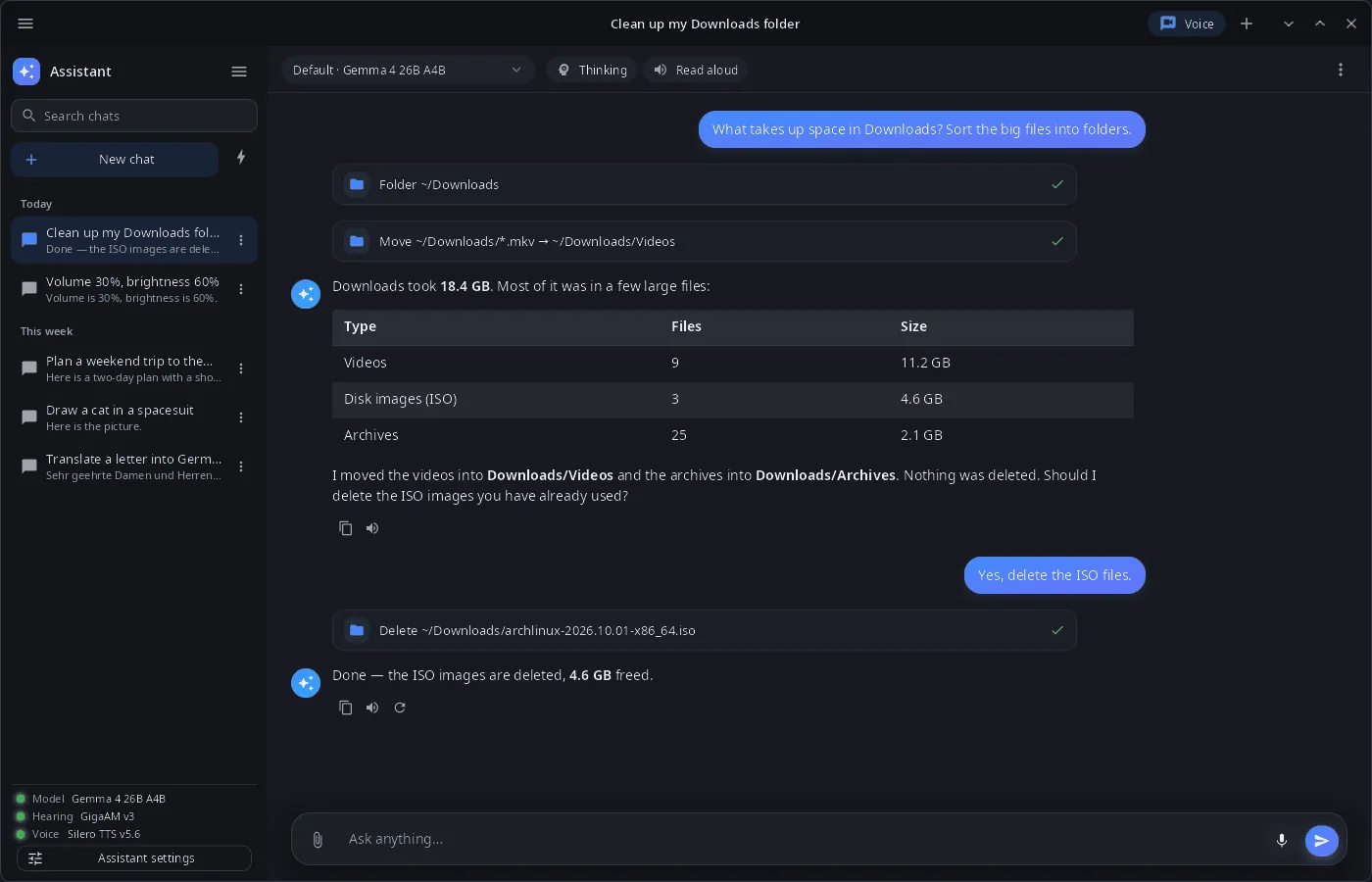
- Local models — language, speech recognition and speech synthesis models run in the synaptix service on this device (NVIDIA GPU, Intel NPU or CPU); the model can be picked per chat, with an optional thinking mode.
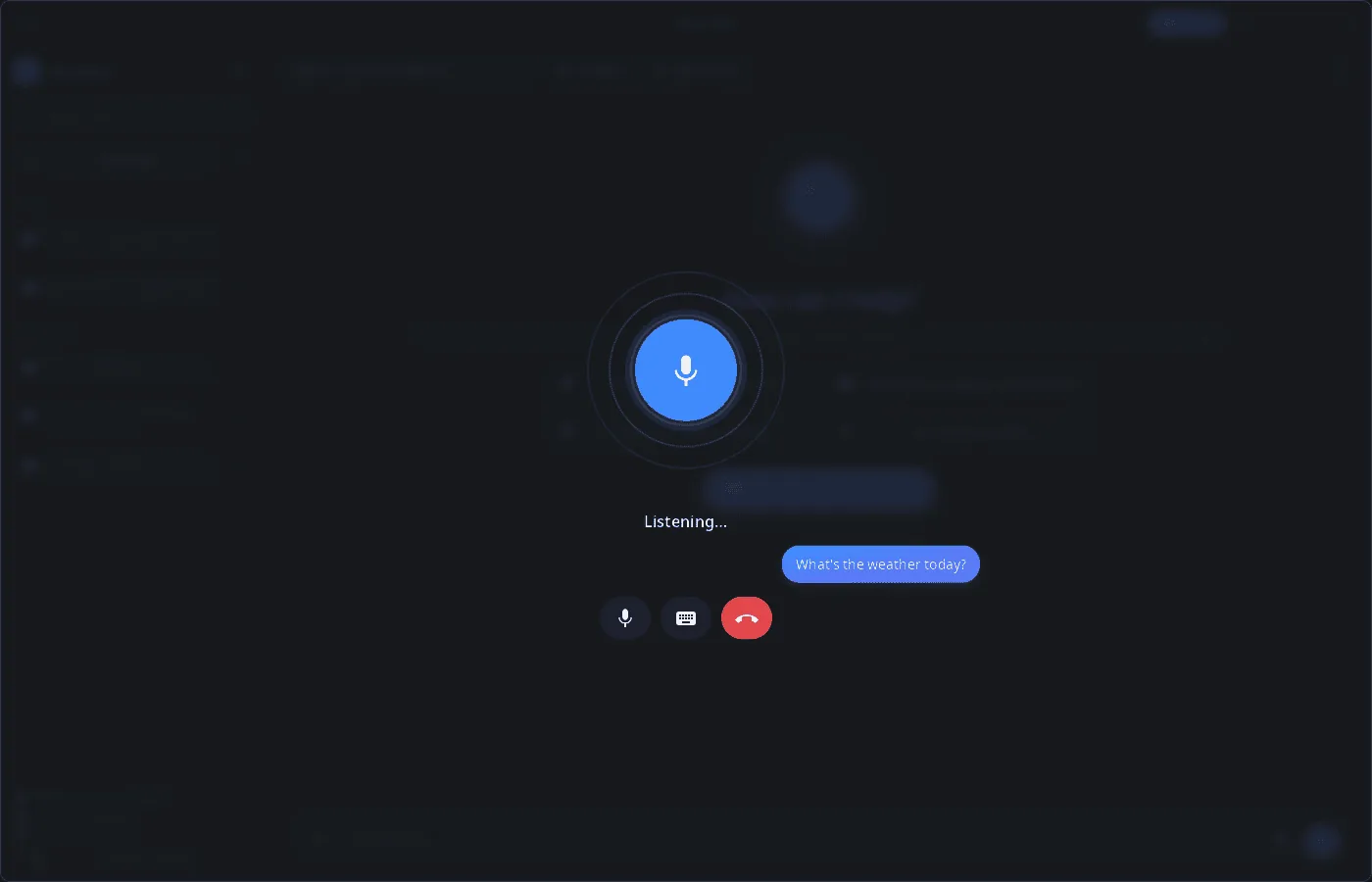
- Voice — a voice conversation mode (listen → answer → speak), dictation into the input field and reading answers aloud.
- Tools — system (volume, brightness, Wi‑Fi, Bluetooth, notifications and reminders, opening apps and settings, lock, sleep, reboot, power off), windows, files, terminal commands, web search and reading pages, notes in syn-notes, images, video, music and speech made by the service models.
- Confirmation — writing, moving and deleting files, terminal commands, closing windows, sleep/reboot/power off and deleting notes run only after you allow them; any tool can be turned off in the assistant settings.
- Memory, knowledge bases, skills — facts the assistant keeps between chats as
.mdfiles; folders of documents searched by meaning (bge-m3 embeddings); skills as folders withSKILL.md. - Recipes — ready-made generation graphs run by the service: parameters, file picking, progress and results.
- Chats — history grouped by date, search, rename, delete, export to Markdown; attached files and images; long chats are compacted into a summary.
- 14 languages — the UI follows the language of the system or the one chosen in System Settings.
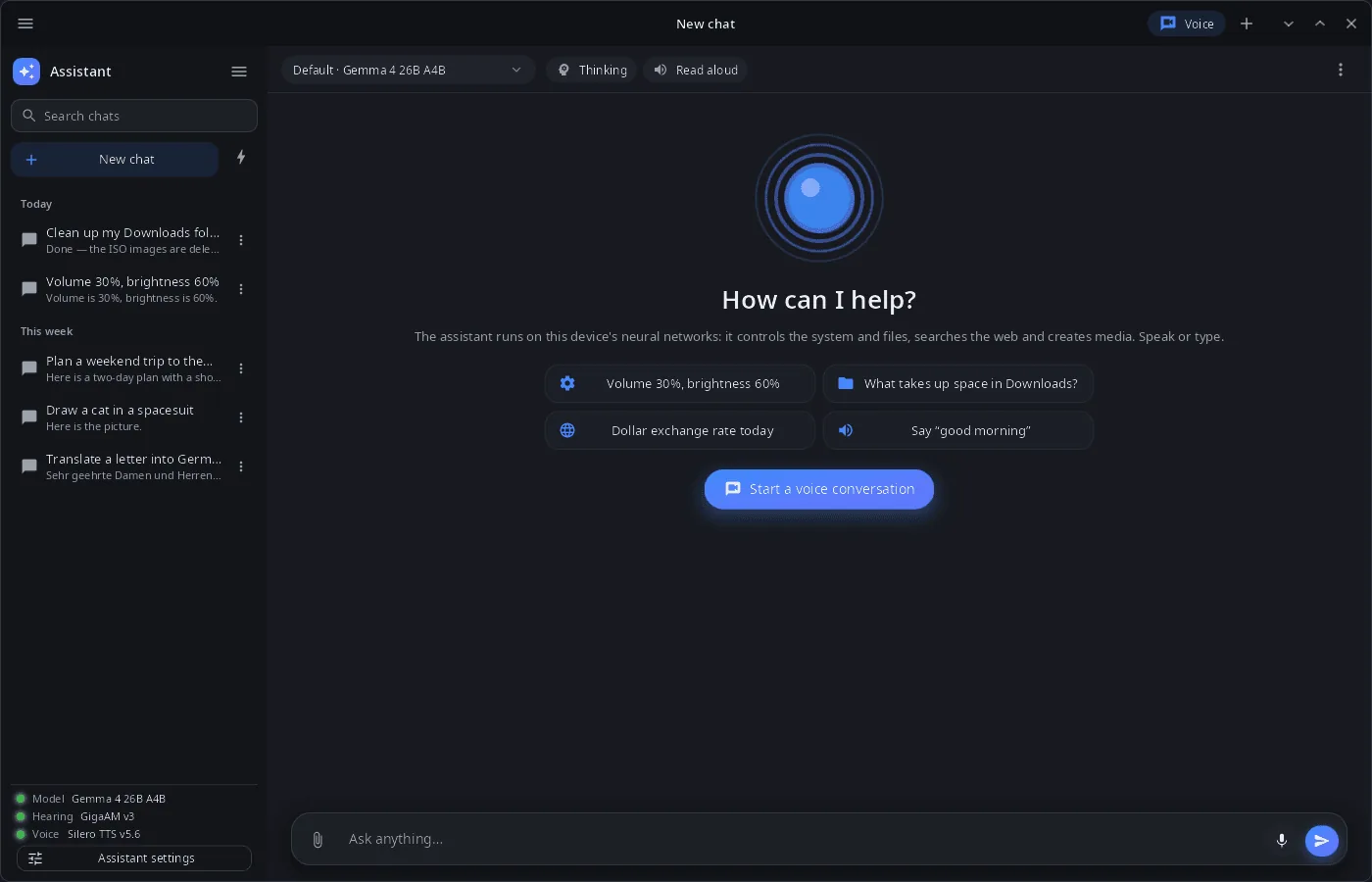
| New chat | Voice conversation |
|---|---|
 |
 |
Install
Arch Linux (AUR) — x86_64 and aarch64. The assistant is in the synshell-ai package together with the synaptix neural-network service it needs:
yay -S synshell-ai-bin      # prebuilt
yay -S synshell-ai-git      # built from source
Depends on synshell-core and synaptix; models are installed into the service separately. From source: cargo build --release -p syn-assistant in the synshell repository.
Command line
synassistant                         # open the window
synassistant --ask "What is using the disk?"   # new chat with this question
synassistant --voice                 # start a voice conversation
synassistant --chat ID               # open a chat
synassistant --cli "Set volume to 30%"         # one turn in the terminal, without a window
synassistant --screenshot shot.png --size 1400x900   # window snapshot
Part of synshell
synassistant is one of the applications of synshell — a Wayland desktop environment in Rust for computers and phones, built on the syngui UI framework.
License
GPL-3.0-only