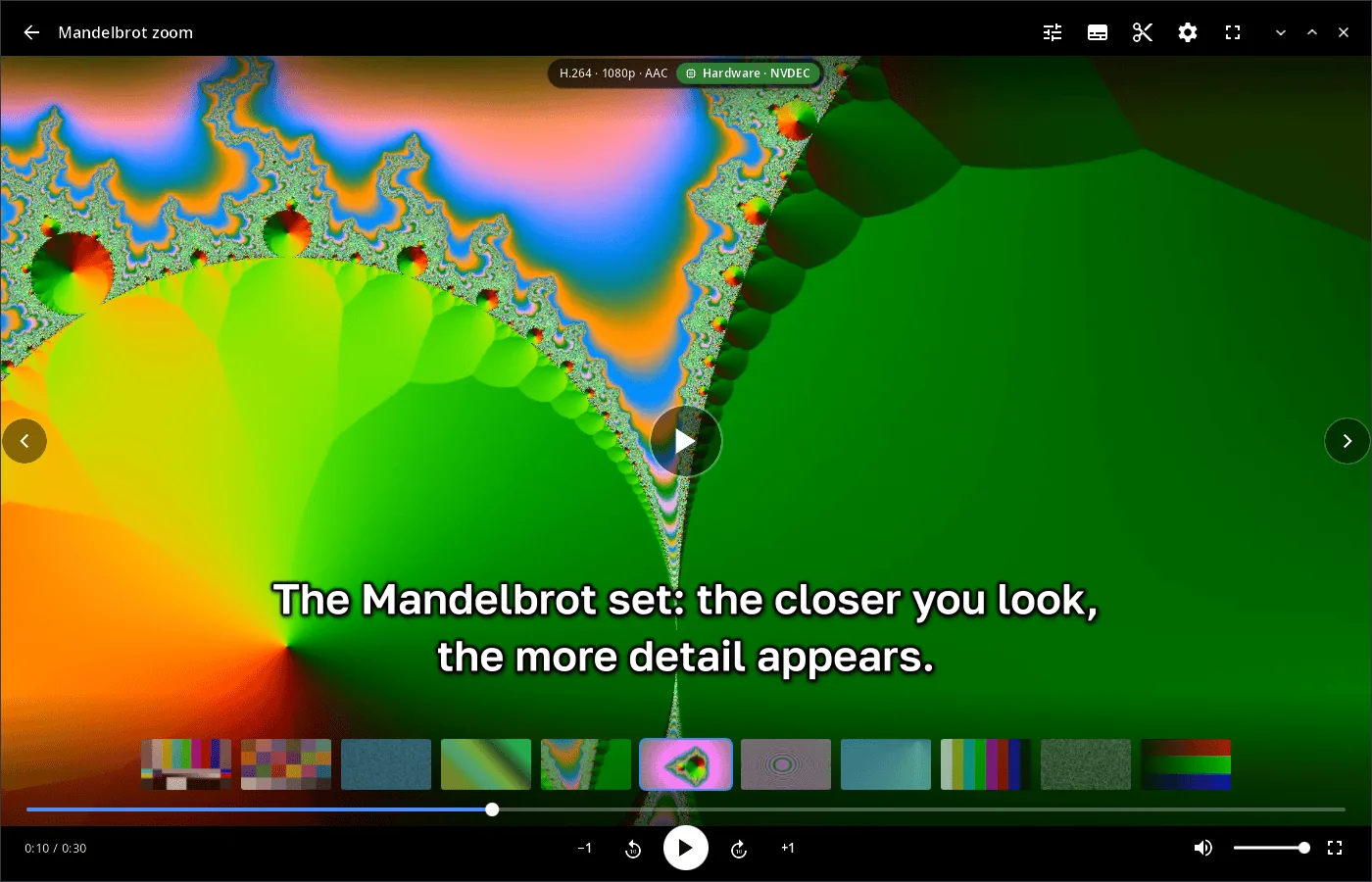
Features
- Library — videos from “Videos” and “Downloads” (two levels deep), newest first, with thumbnails and durations; the grid adapts from a phone in portrait to a wide monitor.
- Hardware decoding — VAAPI and NVDEC on computers, the SoC V4L2 decoder on phones, software ffmpeg otherwise; frames go to the screen as YUV without extra copies where possible. A chip in the header shows the codec, resolution and how it is decoded. Any format ffmpeg reads, local files or network URLs.
- Controls — tap for the panel and pause, double tap at the edges to seek by 5/10/15/30 s, in the centre for fullscreen; keyboard: Space/K, J/L, arrows, 0–9, M, F, Home.
- Folder browsing — previous/next video of the same folder, a thumbnail strip above the seek bar, optional autoplay of the next video, repeat, resume from where you stopped.
- Audio tracks — choose the dub; the choice carries over to the next episode (same track name, otherwise the same language).
- Subtitles — embedded tracks (text and PGS) and files next to the video (
Movie.srt,Movie.rus.ass,Subs/…) with encoding detection; timing shift, presets, font, size, colours, outline, shadow, box, position and animations with a live preview; keys C, Z/X. - Editor — cut at the playhead, remove and restore pieces, reorder, append other videos; save precisely (H.264 + AAC re-encode) or fast without re-encoding.
- Neural filters (NVIDIA) — DLSS 5 enhancement (the
syn-wine-dlss5helper), super-resolution and RIFE frame interpolation on synaptix models (x86_64); comparison with the original frame along a draggable line, and how much of the frame time the filters take. - HDR — HDR video is tone-mapped for SDR screens and passed through as is when the monitor is in HDR mode under synwm.
- 14 languages — the UI follows the system or the language chosen in synshell.
| Library | Subtitles | Filters |
|---|---|---|
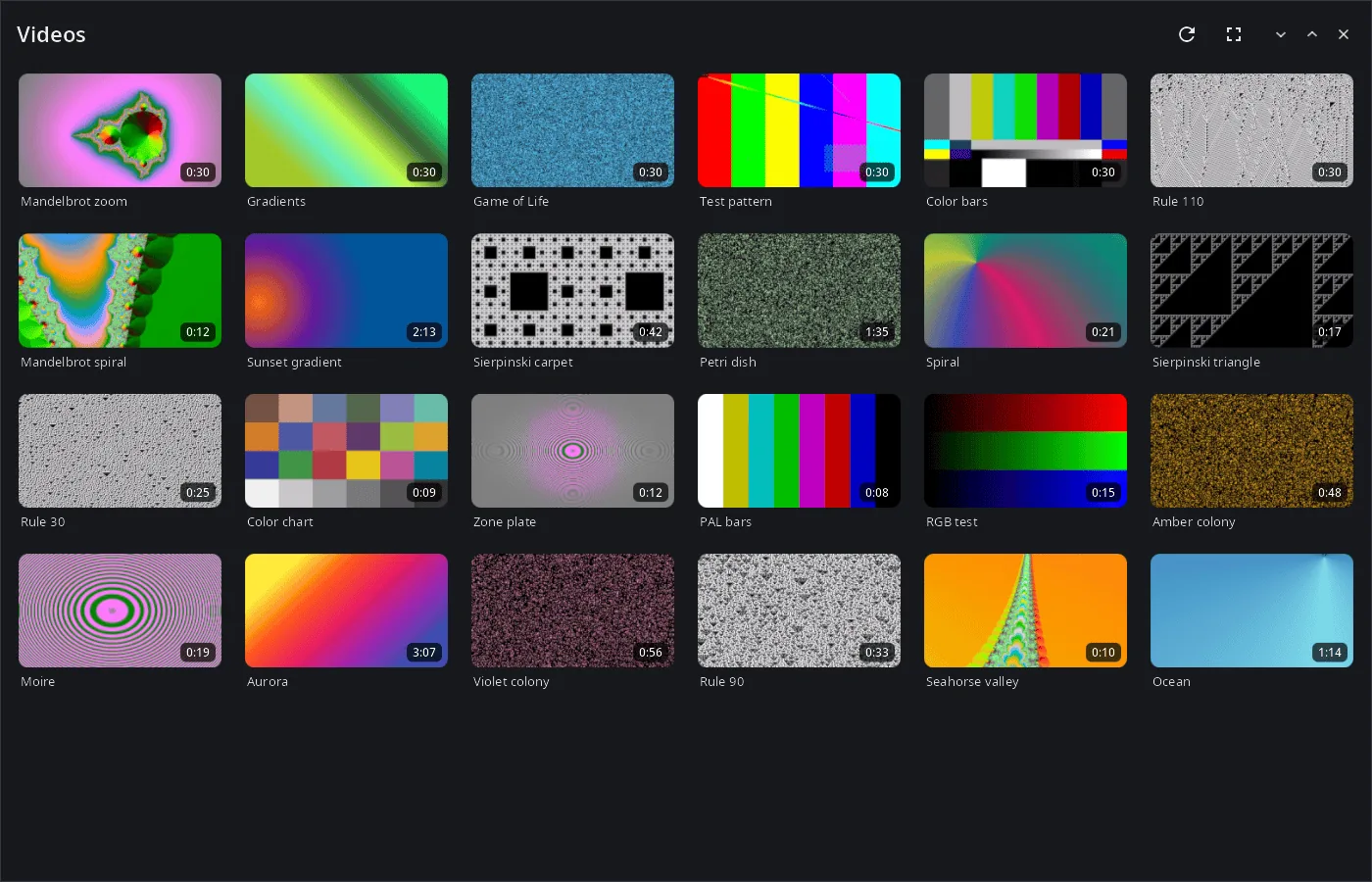 |
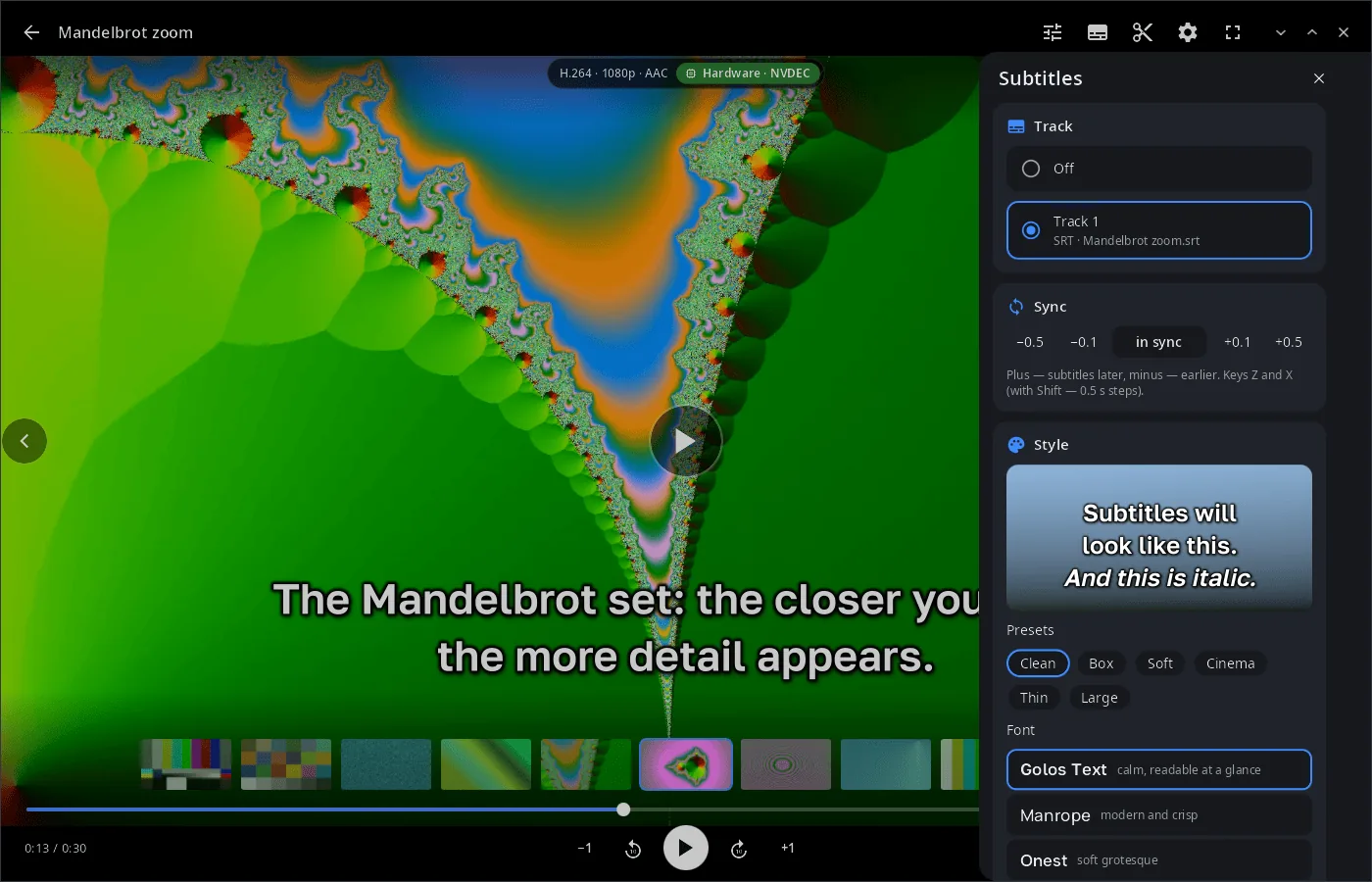 |
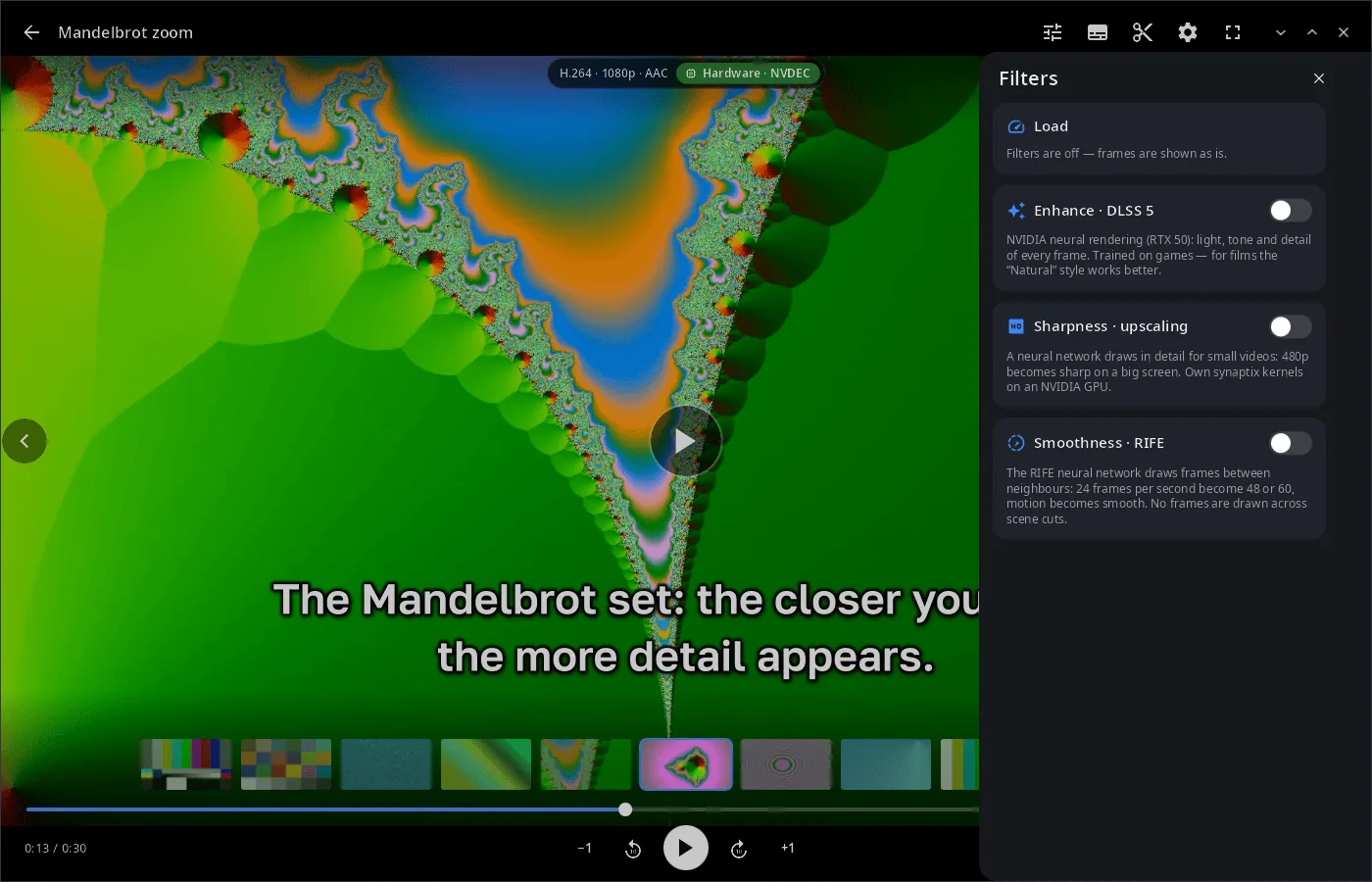 |
Install
Arch Linux (AUR) — x86_64 and aarch64:
yay -S syn-video-player-bin      # prebuilt
yay -S syn-video-player-git      # built from source
Depends on ffmpeg. Neural filters need an NVIDIA card: DLSS 5 — the syn-wine-dlss5 helper, super-resolution and RIFE — .syn models in the vfx folder of the synaptix model library.
The player is part of the synshell metapackage — the whole desktop: yay -S synshell-bin. From source: cargo build --release -p syn-video-player in the synshell repository.
Command line
syn-video-player                                # library
syn-video-player movie.mkv                      # open a file or a URL
syn-video-player --hw none movie.mkv            # decoder: auto|none|v4l2|vaapi|nvdec|vulkan
syn-video-player --bench movie.mkv              # decode at full speed without a window, print fps
syn-video-player --screenshot shot.png --page player --size 1400x900   # render the UI to PNG
syn-video-player --help
Part of synshell
syn-video-player is one of the applications of synshell — a Wayland desktop environment in Rust for computers and phones, built on the syngui UI framework.
License
GPL-3.0-only