Features
- Overview — every resource as a tile with a live graph, system summary (processor, memory, graphics, NPU, kernel, uptime, load average) and the most active processes.
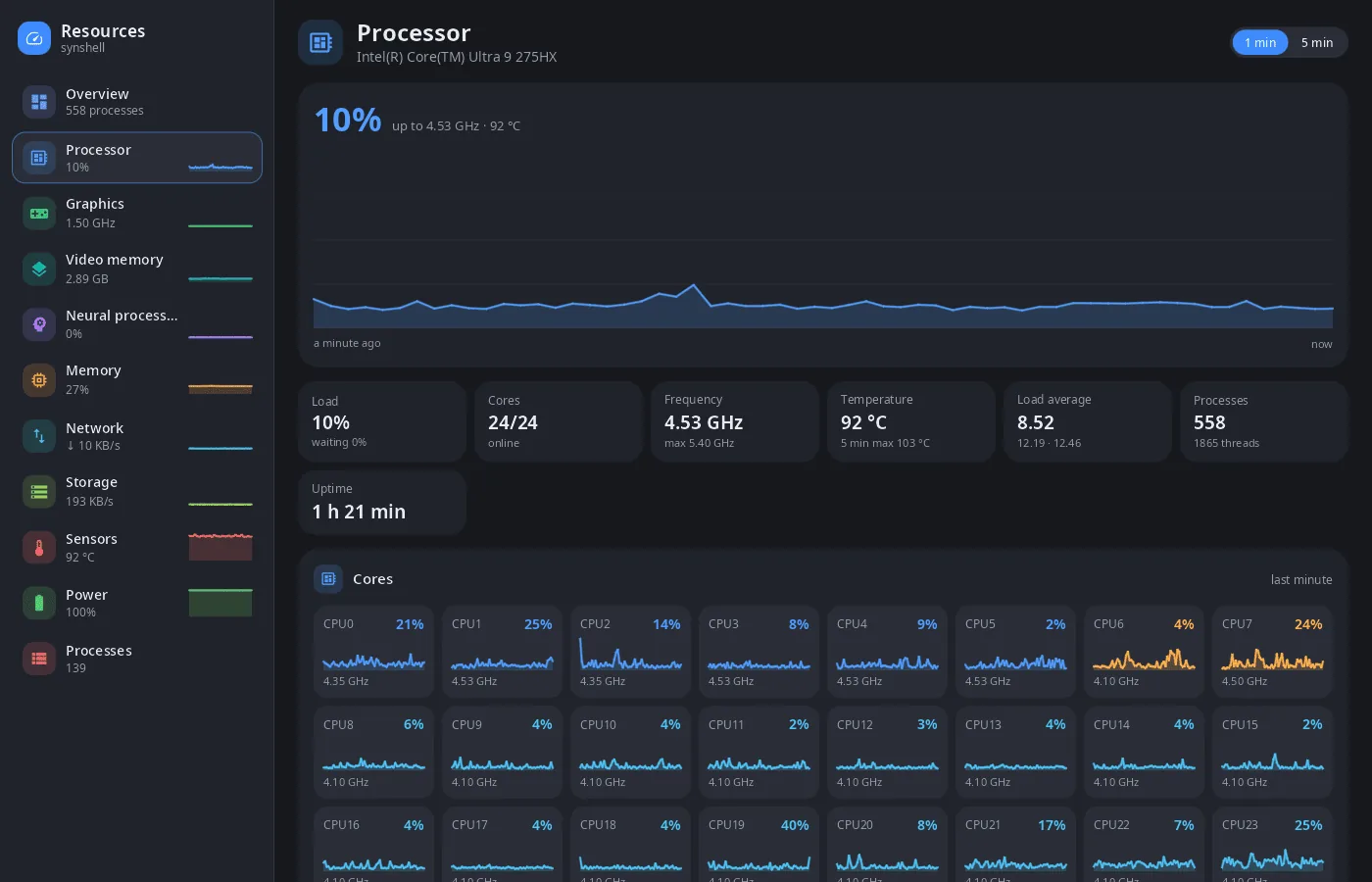
- Processor — total load with a 1- or 5-minute graph, frequency, temperature, load average, and a graph for every core.
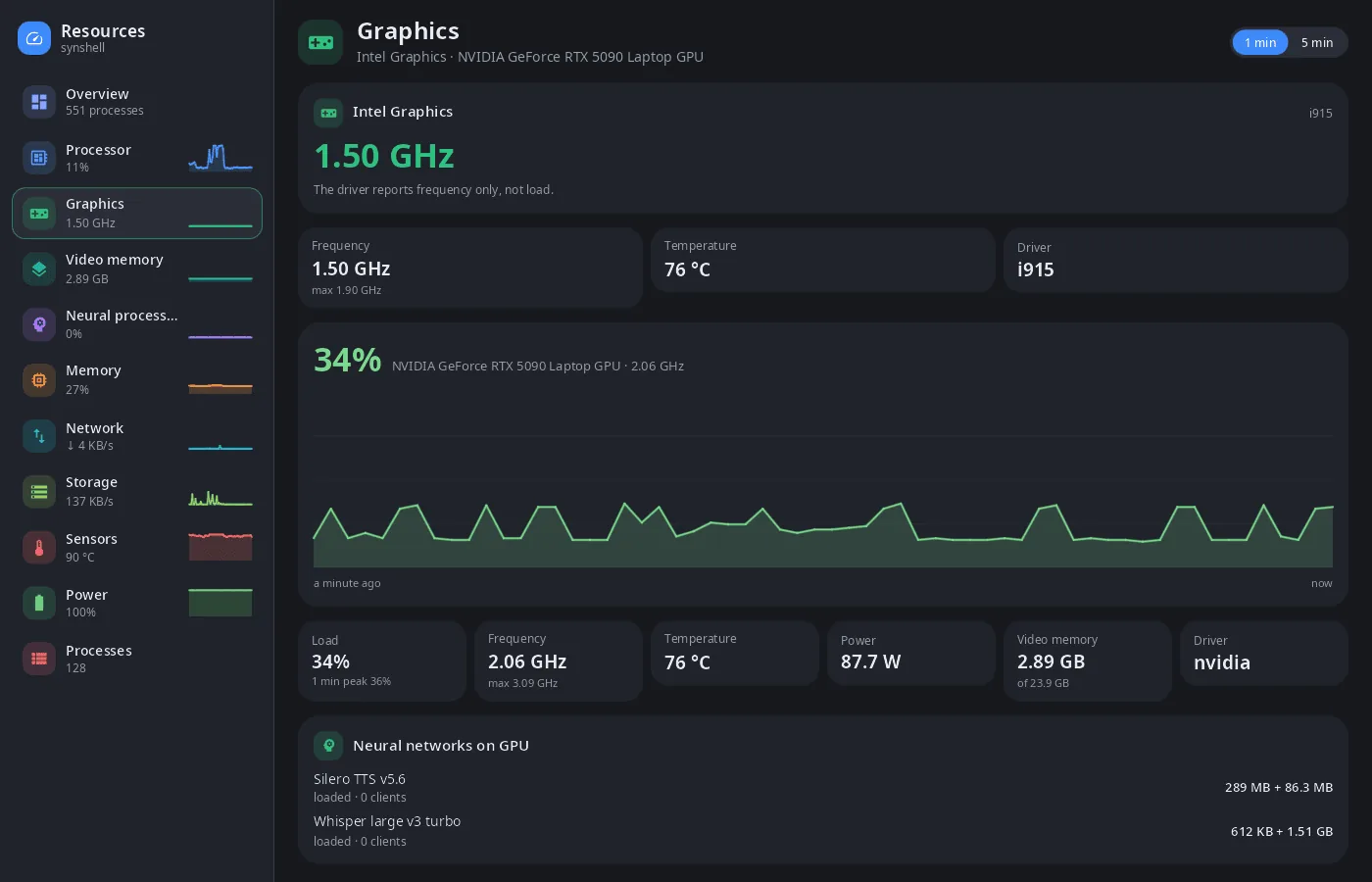
- Graphics and video memory — load, frequency, temperature, power draw and video memory of every GPU (Intel, AMD, NVIDIA), and the neural networks of the synaptix service loaded on the GPU.
- NPU — load and memory of the neural processor (Intel and other
acceldevices, Qualcomm). - Memory — applications, shared, kernel, file cache and free in one bar, swap, pending writes, memory pressure (PSI), the largest memory users.
- Network — speed of every interface, totals since boot, addresses.
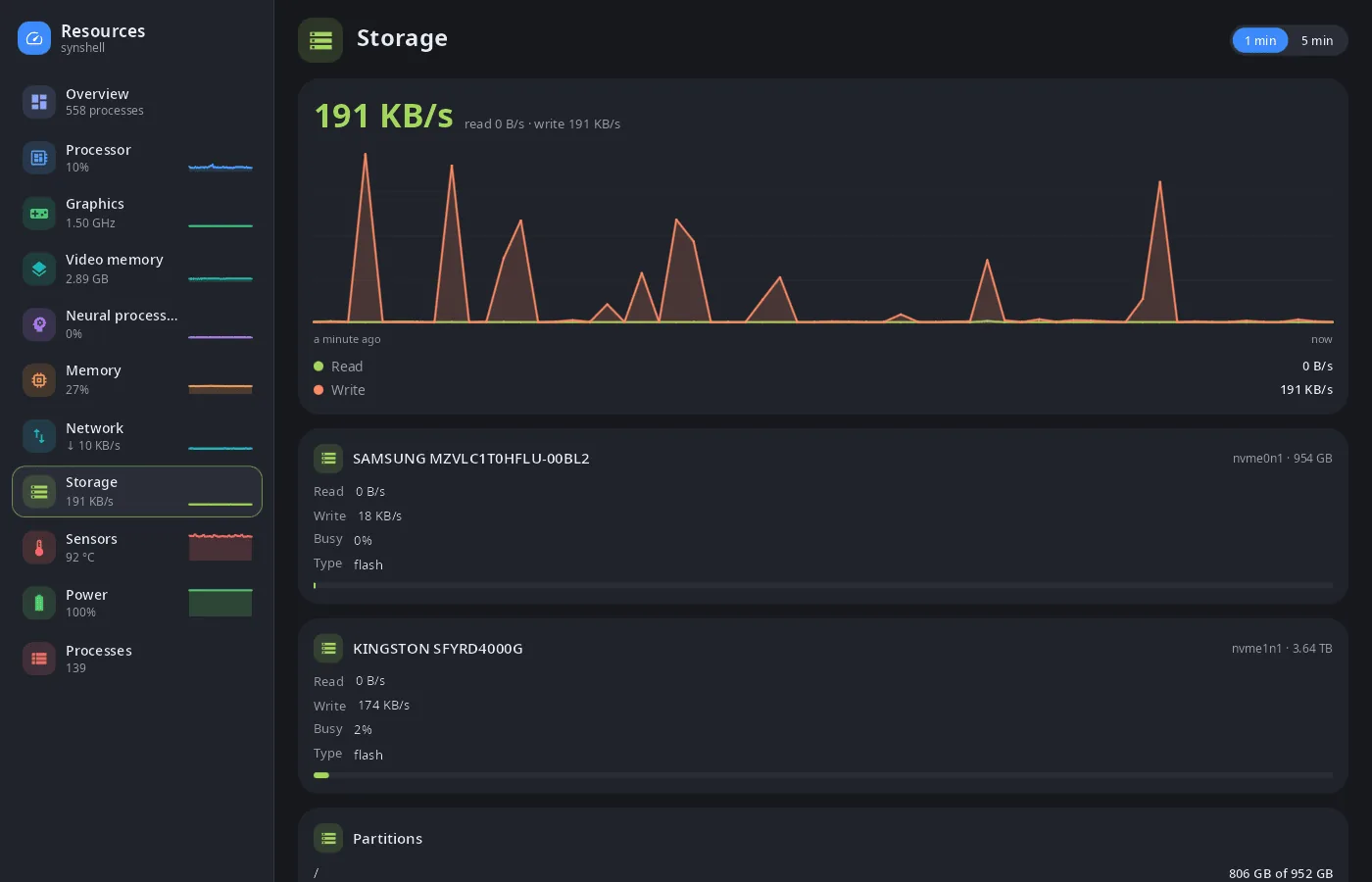
- Storage — read and write speed of every drive, partitions and free space.
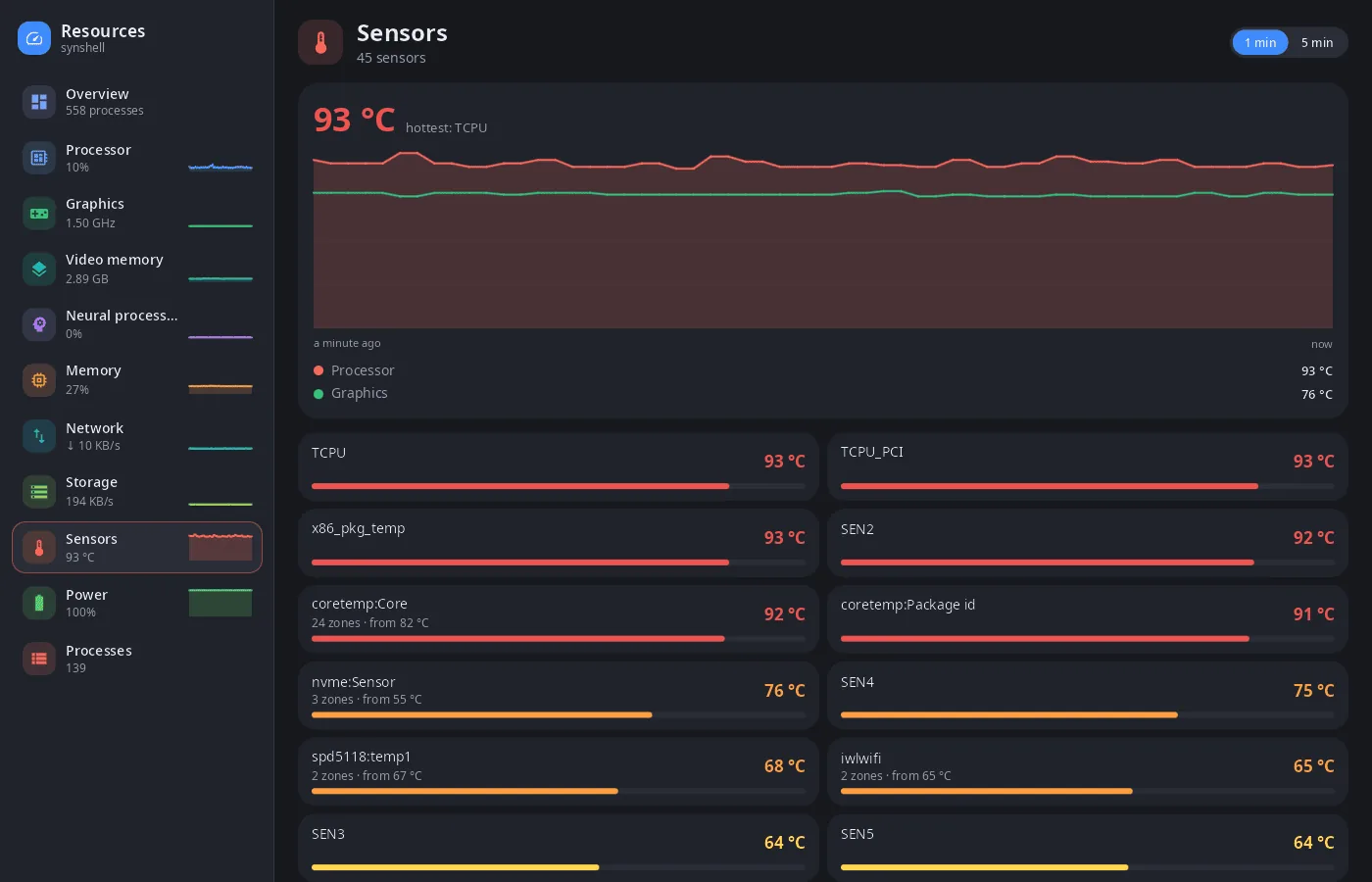
- Sensors — all temperature sensors, the hottest one in the graph.
- Power — battery charge and power draw.
- Processes — applications (windows) and processes: search by name, command, PID or user, sorting, “Close” (a window is asked to close, a process gets SIGTERM) and “Kill” (SIGKILL).
- One window — starting it again (for example, a tap on the desktop widget) opens the requested page in the window that is already open.
- Computer and phone — a sidebar with pages on a wide window, a page at a time on a narrow one.
- 14 languages — the UI follows the system or the language chosen in settings.
| Graphics | Sensors | Storage |
|---|---|---|
 |
 |
 |
Install
Arch Linux (AUR) — x86_64 and aarch64:
yay -S syn-systeminfo-bin      # prebuilt
yay -S syn-systeminfo-git      # built from source
Depends on synshell-core. The whole desktop: yay -S synshell-bin. From source: cargo build --release -p syn-systeminfo in the synshell repository.
Command line
syn-systeminfo                  # overview
syn-systeminfo gpu              # open a page: cpu, gpu, vram, npu, memory, network, disk, sensors, battery, processes
syn-systeminfo --list-pages     # page ids and titles
syn-systeminfo --screenshot out.png --page cpu --size 1400x900 --scale 1 --history 60
                                # render a page to PNG without a window, after collecting 60 s of graphs
Part of synshell
syn-systeminfo is one of the applications of synshell — a Wayland desktop environment in Rust for computers and phones, built on the syngui UI framework.
License
GPL-3.0-only